390 Faxing
FILE LOCATION: C:\Users\fxstdpc-
admin\Desktop\0630_UG??\Mioga_AIO_UG_FM\Mioga_AIO_UG_FM\section20.fm
DELL CONFIDENTIAL – PRELIMINARY 9/13/10 - FOR PROOF ONLY
2
Adjust the document resolution. (For details, see "Adjusting the Document
Resolution.")
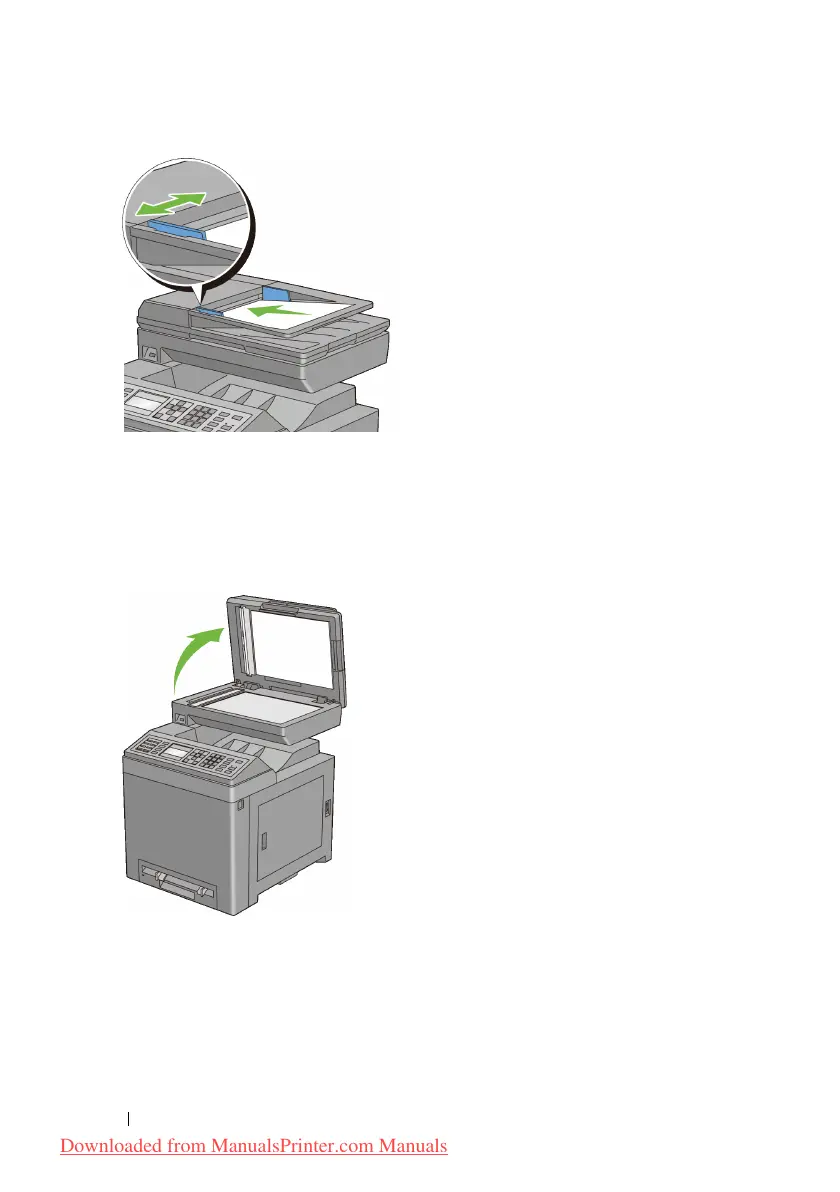
To fax a document from the document glass:
1
Open the document cover.
2
Place the document facing down on the document glass and align it with the
registration guide on the top left corner of the glass.
Downloaded from ManualsPrinter.com Manuals











 To Next Page