438 Understanding the Tool Box Menus
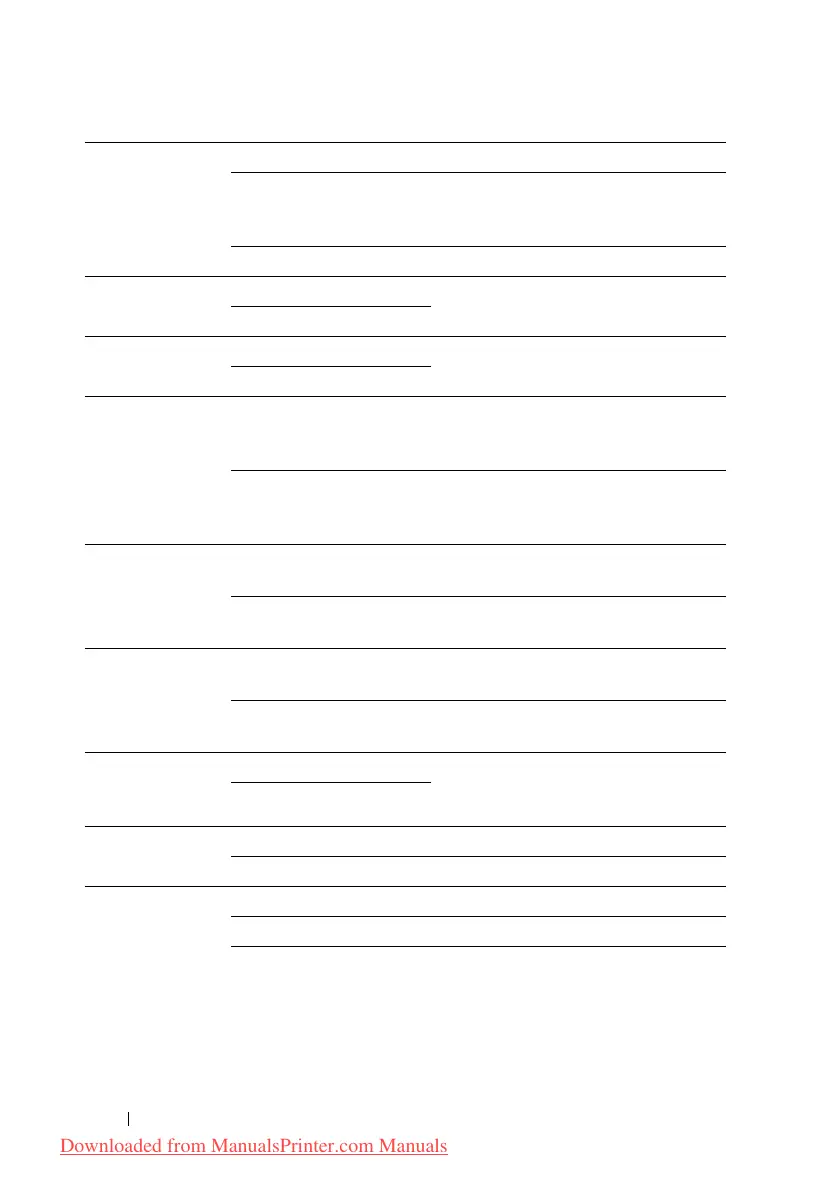
Substitute Tray Off No tray size substitute accepted.
Larger Size Substitutes paper of next largest size.
When there is no larger paper size, the
printer substitutes paper of nearest size.
Nearest Size
*
Substitutes paper of nearest size.
mm/inch Millimeters(mm)
*
Selects millimeter or inch as the default
measurement unit.
Inches(")
Default Print
Paper Size
A4
*
Sets the default print paper size.
Letter
ColorTrack
Error Report
Off
*
Does not automatically print error-
related information if printing with
ColorTrack results in an error.
On Automatically prints error-related
information if printing with ColorTrack
results in an error.
Letterhead
Duplex Mode
*3
Disable
*
Does not prints on both sides of a sheet
of letterhead paper.
Enable Prints on both sides of a sheet of
letterhead paper.
Low Toner Alert
Msg
On
*
Shows the alert message when the toner
is low.
Off Does not show the alert message when
the toner is low.
Email From Field Enable
*
Displays whether to enable editing of
the transmission source when you use
Scan to E-mail.
Disable
Server Address
Book
On Enables the server address book.
Off
*
Disables the server address book.
Server Phone
Book
On Enables the server phone book.
Off
*
Disables the server phone book.
Downloaded from ManualsPrinter.com Manuals











 To Next Page