60 Installing Optional Accessories
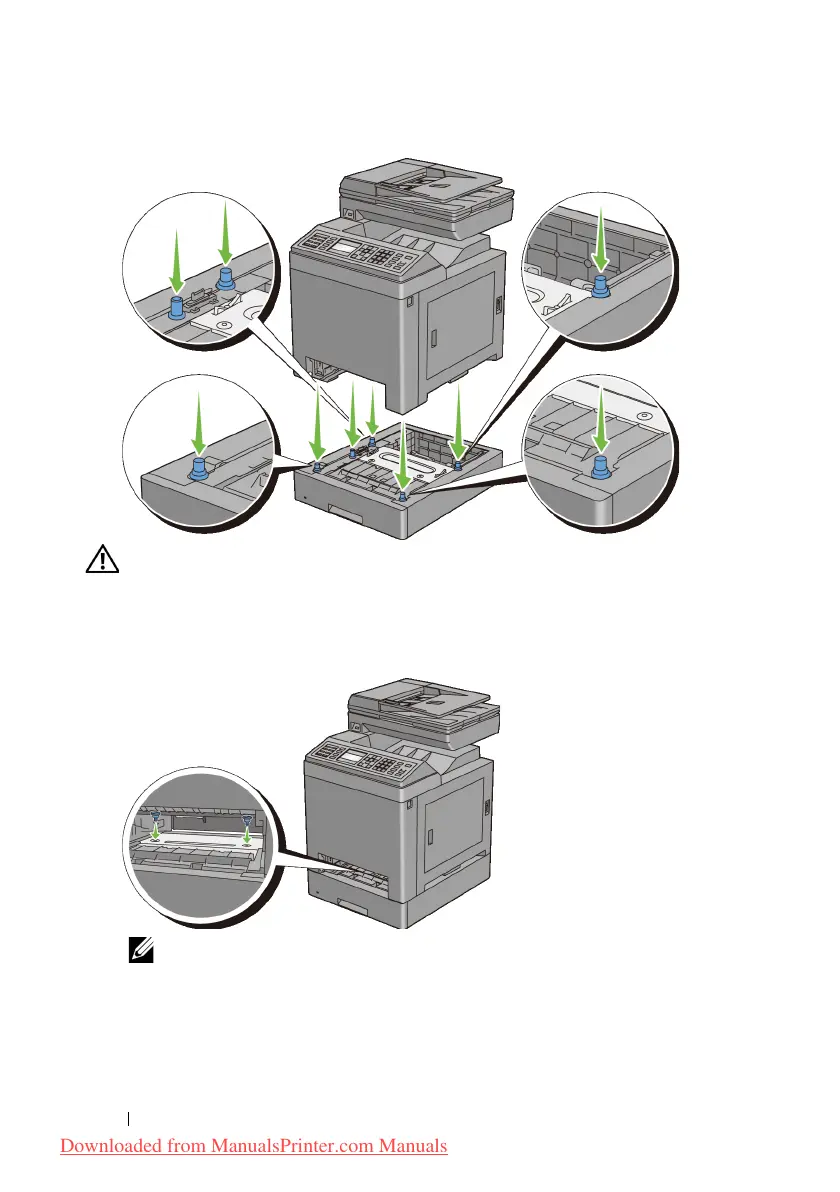
CAUTION: Be careful not to pinch your fingers when lowering the printer onto
the optional 250-sheet feeder.
6
Secure the optional 250-sheet feeder to the printer by tightening the two
screws provided with the feeder, with a coin or similar object.
NOTE: The screw hole is located in 216 mm recess from the front of the
printer.
7
Insert the standard 250-sheet tray into the printer, and push until it stops.
Downloaded from ManualsPrinter.com Manuals











 To Next Page