628 Maintaining Your Printer
It is recommended to use Dell retard rollers for your printer. Dell does not
provide warranty coverage for problems caused by using accessories, parts, or
components not supplied by Dell.
Removing the Retard Roller in the Standard 250-Sheet Tray
1
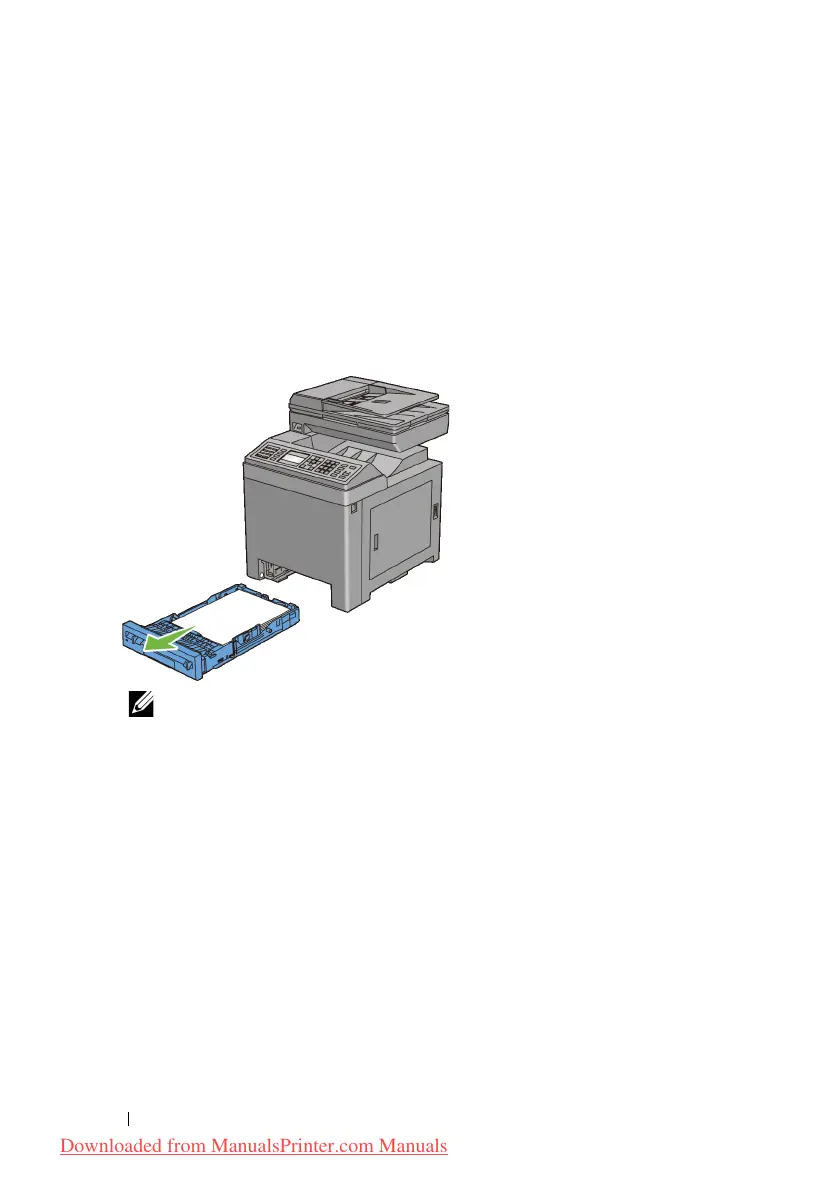
Pull the standard 250-sheet tray out of the printer about 200 mm. Hold the
standard 250-sheet tray with both hands, and remove it from the printer.
NOTE: Ensure that you remove all the paper from the standard 250-sheet
tray before removing the retard roller.
2
Holding the retard roller tabs with your fingers, pull the retard roller out of
the groove in the axle.
Downloaded from ManualsPrinter.com Manuals











 To Next Page