FrameMaker Ver.5.5E(PC) DIS/REASSEMBLY, ADJUSTMENT FOR Di152/Di183
01.09.03
D-24
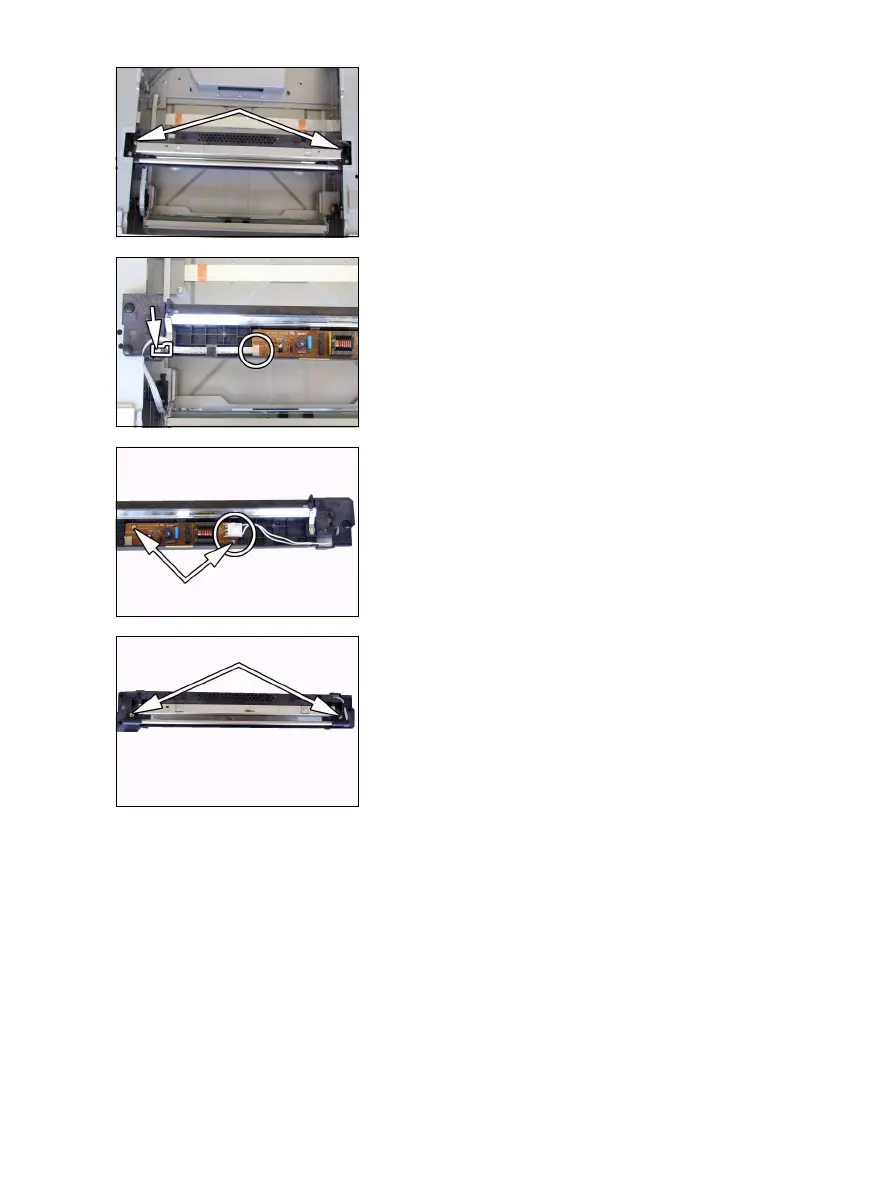
3. Remove two Scanner mounting screws (to which
no red paint has been applied).
4. Remove one screw and the cable holder.
5. Remove the flat cable from the Inverter Board
and then remove the Scanner.
6. Unplug one connector from the Inverter Board.
7. Remove two screws and the Inverter Board.
8. Remove two screws and the Exposure Lamp.



 To Next Page