FrameMaker Ver.5.5E(PC) Di152/Di183 TROUBLESHOOTING
01.09.04
T-1
1. INTRODUCTION
1-1. Reading the Text
1. The paper transport failure troubleshooting procedures are given according to the
symptom. First identify the location where the paper is present and start the procedure
for that particular location. For malfunction troubleshooting, start with step 1 and
onward.
2. Make checks in the numerical order of steps and, if an item is checked okay, go to the
next step.
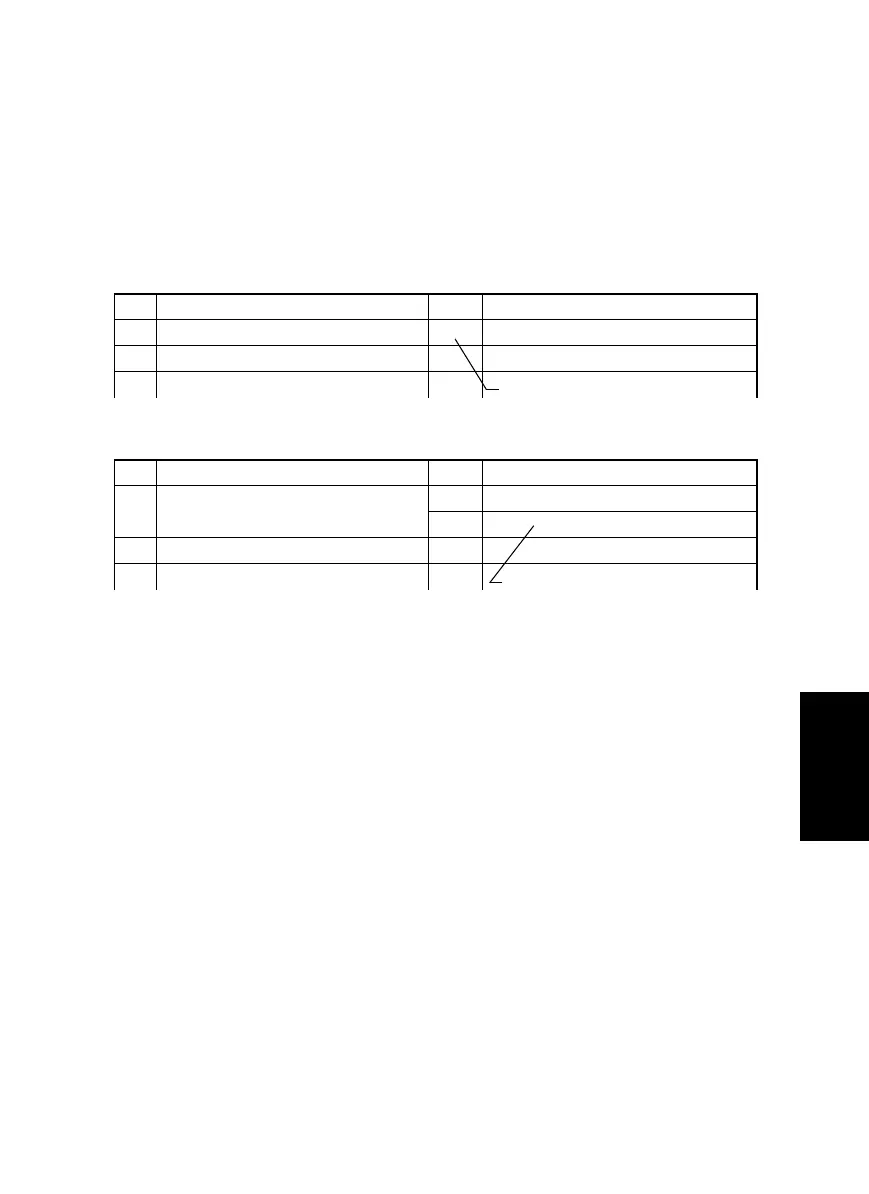
<E.g.: Pattern 1>
<E.g.: Pattern 2>
Step Check Result Action
1—NO—
2
Step Check Result Action
1—
YES —
NO —
2
Go to the next step if you answered
YES.
Go to the next step if it checks okay.



 To Next Page