FrameMaker Ver5.5E(PC) Di152/Di183 SWITCHES ON PWBs/TECH. REP. SETTINGS
01.07.26
S-23
(11) Memory Clear
• This function is used to clear all data except that of the various electronic counters.
<Procedure>
1. Press the Start key to display “CLr” on the Display.
2. Press the Start key to blank out the Display.
Then, “CLr” will reappear.
3. Turn OFF and ON the Power Switch.
(12) Total Clear
• This function is used to clear all data of the various electronic counters.
<Procedure>
1. Press the Start key to display “tCL” on the Display.
2. Press the Start key to blank out the Display.
Then, “tCL” will reappear.
3. Turn OFF and ON the Power Switch.
(13) ADF Document Passage Test
• This function is used to check for correct document passage through the ADF when a
document misfeed occurs.
<Procedure>
1. Load a paper stack in the Document Feeding Tray.
2. Press the Start key to let the ADF start feeding the paper.
3. Press the Stop key to stop the sequence.
✽ For details, see the relevant option service manual.
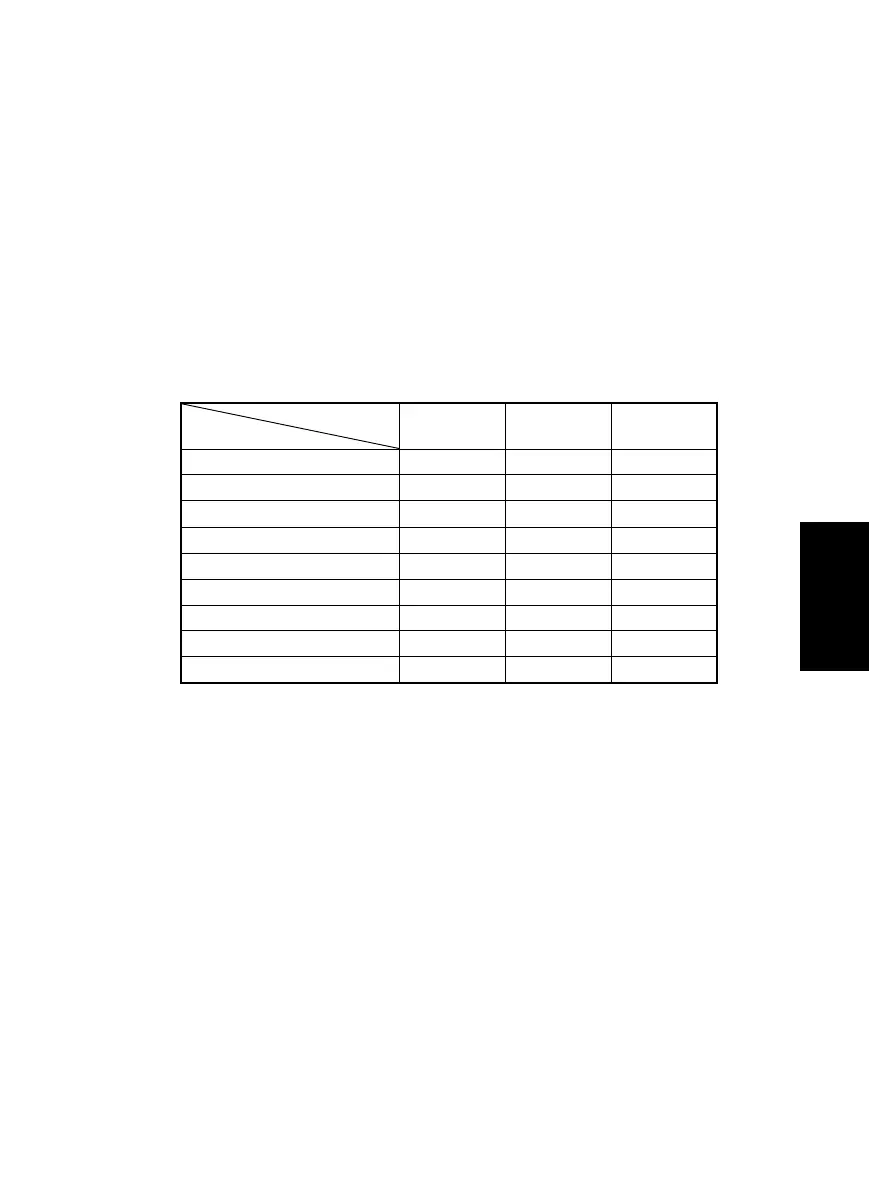
<List of Types of Data to be Cleared>
❍: Cleared —: Not cleared
*1: Except Copy Track, Input Account, and Total Counter Display by Account.
*2: Except Marketing Area Setting and Serial No. Display.
Door
Open/Close
Memory
Clear
To tal
Clear
Jam display ❍❍—
Trouble display — ❍ —
Erratic operation/display — ❍ —
Utility (*1) — ❍ —
Tech.Rep.Mode (*2) — ❍ —
Security — ❍ —
Adjust — ❍ —
Job programs — ❍ —
Electronic counters ——❍
Clearing
Data Cleared



 To Next Page