FrameMaker Ver5.5E(PC) Di152/Di183 SWITCHES ON PWBs/TECH. REP. SETTINGS
01.07.26
S-14
3-2. Tech.Rep.Mode Function Setting Procedure
<Procedure>
1. Press the Meter Count key.
2. Press the following keys in this order:
Stop → 0 → 0 → Stop → 0 → 1
3. Enter the code number corresponding to the function to be used from the 10-Key Pad.
Code No.: 0 to 14,20
4. Press the Start Key.
<Exiting the Mode>
• Press the Panel Reset key until the initial screen reappears.
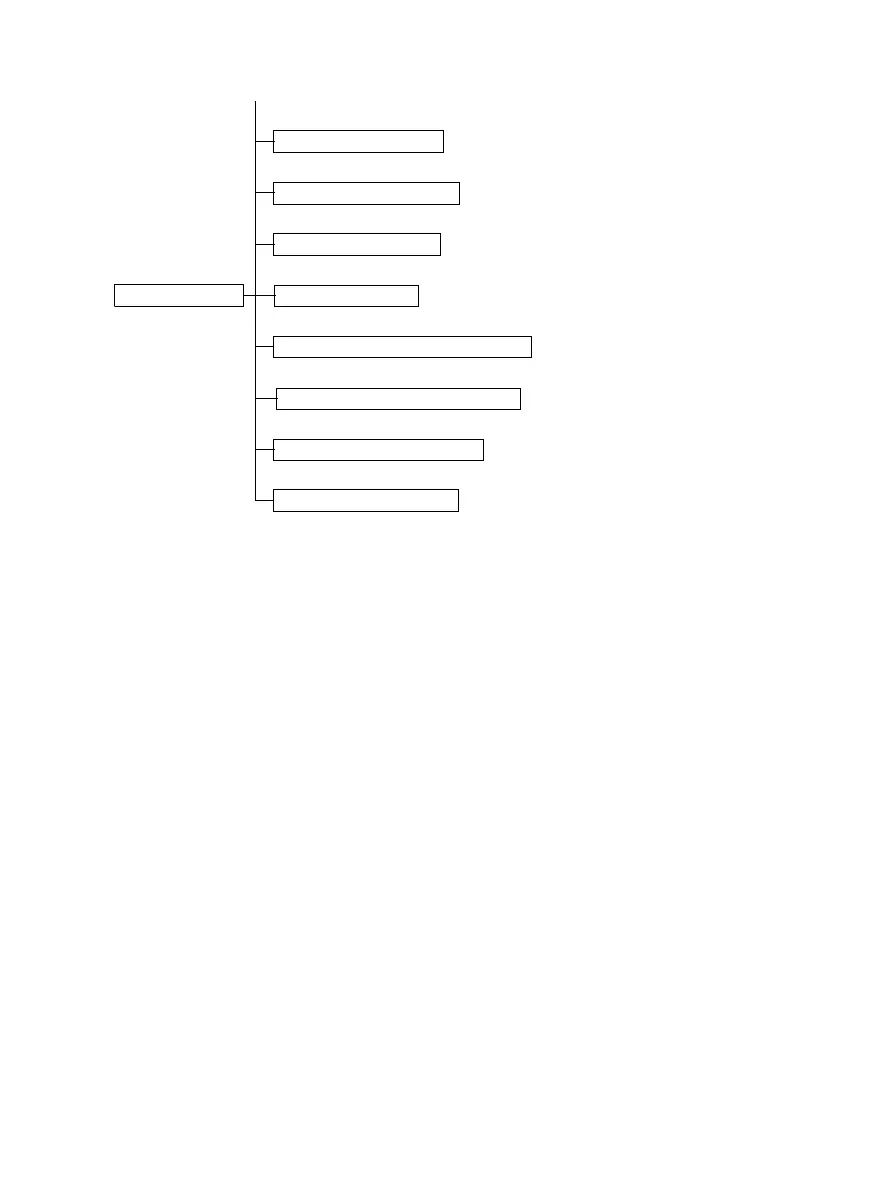
---: Tech.Rep.Mode
---9: Marketing Area Setting
-20: Serial No. Display “Sn”
~
-10: Memory Clear “CLr”
-11: Total Clear “tCL”
-13: ADF Original Glass Check “AdF”
-14: Scanner Drive Check “ccd”
---8: Change Fixed Zoom
-12: ADF Document Passage Test “doc”



 To Next Page