FrameMaker Ver5.5E(PC) Di152/Di183 SWITCHES ON PWBs/TECH. REP. SETTINGS
01.07.26
S-10
(5) Administrator Mode (Display: U-5)
• The entry on the “Administrator No. Input” set using the Tech. Rep. Mode permits the set-
tings of the following functions.
1. Administrator Mode Function Setting Procedure
<Procedure>
1. Hold down the Panel Reset key for 3 seconds.
2. Enter “5” from the 10-Key Pad. (Display: U-5)
3. Press the Start Key.
4. Enter the Administrator number from the 10-Key pad.
5. Press the Start Key. (Display: Ad )
✽ If a mismatch is detected of the administrator number, the Display shows “---.”
6. Enter the code assigned to the desired subfunction from the 10-Key Pad. (1 or 2)
7. Press the Start Key.
<Exiting the Mode>
• Press the Panel Reset key until the initial screen reappears.
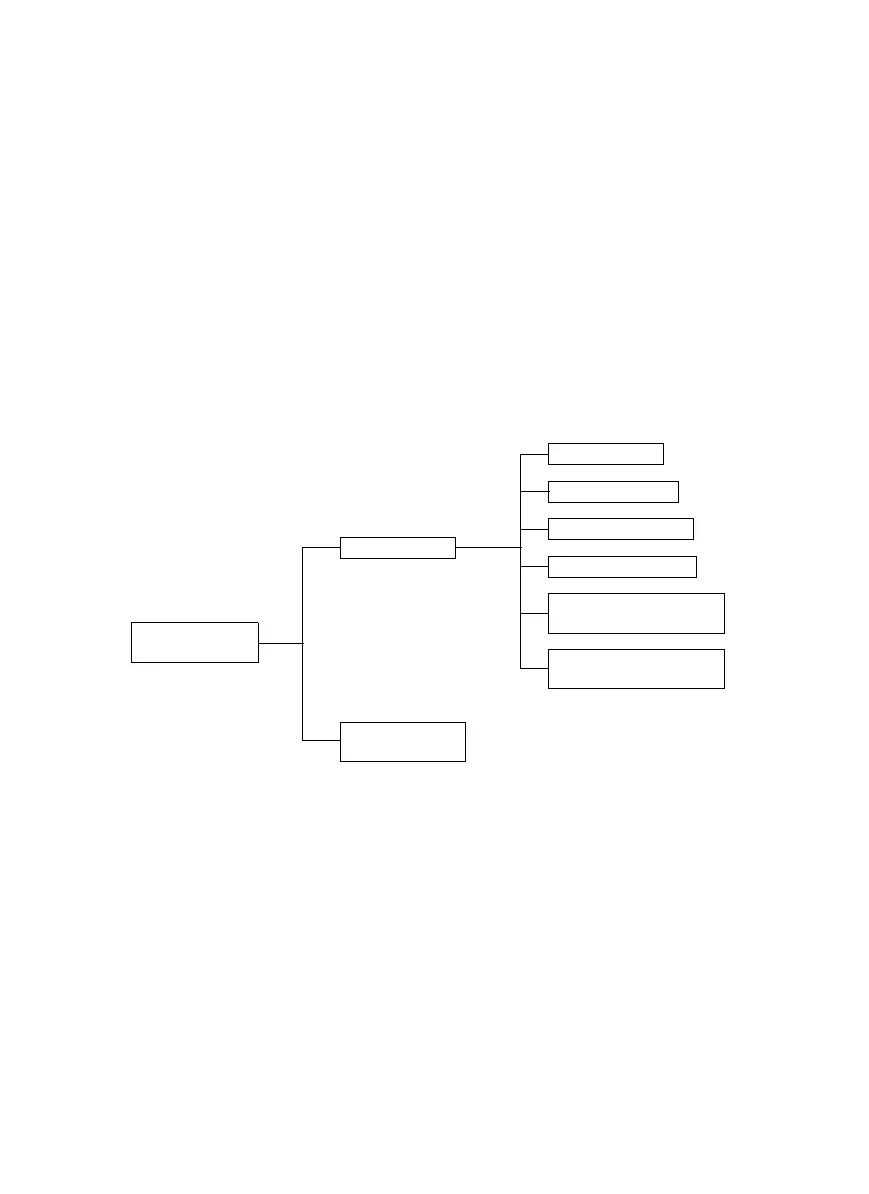
2. Administrator Mode Function Tree
U-5: Administrator
Mode
Ad1: Copy Track
Ad2: Disable Auto
Shut OFF
A-1: Copy Track
A-2: Input Account
A-3: Disable Account
A-4: Change Account
A-5: Total Counter Display
by Account
A-6: Total Counter Clear
for All Accounts



 To Next Page