PSS5000/TEMA/803046/05 25 of 152
PSS 5000 – Technical Manual
3 Configuration and Service
To change the software
in the PSS 5000
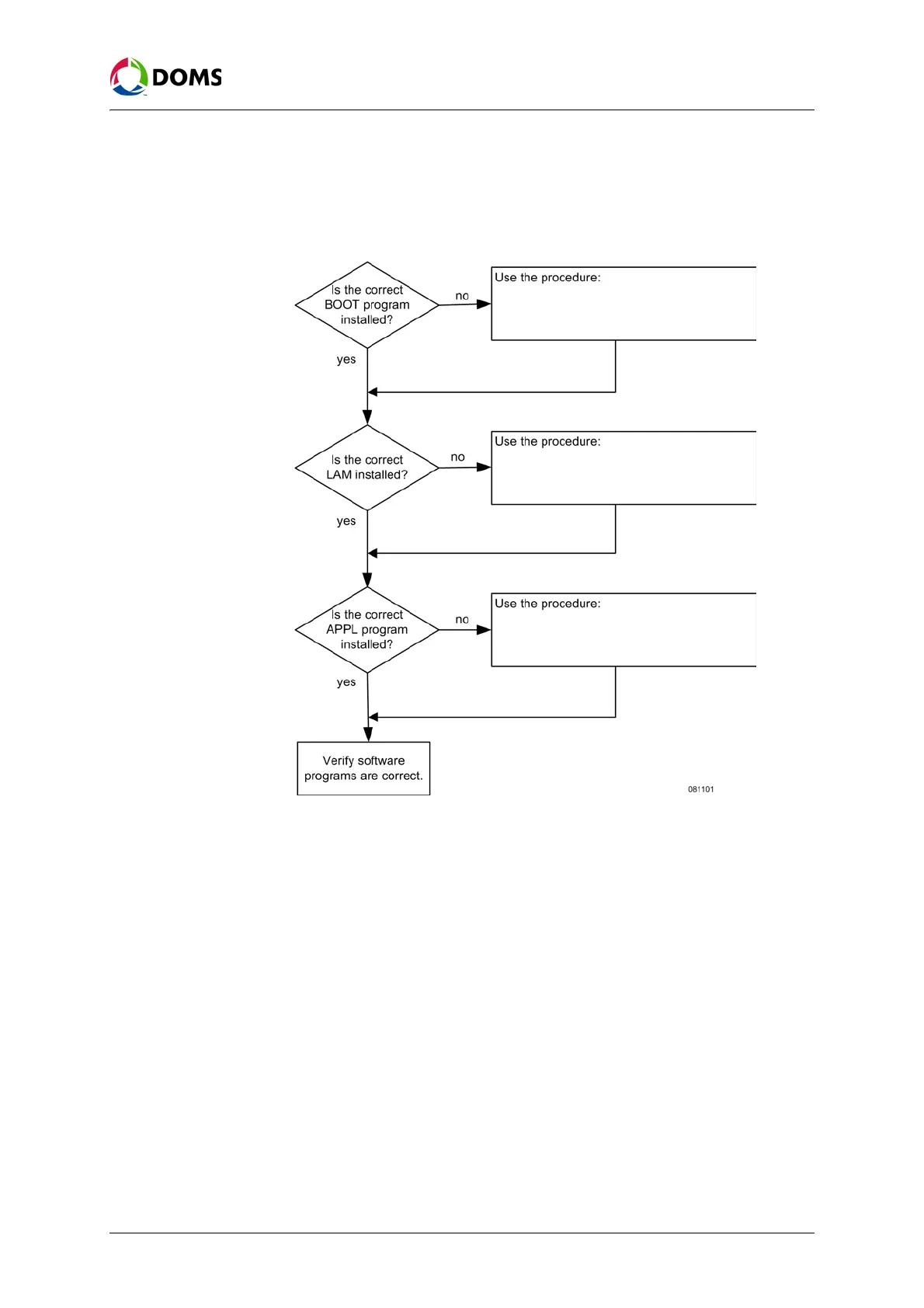
This flow diagram shows the order in which software uploads must occur
when changing the software in the PSS 5000.
Note: Before software can be uploaded, the PSS 5000 must be set in a state
that allows the upload.
Upload log file All attempts to upload software to the PSS 5000 are recorded in the
/pss_mem/1/sys/bul.txt file. This file cannot be erased and can be viewed using
the web service pages, or downloaded using FTP and then viewed either with
an FTP client or a simple text editor.
‘To upload software with the web service
menus’ on page 54 or
‘To upload software using FTP’ on page 56
‘To upload software with the web service
menus’ on page 54 or
‘To upload software using FTP’ on page 56
‘To upload software with the web service
menus’ on page 54 or
‘To upload software using FTP’ on page 56



 To Next Page