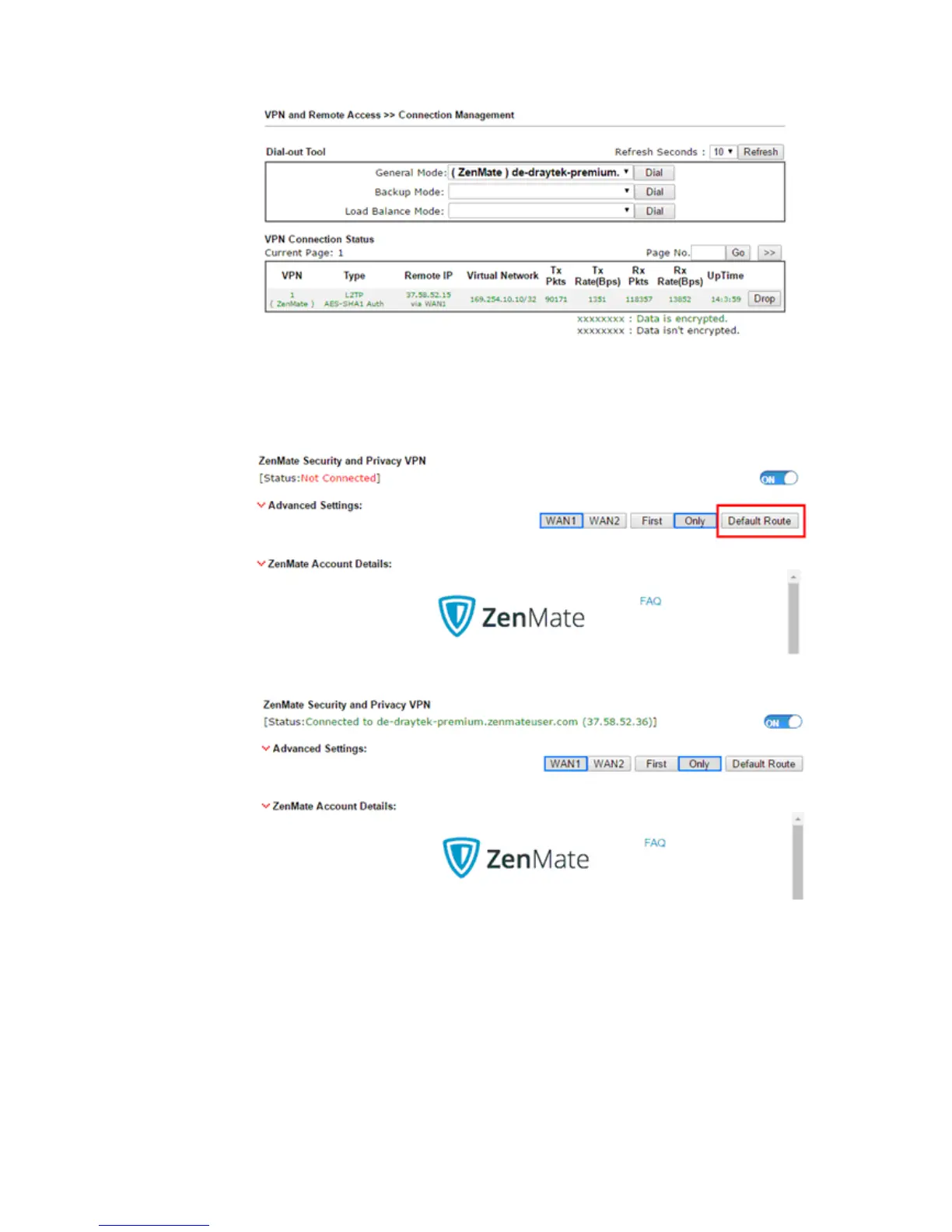
11. If you don't want all the Internet traffic to route over ZenMate VPN tunnel, you may
disable the Default Route option by clicking Default Route. When Default Route is not in
a blue frame, it means Default Route option is disabled. Then, click Save Config to
apply the new settings.
12. ZenMate VPN will be connected again!














 To Next Page