Step 3:Themainmenuofthecontrolleristhendisplayedbytappingthe"Remotecontrol"button:
8.3.2.2 Store computer CI 3x00 / operator terminal AL 300
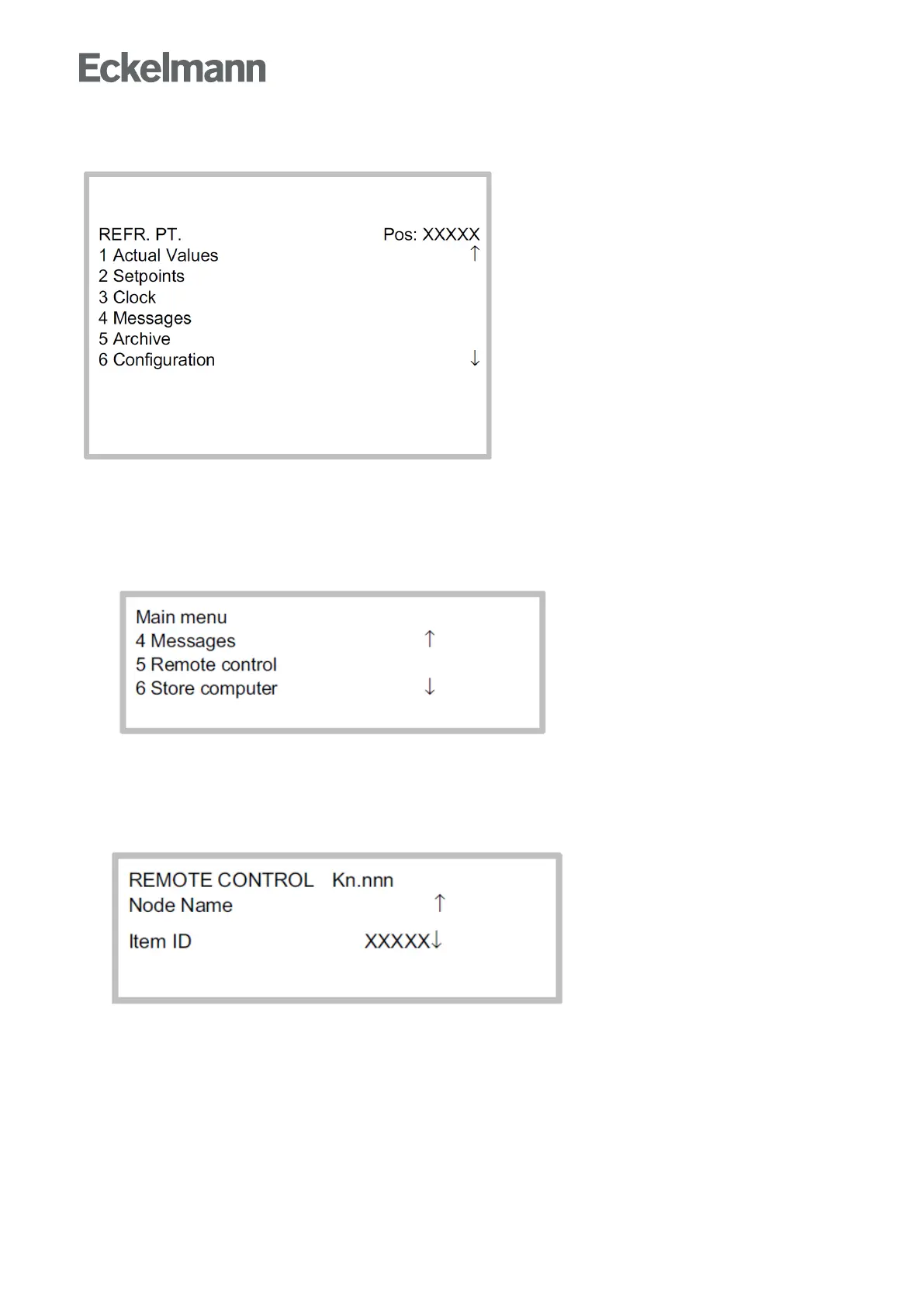
The main menu of the controller is called in the store computer or operator terminal as follows:
Step 1:Selectthesubmenu"5 Remote control"inthemainmenu(seegraphic).
Step 2:Selecttherequiredcontrollerusingthecursorbuttons(↑)und(↓)orbyinputoftheCANbusaddress
(node number nnn) using the digit buttons.
Thereby, the following screen is displayed:



 To Next Page