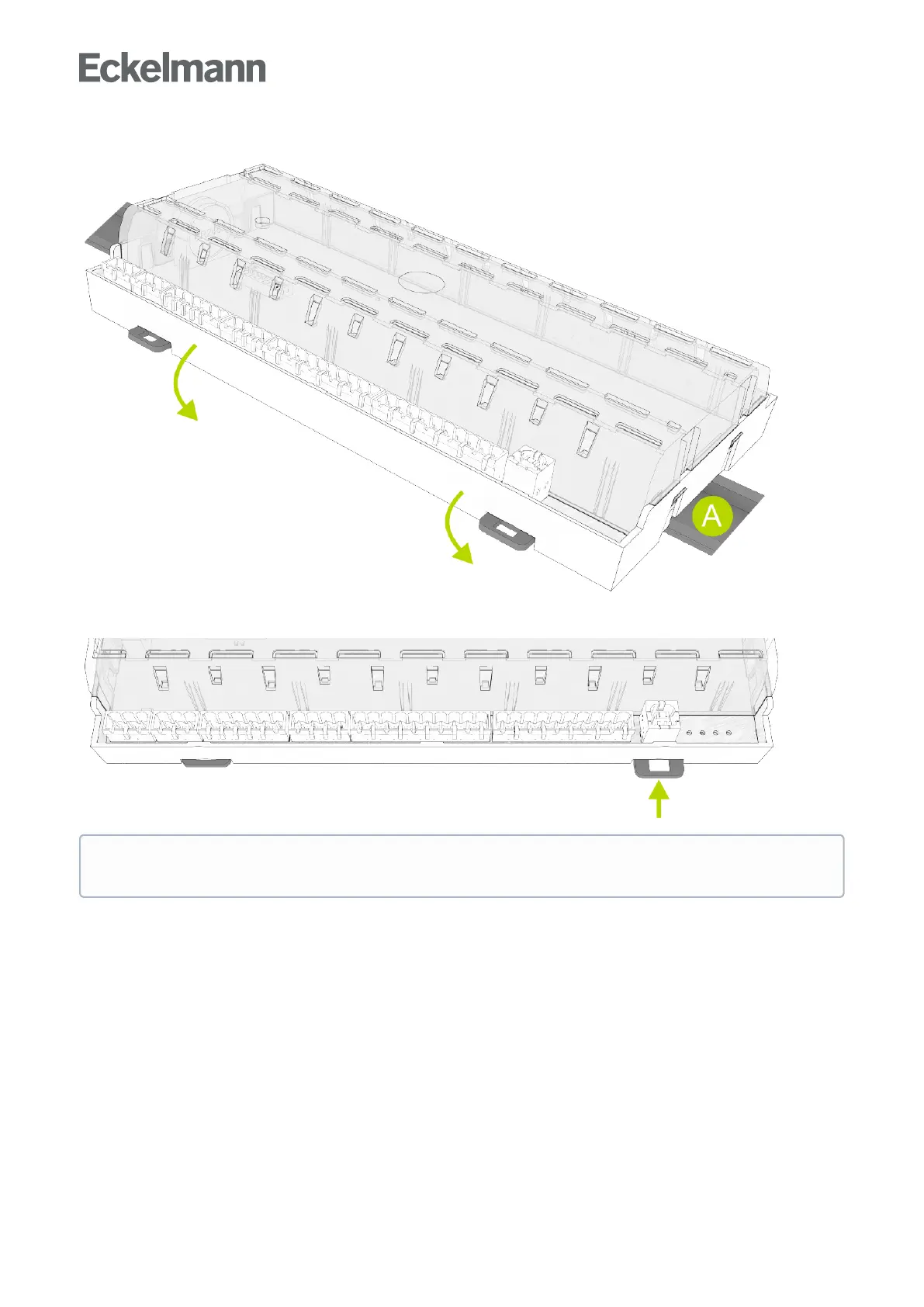
Step 2:PlacethecasecontrolleronthetopedgeoftheDINrail(A)andswiveldownwardsuntilthecase
controller is positioned on the lower edge of the DIN rail.
Step 3:Pressinthetworetainingspringsuntiltheyclickintoplaceandcheckthatthecasecontrollerisfirmly
attached to the DIN rail.
The controller can be put into operation after completion of the mechanical and electrical installation of
the case controller.



 To Next Page