Startup of VS 300
65
Doku-Version 2.05 - Firmware 2.10 - 15. September 2017
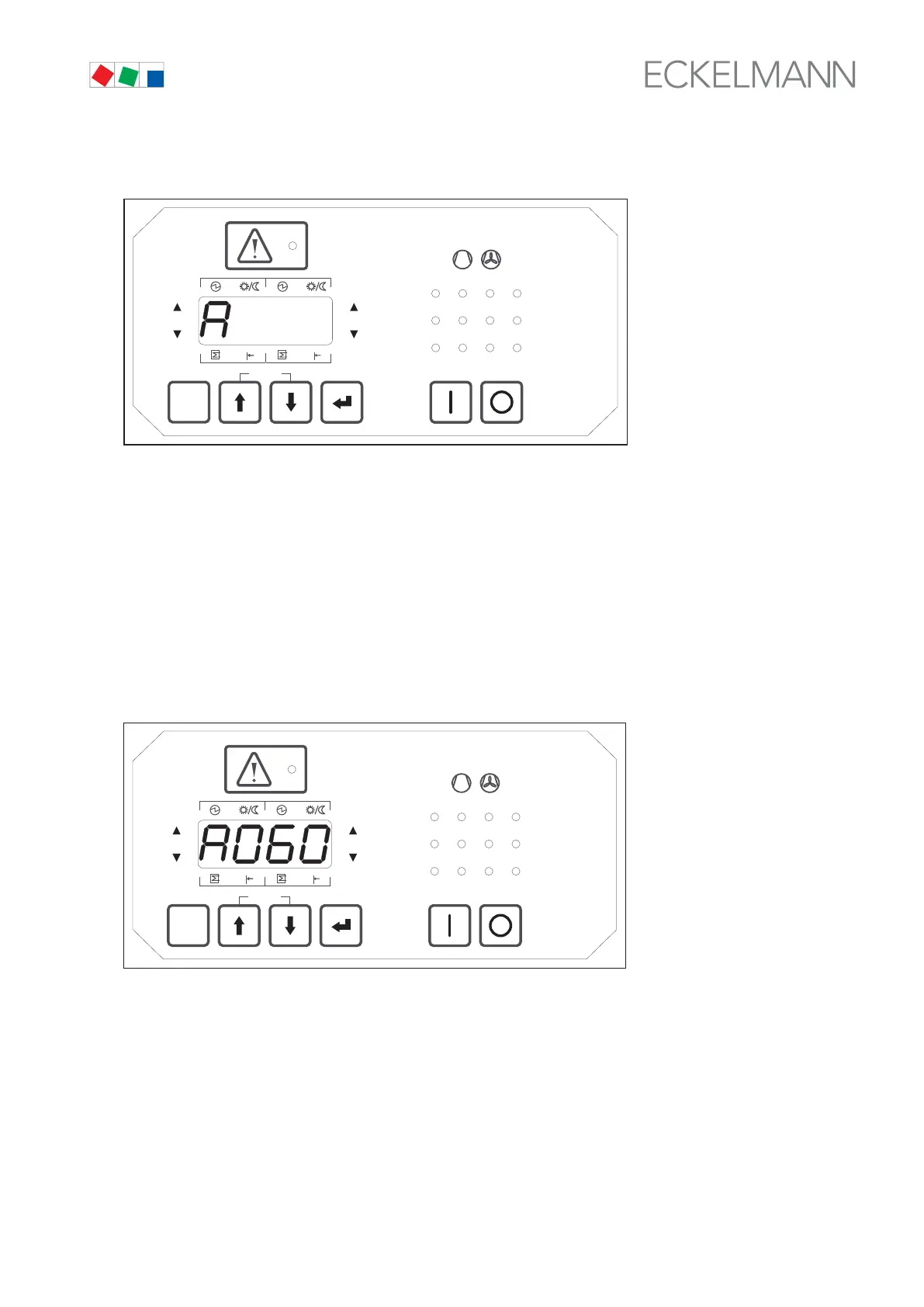
2. Pressing the ↵ key moves to parameter list selection and Parameter List A is displayed (see illustration).
ESC
RESET
1 2 3 4
1 2
5 6 8
9 10 11 12
7
Status
12
OFF
ZNR. 51203 50
430
OFF
The ↑ and ↓ keys can be used to select the following parameter lists:
A Actual Values System Data
S1 Setpoints Controller Basic Parameters
S2 Setpoints Controller Auxiliary Parameters
S3 Setpoints System Configuration
S4 Setpoints Alarm Priorities
S5 Setpoints Additional parameters
t Setpoints Timers
C Service Mode (Check Mode)
F Alarms Process and System Fault Reports
3. Pressing the ↵ key again opens Parameter List A (A000 is shown on display). Use the ↑ and ↓ keys to se
lect Parameter A060 (see illustration).
ESC
RESET
1 2 3 4
1 2
5 6 8
9 10 11 12
7
Status
12
OFF
ZNR. 51203 50 530
OFF
4. Pressing the ↵ key again moves to entry or parameter setting mode. The display shows 0 flashing. Press
the ↑ key to select Parameter 10 for Superuser Mode access level:
0 = Display only
1 = Setpoint adjustment enabled
10 = Superuser mode – additional parameters can be accessed and changed
Pressing the ↵ key confirms the entry and moves back to Parameter List A (A060 is shown on display).



 To Next Page