Alarms and Messages of VS 300
154
Doku-Version 2.05 - Firmware 2.10 - 15. September 2017
10.3 Messages / alarms in the VS 300
ZNR. 51203 50
930
ESC
RESET
1 2 3 4
1 2
5 6 8
9 10 11 12
7
Status
12
OFF
OFF
(2)
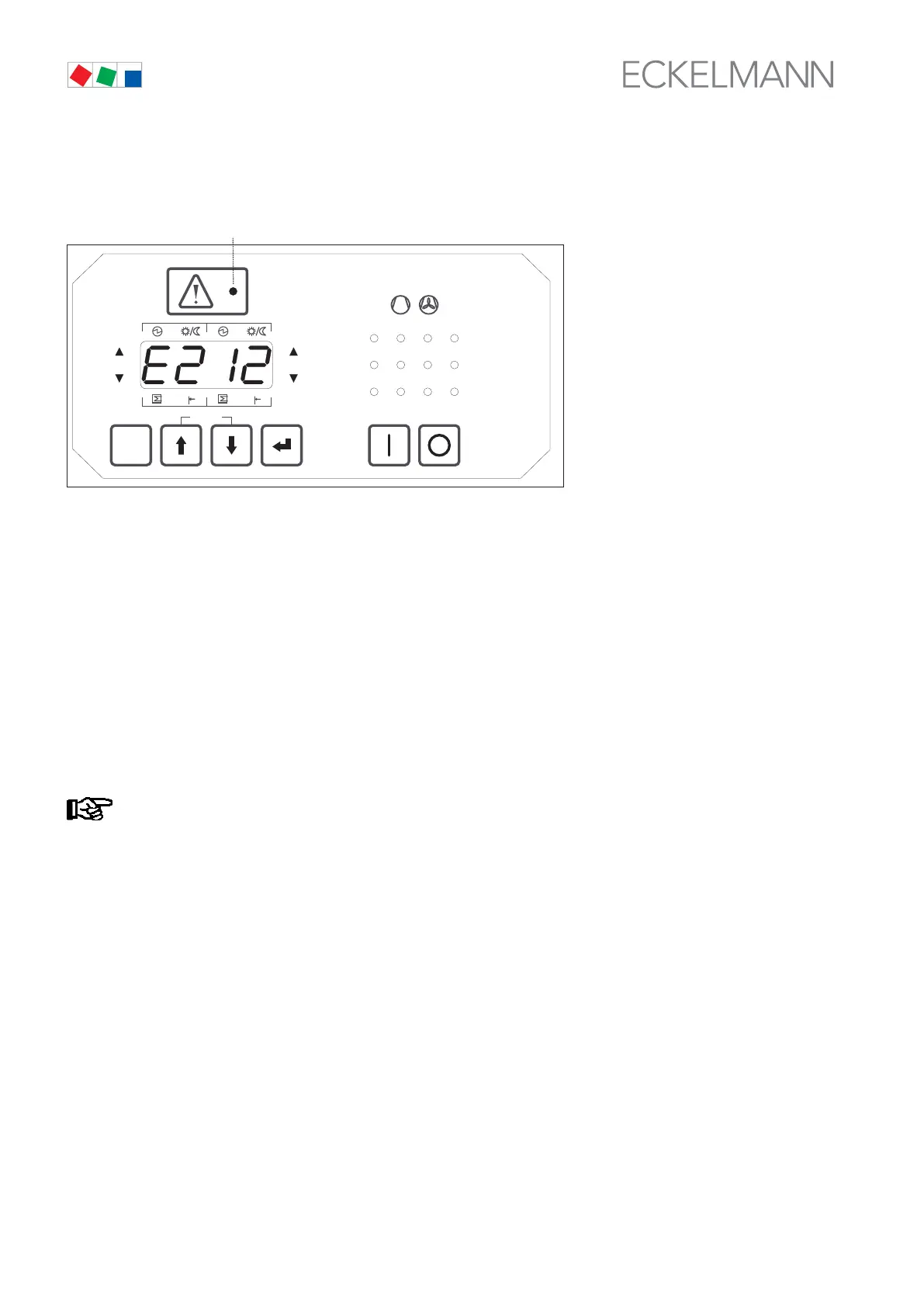
Message/alarm code shown on display - process fault report E212 in this example
These message/alarm codes can be displayed in more detail by opening Parameter List F on the integral user
interface. Faults and messages/alarms occurring are displayed in two ways:
1. In basic display mode: The respectively most recent message is indicated in basic display mode by its
associate fault code (E001 − E246, see section NO TAG Process Fault Reports or System Fault Reports
for details). The alarm/message LED flashes. Pressing the ESC/RESET key quit the display and returns to
displaying control loop actual temperature. When the message is no longer current or when no more faults
are effective, press the ESC/RESET (longer than 5 sec.) to cancel the message and delete it from the fault
report memory.
2. In message display mode: From Parameter List F you can change to message display mode. On press
ing the ↵ key while in Parameter List F, F001 is displayed if a message is current, meaning not yet can
celled. This indicates the most recent message. Use the ↑ key to move to the preceding messages (F002
to max. F100). If no messages exist, '- - - -' is shown on the display.
Messages/alarms that are still active are shown flashing to distinguish them from inactive messages/
alarms.
Pressing the ↵ key again in message/alarm display mode (F002 - max. F100) displays details for the se
lected message/alarm. Message/alarm details consist of the message/alarm code (E001 - E246, see sec
tion 8 Process Fault Reports and System Fault Reports for details), message/alarm status (0 or 1), incom
ing time stamp (date-year-time) and outgoing time stamp (date-year-time).
These message/alarm details can be interrogated with the ↑ and ↓ keys. The relay/control stage status
LEDs indicate which message/alarm detail is currently displayed. For example, the day date (15th) of the
incoming time stamp is shown in the illustration above.



 To Next Page