Startup of VS 300
64
Doku-Version 2.05 - Firmware 2.10 - 15. September 2017
5.3.2.1 First start – Loading default settings
Simultaneous pressing and holding the ESC/RESET, ↑ and ↵ keys when powering up the controller initiates first start
and loads the default settings. The default settings can alternatively be loaded via a parameter (see section 7 Parame
ter List and Menu Structure - Basic Settings - System Configuration or Load Basic Settings).
At first start, the default settings are loaded for all parameters and all archives (alarms/messages
and operating data, e.g. starts, activity) are deleted!
5.3.2.2 Changing the access level
The controller configuration can only be changed in Superuser mode. Parameters to change the VS 300 basic
parameter settings can only be accessed and changed at this user level. First, Parameter A060 (password entry
to change access level, see Parameter List A) must be opened to request extended rights for
- controller configuration (see section 5.3.2.4) and
- parameter backup (see section 5.3.2.7)
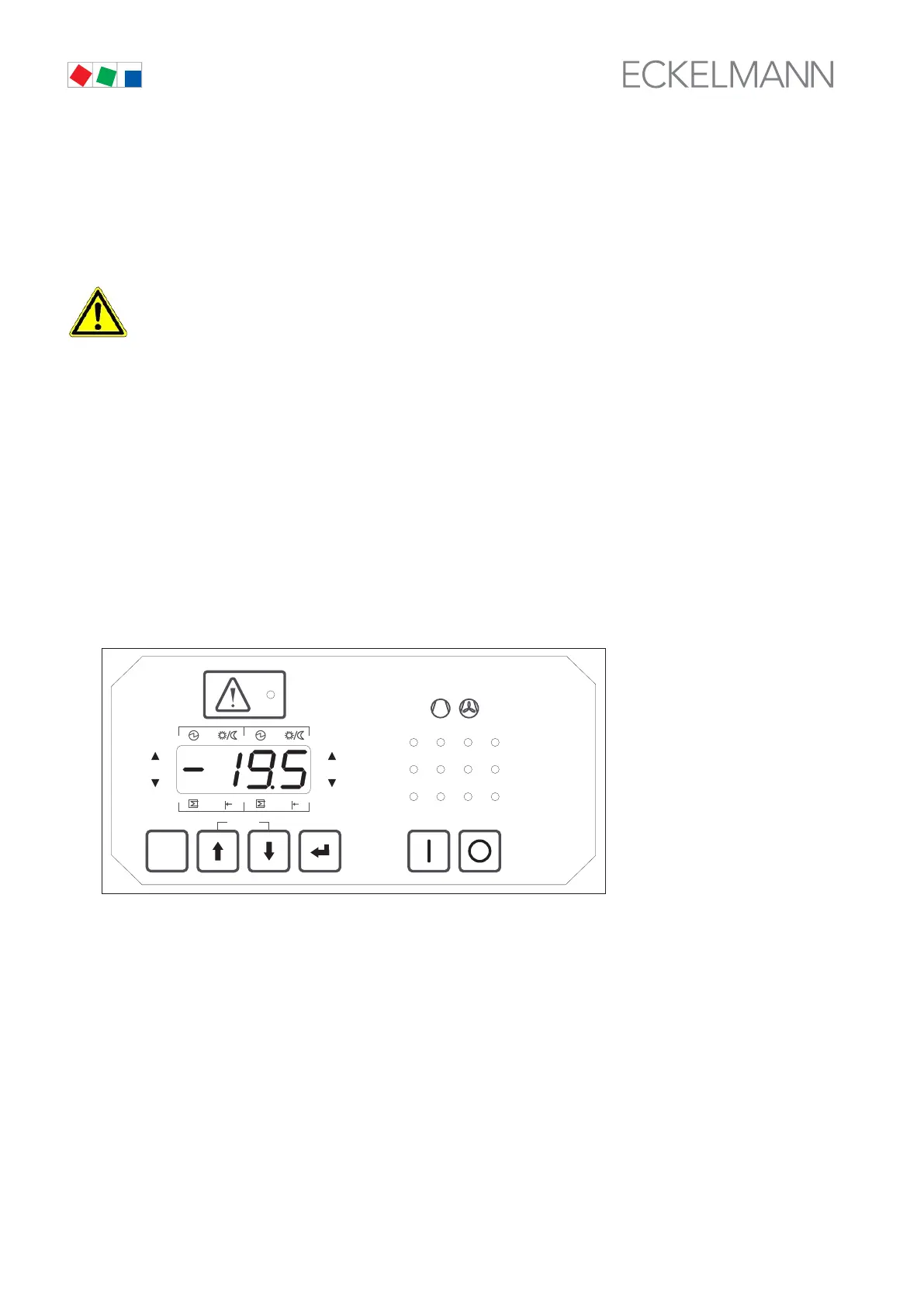
1. On powering up the controller, LED check is first performed with all status LEDs and all display segments
briefly illuminating and then extinguishing, after which the controller switches to basic display mode. The
actual value for t
1
(Control Loop 1) is displayed (see illustration).
ESC
RESET
1 2 3 4
1 2
5 6 8
9 10 11 12
7
Status
12
OFF
ZNR. 51203 50 330
OFF



 To Next Page