Operation of VS 300
84
Doku-Version 2.05 - Firmware 2.10 - 15. September 2017
7.6 Selecting parameter lists
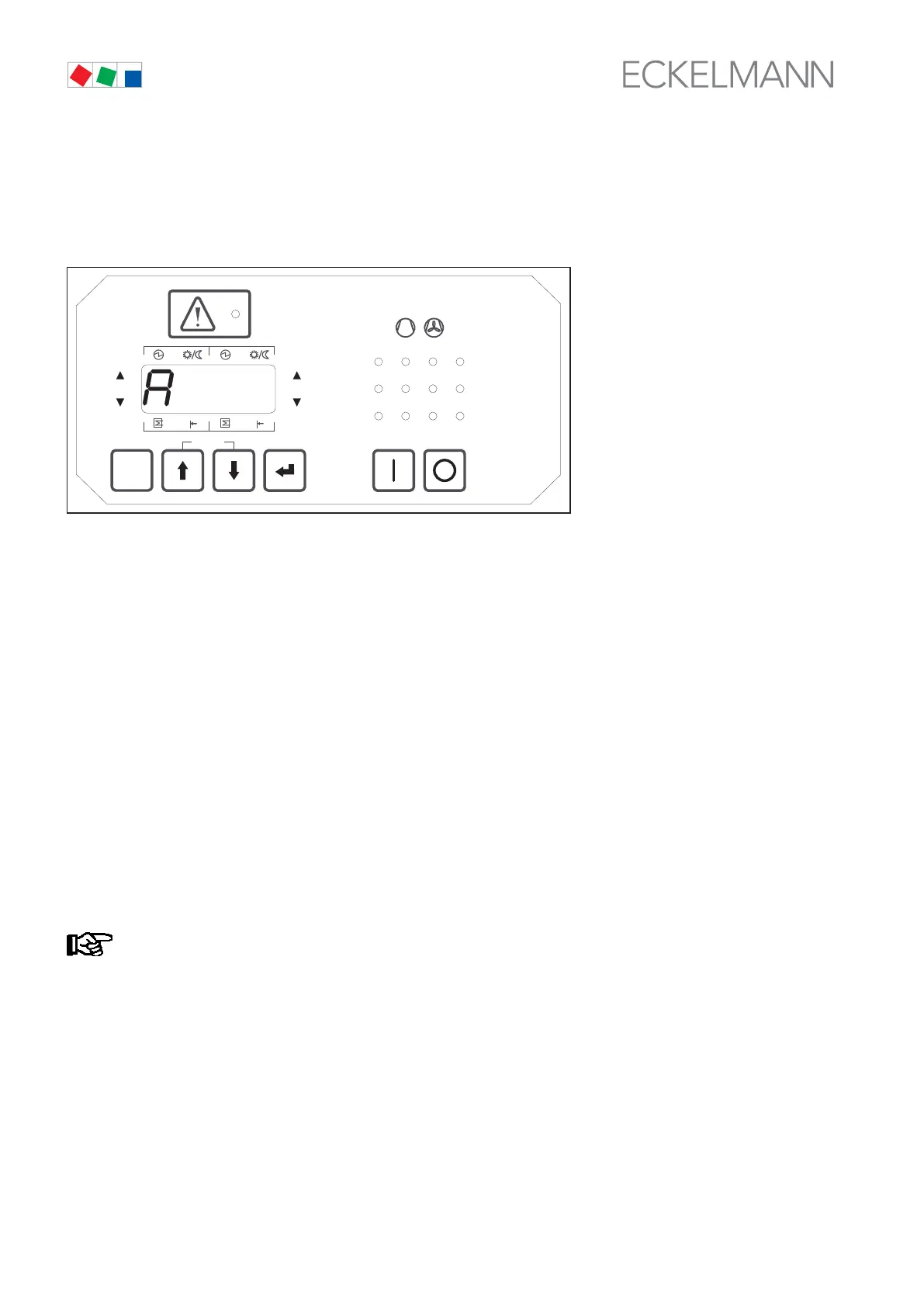
Pressing the ↵ key in basic display mode opens parameter list selection and Parameter List A is shown on the
display.
ESC
RESET
1 2 3 4
1 2
5 6 8
9 10 11 12
7
Status
12
OFF
ZNR. 51203 50
430
OFF
Use the ↑ and ↓ keys to select one of the following parameter lists (one lists appears at a time on the display):
A Actual Values System data
S1 Setpoints Basic controller parameters
S2 Setpoints Auxiliary controller parameters
S3 Setpoints System configuration
S4 Setpoints Alarm priorities
S5 Setpoints Suction pressure shift / Additional parameters
t Setpoints Timers
C Check Mode Service Mode (outputs can be actuated manually)
F Alarms/Messages Process and system fault reports
Depending on which parameter list is selected with the ↵ key, the parameters for actual values, setpoints, sys
tem configuration settings, alarm priorities, timers, service mode or alarms/messages are displayed.
See section 7 Parameter List and Menu Structure for details of the VS 300 parameter list. This section contains
detailed descriptions of the parameters available, their allowed range and the conditions under which they can
be changed.
The VS 300 can be operated at various access levels, which means that parameters cannot be
changed at every access level!
For example, changing of setpoints is only allowed at the Setpoint Adjustment Enabled access
level (see section 7.7 Changing the Access Level)!
If no key is pressed for a certain time (5 minutes), the controller automatically changes to basic dis
play mode and entry of setpoints is blocked.



 To Next Page