Operation of VS 300
87
Doku-Version 2.05 - Firmware 2.10 - 15. September 2017
ESC
RESET
1 2 3 4
1 2
5 6 8
9 10 11 12
7
Status
12
OFF
ZNR. 51203 50
830
OFF
Use the ↓ and ↑ keys to change the value within the allowable range. See section 7 Parameter List and Menu
Structure for detailed information on the VS 300 parameter lists. This section describes the parameters avail
able, their allowable range and the conditions under which they can be changed.
Press the ↵ key again to apply the setting and return to parameter selection mode. If setpoint adjustment is not
enabled, a selected setpoint will be displayed but cannot be changed with the ↑ and ↓ keys. This is indicated by
the display then not flashing.
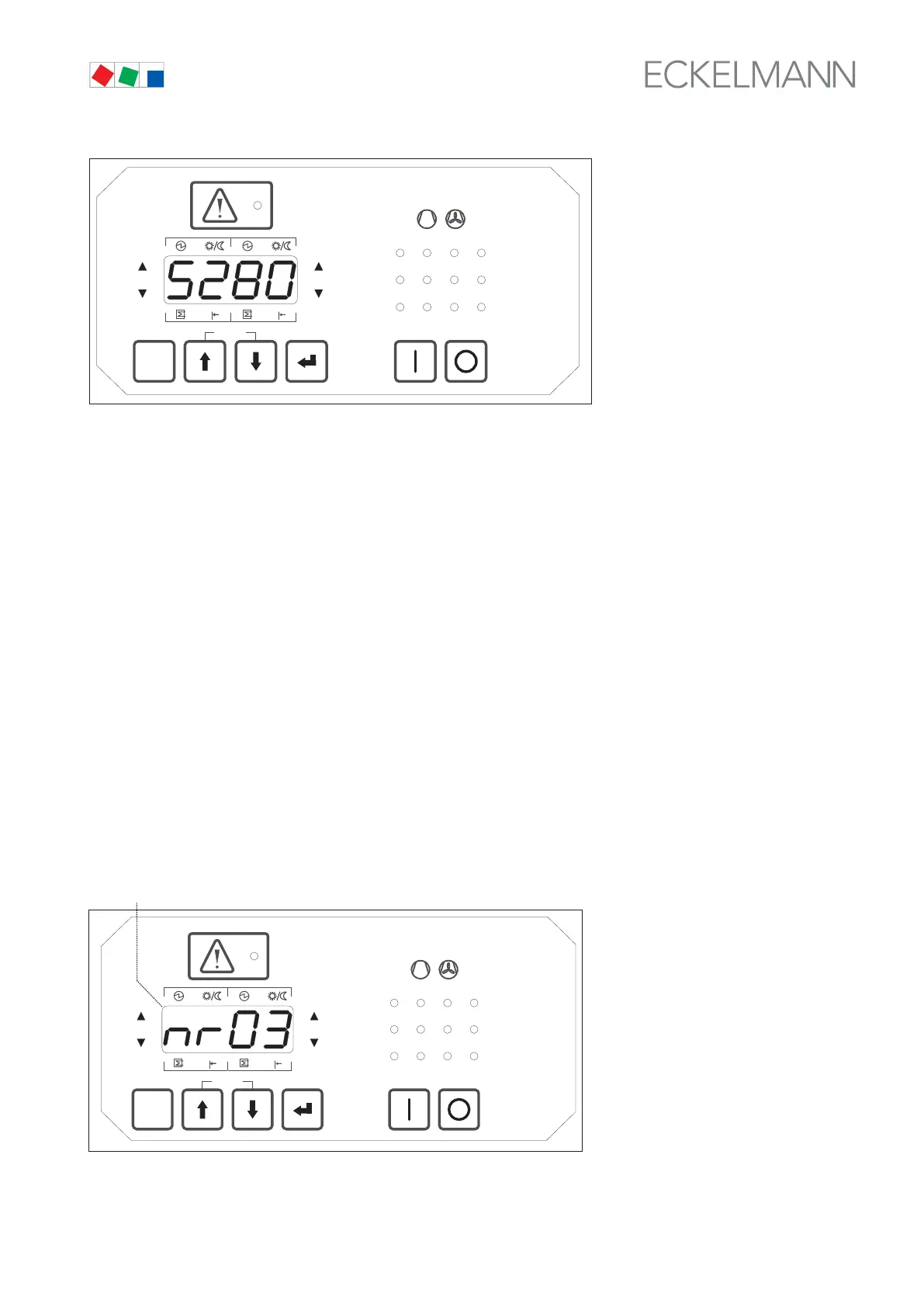
Parameters for setting date and time:
S280 Current time, hour S283 Current date, month
S281 Current time, minute S284 Current date, year
S282 Current date, day S285 Daylight saving time adjustment
7.10 Parameter groups
Some parameters contain a group of setpoints, for example to set enabling for each separate relay/control
stage. These setpoints are accessible as a group under a parameter number (see for example section 7 Param
eter List and Menu Structure - Parameter List C)
In this instance a slightly different setting method is used. Select the parameter number and press the ↵ key as
for individual setpoints. Then, by way of difference, first select the relay/control stage for which the setpoint is to
be changed. The display (1) then shows the relay number (in this example No. 03).
ESC
RESET
1 2 3 4
1 2
5 6 8
9 10 11 12
7
Status
12
OFF
ZNR. 51203 51 530
OFF
(1)
Again select the relay number with the ↑ and ↓ keys. Press the ↵ key and enter the setpoint (0 for output not
actuated or 1 for output actuated) - (see section 7 Parameter List and Menu Structure - Parameter List C).



 To Next Page