Operation of VS 300
88
Doku-Version 2.05 - Firmware 2.10 - 15. September 2017
Setpoints can only be changed at the Setpoint Adjustment Enabled access level (see section 7.7
Changing the Access Level). The LED display flashes to indicate when values (setpoints) can be
changed.
7.11 Setting parameters for the week timer (Parameter List t)
Parameter are set for the timers in Parameter List t. The VS 300 contains 7 timers for each of the two control
loops. Select the timers with the corresponding parameter by pressing the ↵ key (see section 7 Parameter List
and Menu Structure - Parameter List t - Timers).
ESC
RESET
1 2 3 4
1 2
5 6 8
9 10 11 12
7
Status
12
OFF
ZNR. 51203 51
630
OFF
(2)(1)
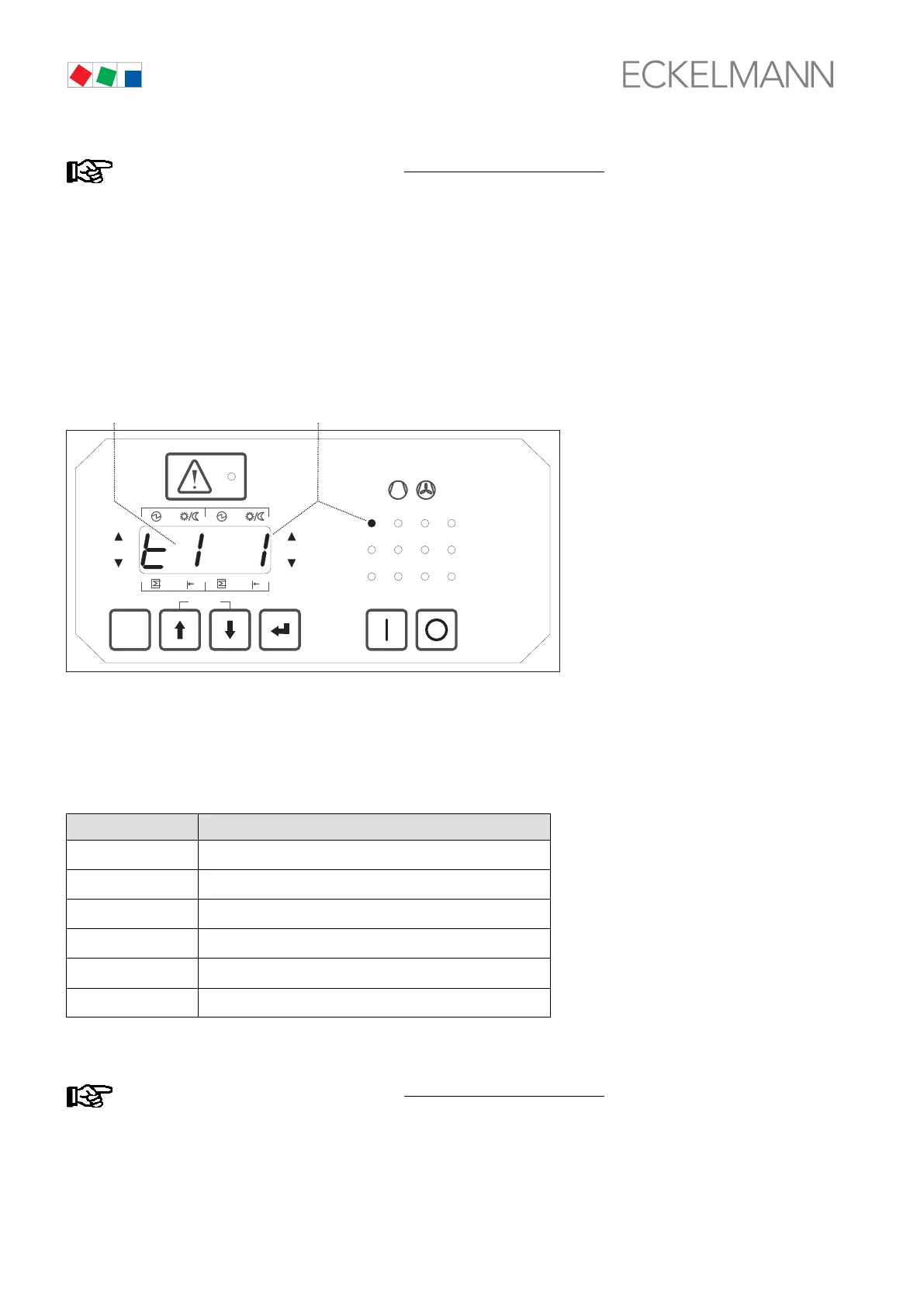
The illustration shows timer 1 (2) selected for Control Loop 1. Press the ↵ key to open the entry fields for this
timer. Entry is required in all fields to ensure that the timer is correctly set and the values are applied (see Pa
rameter List t). Move from one entry field to the next by pressing the ↵ key. These timers (1 - 7) have a start
time and an end time. These must always be entered pairwise, for which there are six fields to be completed for
each entry, labelled as follows:
Display Meaning
Sd
Start day
Sh
Start hour
SM
Start minute
Ed
End day
Eh
End hour
EM
End minute
After completing the last entry field (EM) the display returns to parameter selection mode.
Setpoints can only be changed at the Setpoint Adjustment Enabled
access level (see section 7.7
Changing the Access Level). The LED display flashes to indicate when values (setpoints) can be
changed.



 To Next Page