188
188
Using the CD Player
Audio Operations
■ Selecting a track
You can cue the track to which you want to
listen.
● :
Advance to the next track.
(touch once):
Return to the start of the currently playing
track.
(touch twice or more):
Return to a previous track.
■ Fast forwarding and fast
reversing
You can fast forward or fast reverse the
currently playing track.
● :
Fast forward the track.
:
Fast reverse the track.
Fast forward (or fast reverse) operates
until you release your finger from the
switch.
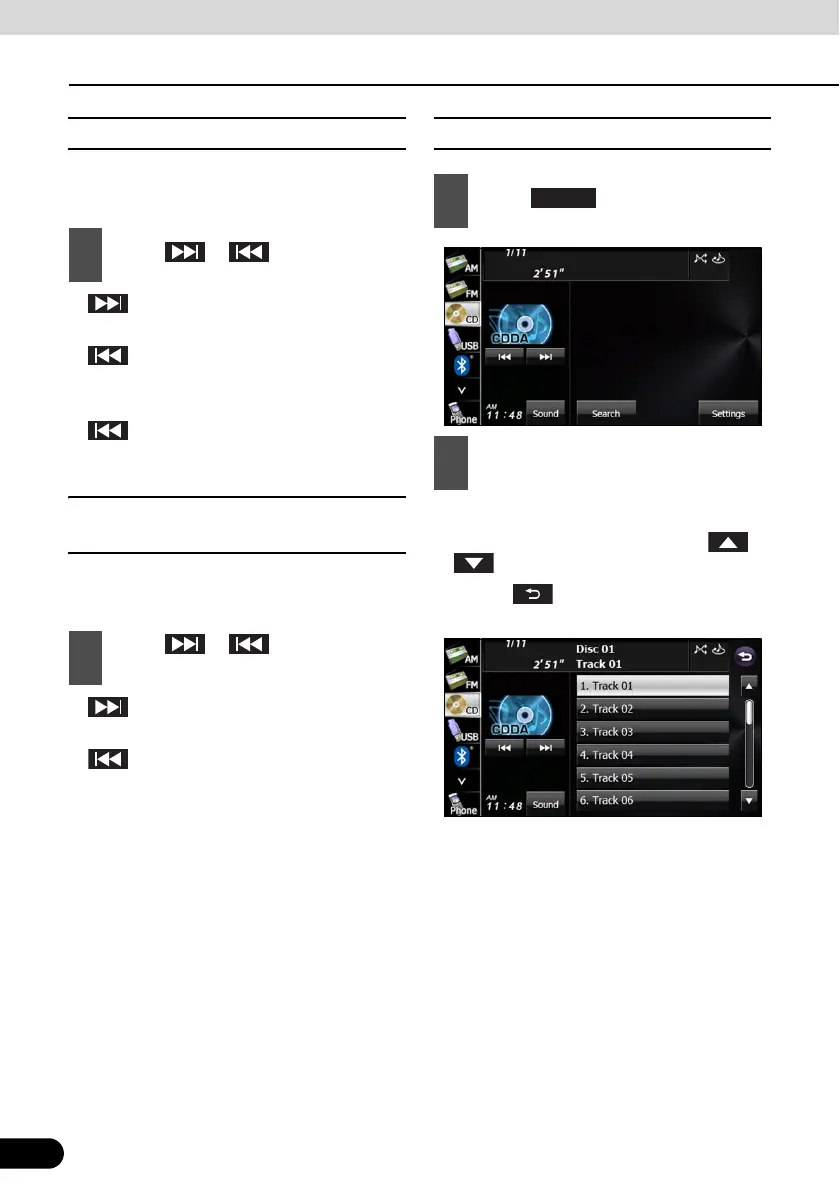
■ Finding a track
● The selected track starts to play.
● If there are more pages, touch or
to scroll the pages.
● Touch to return to the previous
screen.
1
Touch or .
1
Touch or for 1 second or
more.
1
Touch .
2
Touch the track to which you want to
listen.
Search



 To Next Page