276
276
Voice Control System Operations
Other Operations
You can display a list of the usable
commands on the screen.
● The screen changes to the Main Menu,
and after the “Voice command please.”
voice guidance, a “beep” sounds.
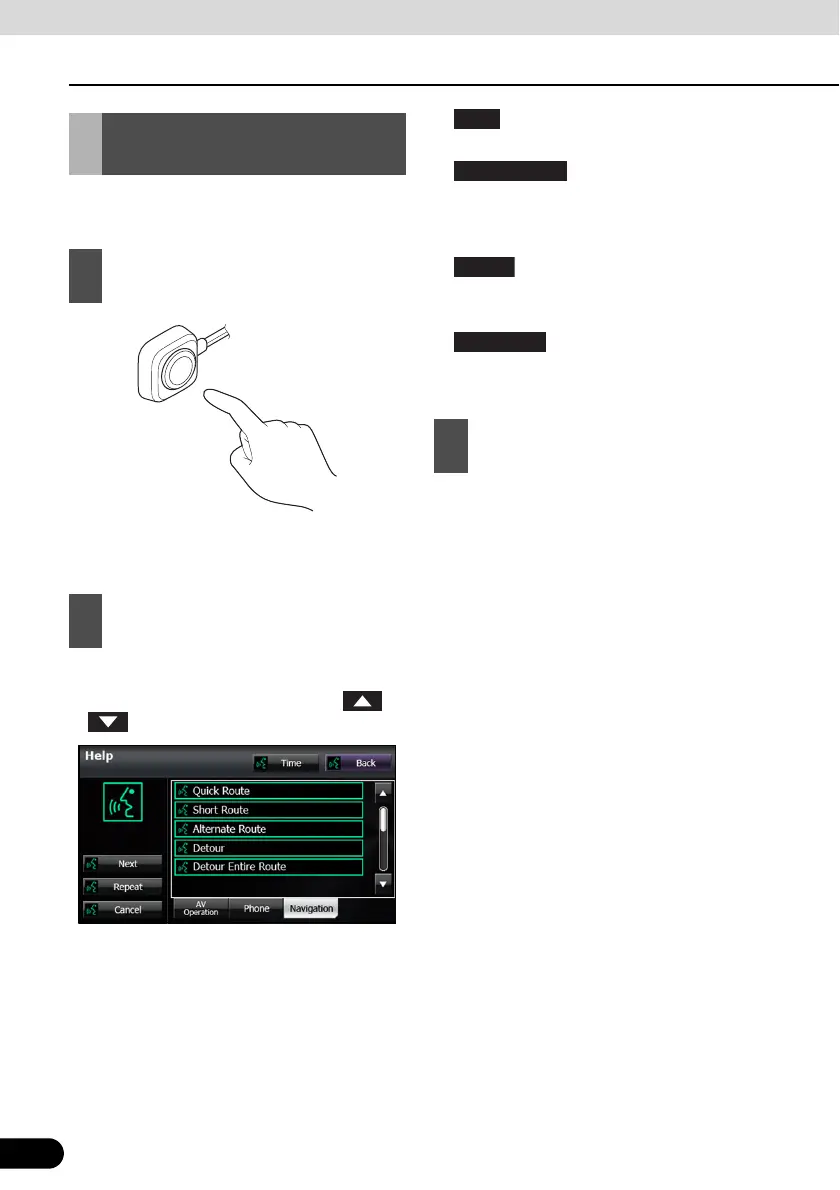
● The command list appears.
● If there are more pages, touch or
to scroll the list.
● :
Display the next page of the command list.
:
Display the command list for the current
audio operation. (Only when an audio
source is being used.)
:
Display the handsfree operation command
list. (Only during handsfree connection.)
:
Display the navigation operation command
list.
● You can perform the operation by saying
the displayed command.
Displaying the Command
List
1
Press the voice recognition button.
2
Say “Help”.
3
Check the command that you want to
use in the command list.
Navigation



 To Next Page