Titanium Interfaces User Guide
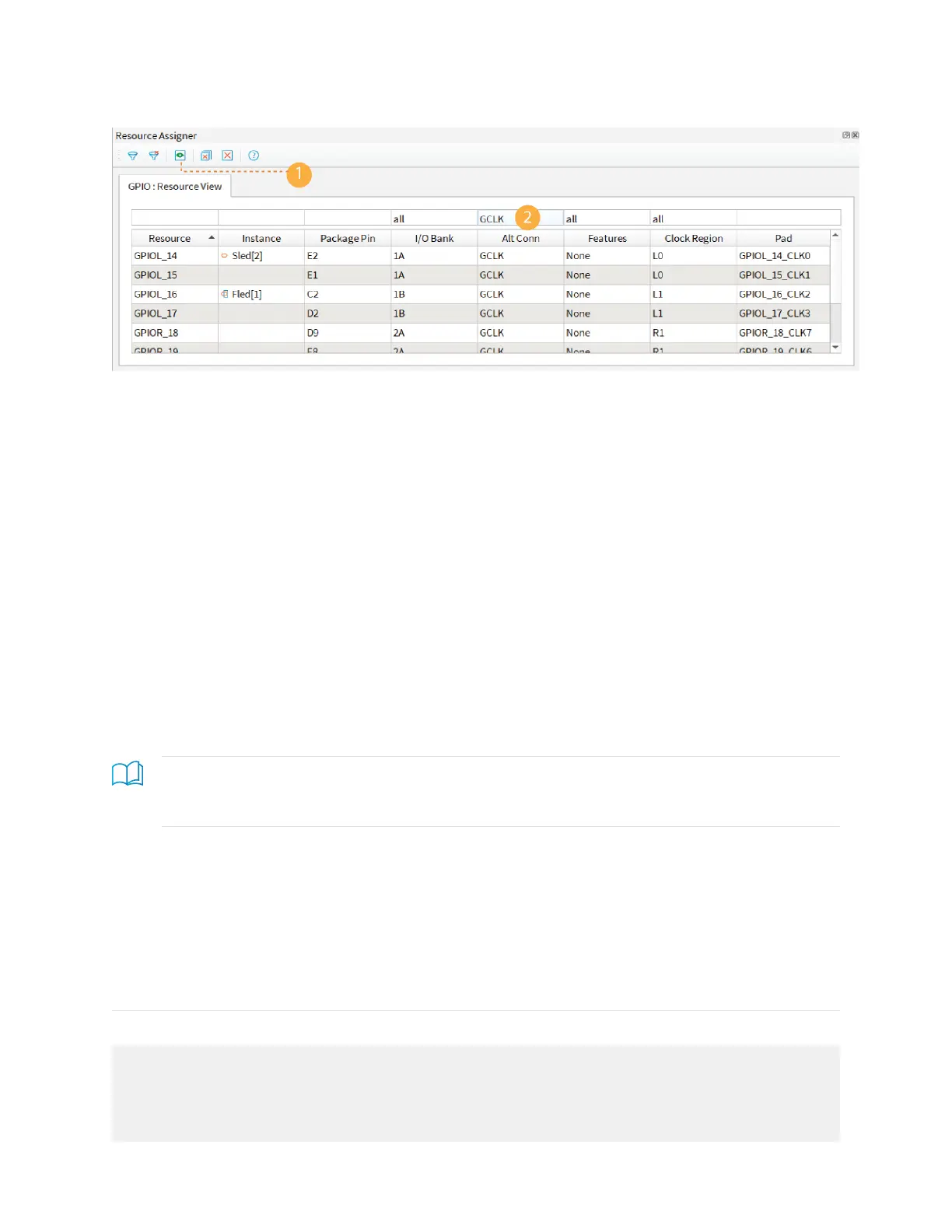
Figure 5: Resource View
Importing and Exporting Assignments
Although it is nice to use a GUI for adding blocks, in some cases it may be easier to use
another format. The Interface Designer lets you import and export assignments using an
Interface Scripting File (.isf) or comma separated values (.csv) file.
When the software reads an imported .isf, it processes the entire imported file and shows any
issues it found. The import only fails for catastrophic errors. The software:
• Creates new instances defined in the file that do not already exist in the GUI
• Overwrites assignments for existing instances with settings from the file
• Does not delete instances that are in the GUI but were not defined in the file
When the software reads an imported .csv file, it compares the imported assignments to the
original assignments and reports any issues. If the software finds warnings, it displays them
but allows you to finish the import. If it finds errors, it will not finish the import. When
importing, the software:
• Deletes instances that you removed
• Creates newly defined instances
• Replaces instances you renamed with the new name
Learn more: For help understanding messages, refer to the "Design Check" topics in the Titanium
Interfaces User Guide. These topics describe the messages the Interface Designer generates and gives
suggestions on how to fix errors and warnings.
Interface Scripting File
The Interface Scripting File (.isf) contains all of the Python API commands to re-create your
interface. You can export your design to an .isf, manipulate the file, and then re-import it
back into the Efinity
®
software. Additionally, you can write your own .isf if desired.
In addition to using the API, you can export and import an .isf in the Interface Designer
GUI. Click the Import GPIO or Export GPIO buttons and choose Interface Scripting File
(.isf) under Format.
Example: Example Interface Scripting File
# Efinity Interface Configuration
# Version: 2020.M.138
# Date: 2020-06-26 14:22
#
# Copyright (C) 2017 - 2020 Efinix Inc. All rights reserved.
#
# Device: T8F81
www.efinixinc.com 13



 To Next Page