Titanium Interfaces User Guide
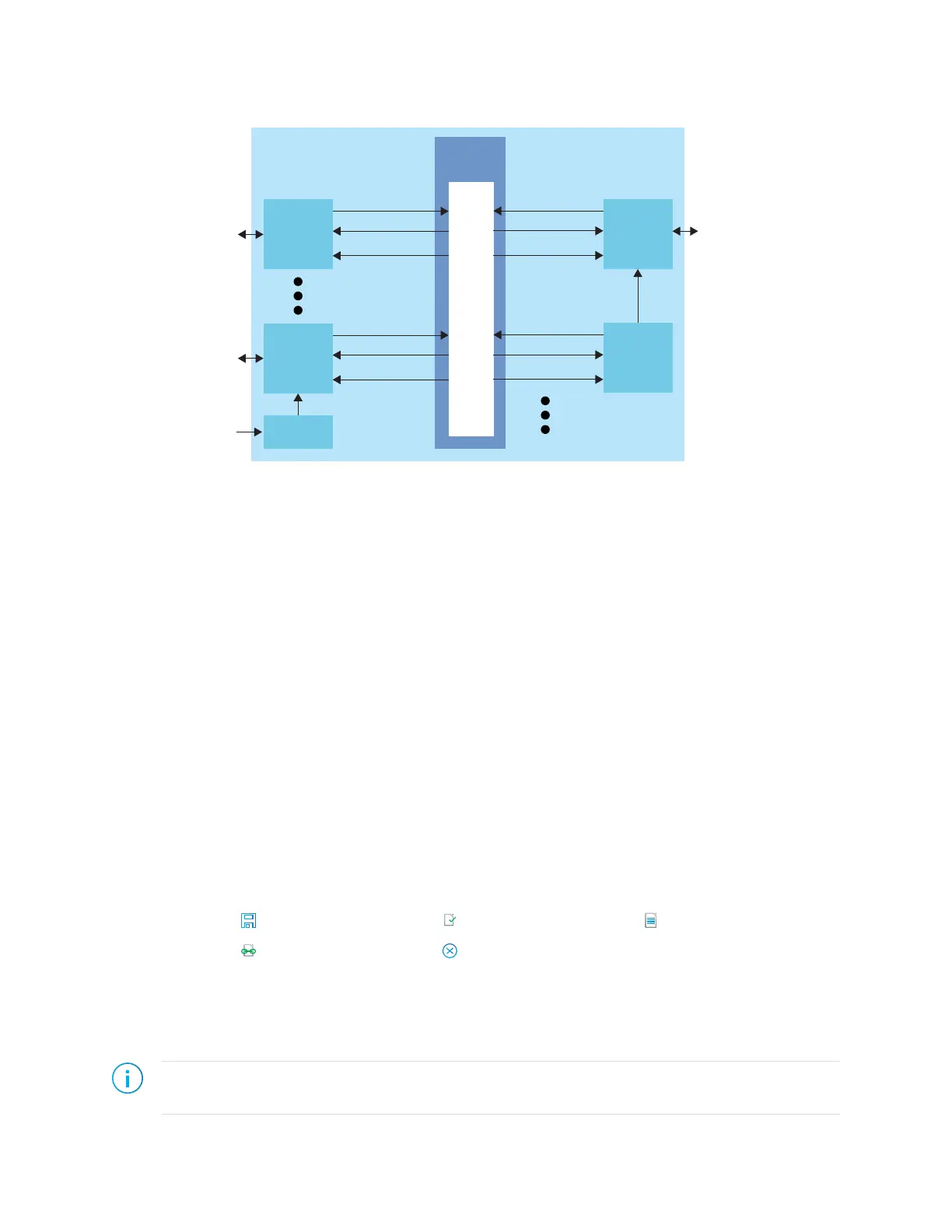
Figure 3: Interface Block and Core Connectivity
Interface
Block
Input
Output
Clock Output
Interface
Block
Input
Output
Clock Output
GPIO blocks are a special case because they can operate in several modes. For example, in
alternate mode the GPIO signal can bypass the signal interface and directly feed another
interface block. So a GPIO configured as an alternate input can be used as a PLL reference
clock without going through the signal interface to the core.
When designing for Titanium FPGAs, you create an RTL design for the core and also
configure the interface blocks. From the perspective of the core, outputs from the core are
inputs to the interface block and inputs to the core are outputs from the interface block.
The Efinity netlist always shows signals from the perspective of the core, so some signals do
not appear in the netlist:
• GPIO used as reference clocks are not present in the RTL design, they are only visible in
the interface block configuration of the Efinity
®
Interface Designer.
• The FPGA clock tree is connected to the interface blocks directly. Therefore, clock
outputs from the core to the interface are not present in the RTL design, they are only
part of the interface configuration (this includes GPIO configured as output clocks).
The following sections describe the different types of interface blocks in the Titanium. Signals
and block diagrams are shown from the perspective of the interface, not the core.
Designing an Interface
Save Check Design Generate Report
Generate Efinity
Constraint Files
Exit
Designing your interface is straightforward: add interface blocks, configure them, and then
generate reports and constraints. The Efinity software uses the constraints during compilation
to connect signals from the core to your interface.
Note: Refer to Create or Delete a Block on page 10 and Interface Blocks on page 7 for instructions on
adding blocks and configuring them.
www.efinixinc.com 9



 To Next Page