Titanium Interfaces User Guide
Create a MIPI TX Interface
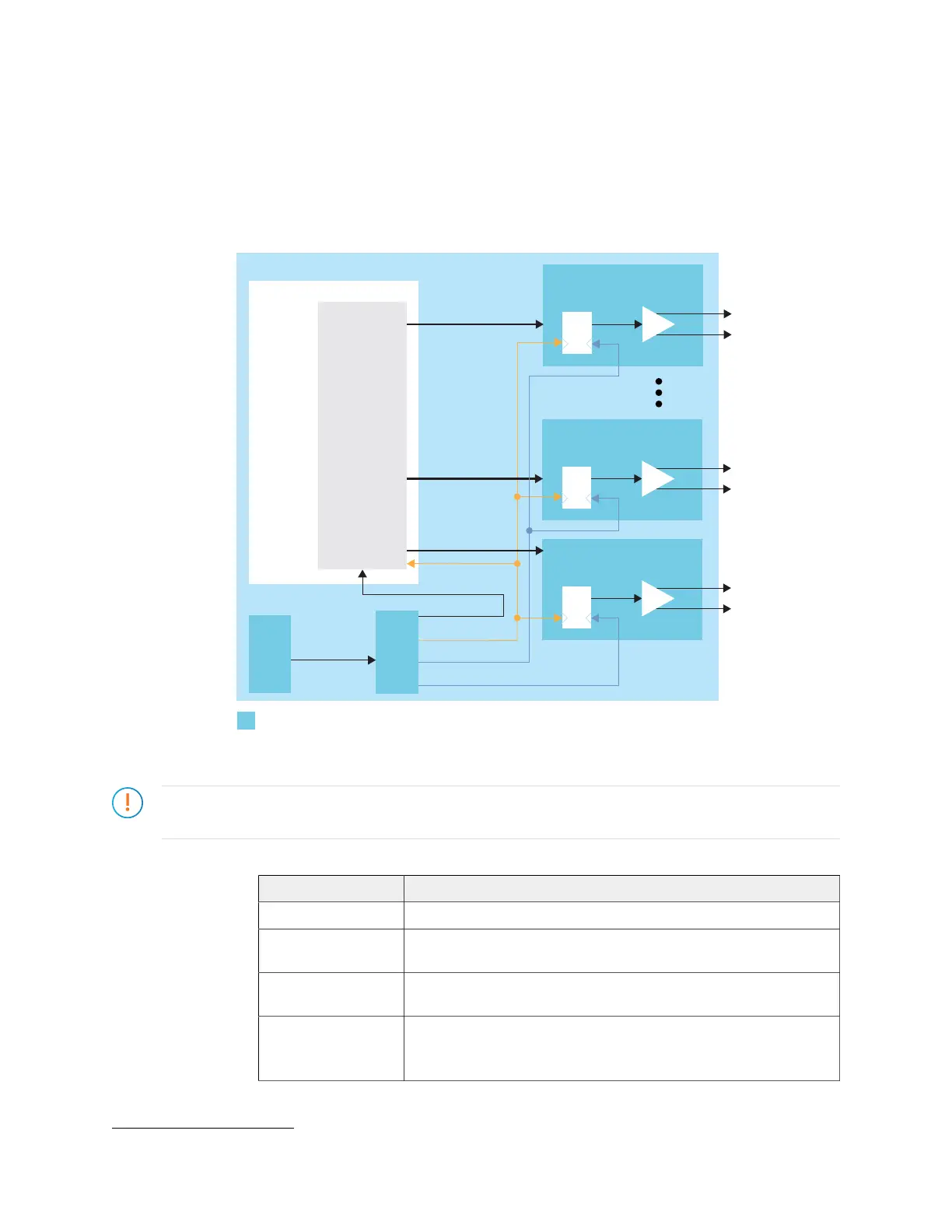
To build a complete MIPI TX interface you need to have at least one data lane and one clock
lane. Unlike MIPI RX, they can be in any MIPI group. The following figure shows the blocks
used for a complete MIPI TX interface.
Figure 42: MIPI TX Interface
Serializer
TXP
TXN
SLOWCLK
FASTCLK_C
TX
MIPI TX Clock Lane
Serializer
TXP
TXN
Serializer
TXP
TXN
MIPI TX
Data Signals
TX
MIPI TX Data Lane m
m is the number
FASTCLK_D
PLL
MIPI TX (1)
IP Core
PLL_CLKIN
MIPI TX
Clock Signals
mipi_clk
1. Refer to the Efinity
®
Software User Guide for a listing of available MIPI-related IP
cores.
Important: You need to use specific phase shifts for the SLOWCLK, FASTCLK_C, and FASTCLK_D output
clocks from the PLL as shown in step 1 below.
1. Add a PLL block with the following settings:
Option Description
Resource You can use any PLL resource.
Reference
Clock Mode
External
Reference Clock
Frequency
User defined.
Output Clocks
mipi_clk—Frequency defined in MIPI IP core, phase shift 0°
(7)
SLOWCLK—Frequency is 1/8 the PHY speed, phase shift 0°, enable
feedback.
(7)
This PLL also generates the mipi_clk, which is used in the MIPI IP core. Refer to the user guide for the IP core for details.
www.efinixinc.com 104



 To Next Page