Human Machine Interface HMI
3-4 © Essemtec AG Paraquda Startup & Safety
0000003/11 / November 4, 2014
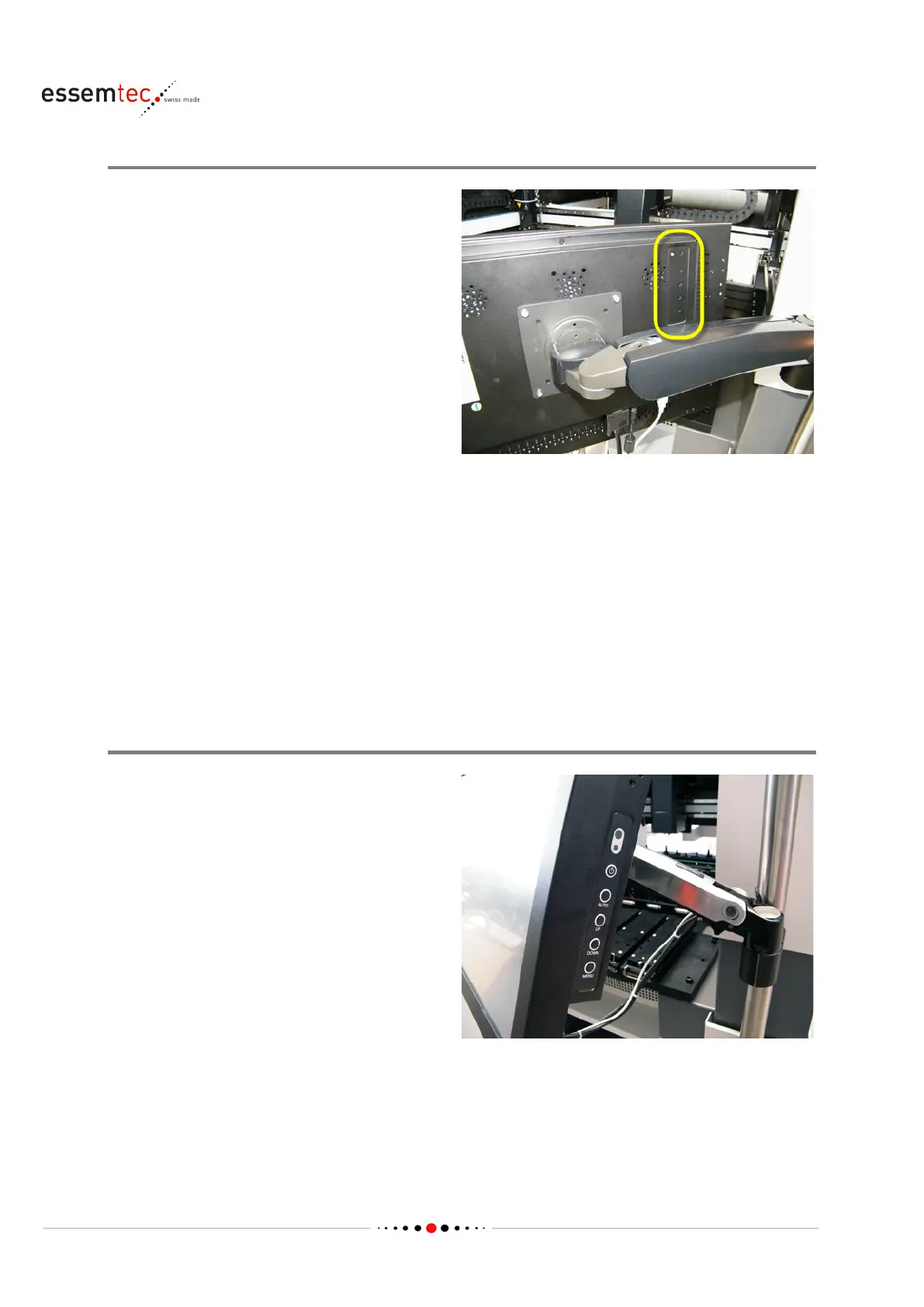
Set up Monitor type a
Usually the monitor is pre
-
adjusted and does not
need any setup. But in case of a bad setup, the
settings below are possible. For a detailed
description, consult the manual of the monitor.
Every button can
have different functions,
On/Off
Switch on and off
A
Call adjust menu (brightness, contrast, colors, v or h alignment etc.)
Select button (up) within menu
V
Call brightness directly
Select button (down) within menu
+
Adjust button to increase value (e.g. brightness)
-
Adjust button to decrease value (e.g. brightness)
Set up Monitor type b
Usually the monitor is pre
-
adjusted and does not
need any set
up. But in case of a bad setup, the
settings below are possible. For a detailed
description, consult the manual of the monitor.
Every button can have different functions,
depending on the menu.
On/Off
Switch on and off



 To Next Page