7 Basic Manual Control 117
Expand
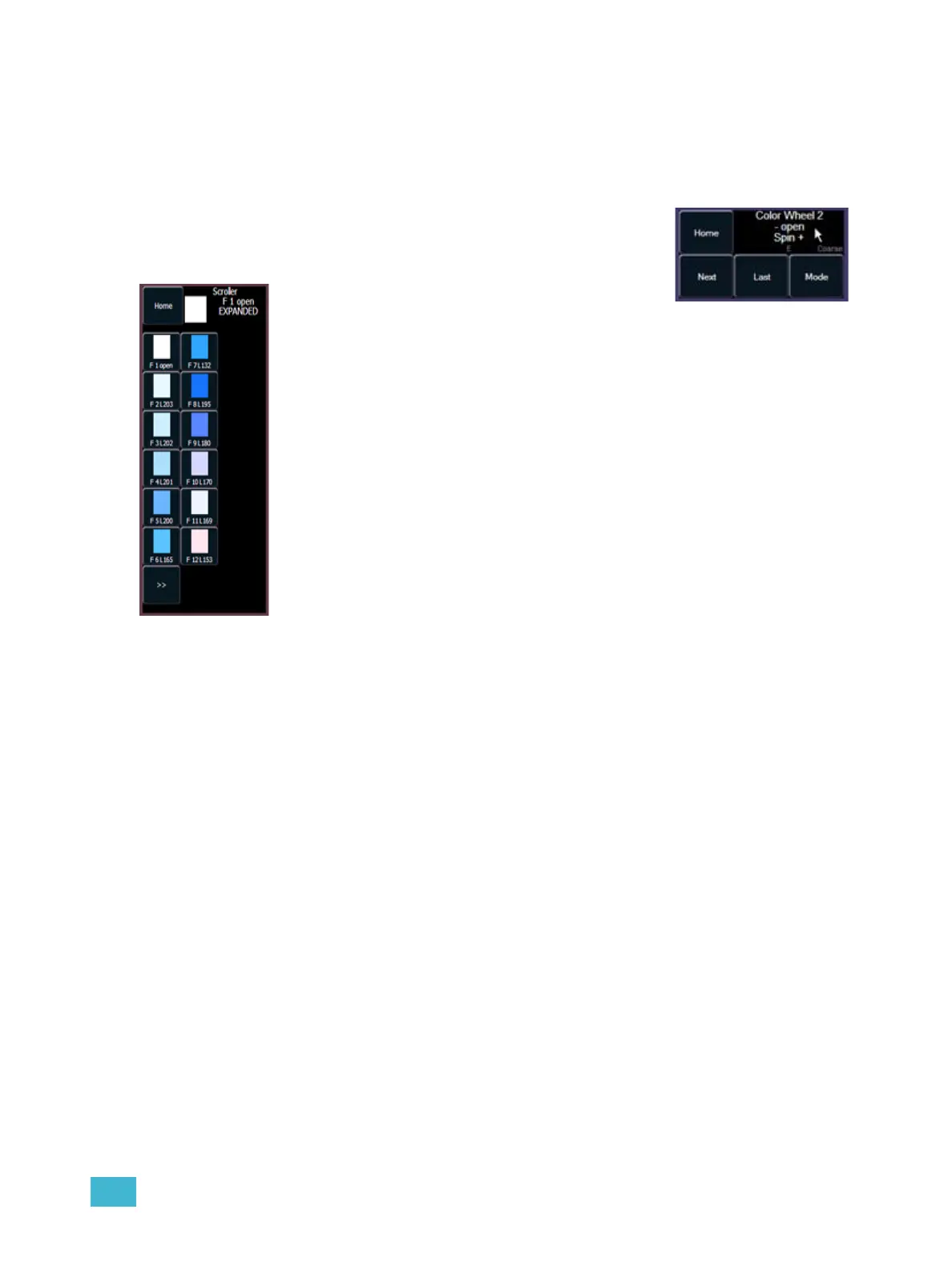
The “E” displayed beneath the parameter name indicates that this parameter has “Expanded”
functions. When this area of the touchscreen is pressed, the touch screen repaints to display all the
media settings available for the specific wheel.
For Example:
Continuing with the previous example, touch the encoder LCD
in the button area defined by the parameter name and current
value...
Encoder soft buttons
A series of buttons are included in each of the four encoders sections of the display including
{Home}, {Last}, and {Next} or {Min} and {Max}, and depending on the type of parameter, a
{Mode} or {Calibrate} button. Reference Encoder soft buttons, page 117 for details of use.
Home
Each parameter has an associated {Home} key in the encoder LCD. This accesses any parameter
and returns it to its default position. Additionally, the control keypad has a [Home] key located
below [Sneak]. The [Home] key on the control keypad is a channel level instruction, meaning the
entire luminaire will return to its home position unless you modify the instruction by selecting
specific parameters on the CIA. [Home] does not affect intensity and can be used in conjunction
with the parameter touchbuttons to home specific parameters only.
The following examples illustrate use of these two keys, both from the control keypad and the
encoder LCD:
• {Home} - when pressed from the encoder LCD, only the associated parameter of the selected
channels will return to its home position.
• [1] {Home} [Enter] - homes all non-intensity parameters of channel 1. When this command
overrides playback data, it results in a manual value for the associated parameters. When this
command is an override of only manual data, it returns the parameters to their home position
and removes the manual setting.
• [1] {Color} [Home] [Enter] - homes all of the color data for channel 1.
The encoder LCD will repaint with all color media available for the the
selected device.
Select any of the available media options, then touch the text
“EXPANDED” to close the expanded display and return to the
encoder page.



 To Next Page