A Eos Configuration Utility 321
Backup Show Archive
{Backup Show Archive...} allows you to either backup the most current version of each show file
or every version of each file to a USB drive.
Restore Show Archive
{Restore Show Archive...} allows you to restore show files from a USB drive.
File Manager
{File Manager} provides a way to manage show files. You can create and delete new folders,
move, and copy files between the console and USB drives or compact discs.
Upgrade Console
{Upgrade Console...} is used for upgrading the console's outputs.
Network Drives
{Network Drives...} allows you to select an alternative show file storage location on another
console or computer. After setting this location, it will appear as an option within the save and open
dialogs in Eos.
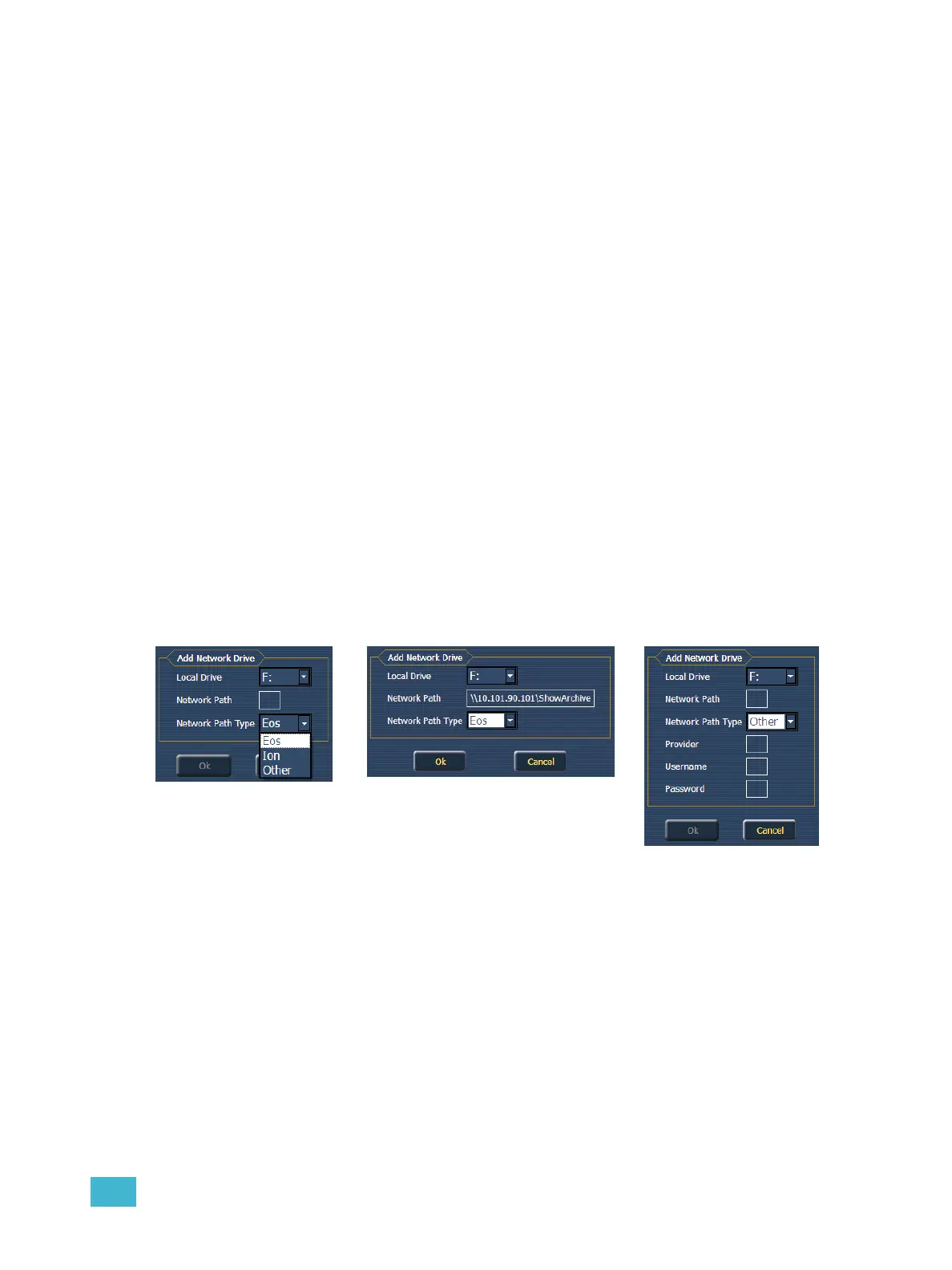
In the {Network Drives...} dialog box, there is a {Add} button for creating a network drive. In the
Add Network Drive dialog box, you are able to select the drive letter that is appropriate, the network
path, examples would be \\IPAddress\ShowArchive or \\DeviceName\ShowArchive, and network
path type, which is either Eos, Ion, or Other. If Other is selected, you will have additional fields to fill
out for Provider, Username, and Password.
Shared Folders
{Shared Folders...} allows you to see if any folders are currently being shared by the console. You
can select the folder and click {Don’t Share} if you no longer want to share the folder. By selecting
{Don’t Share} here, you will also uncheck the box for Share Show Archive in the General tab.
Log Off
This will log off the current user.



 To Next Page