328 Eos Operations Manual
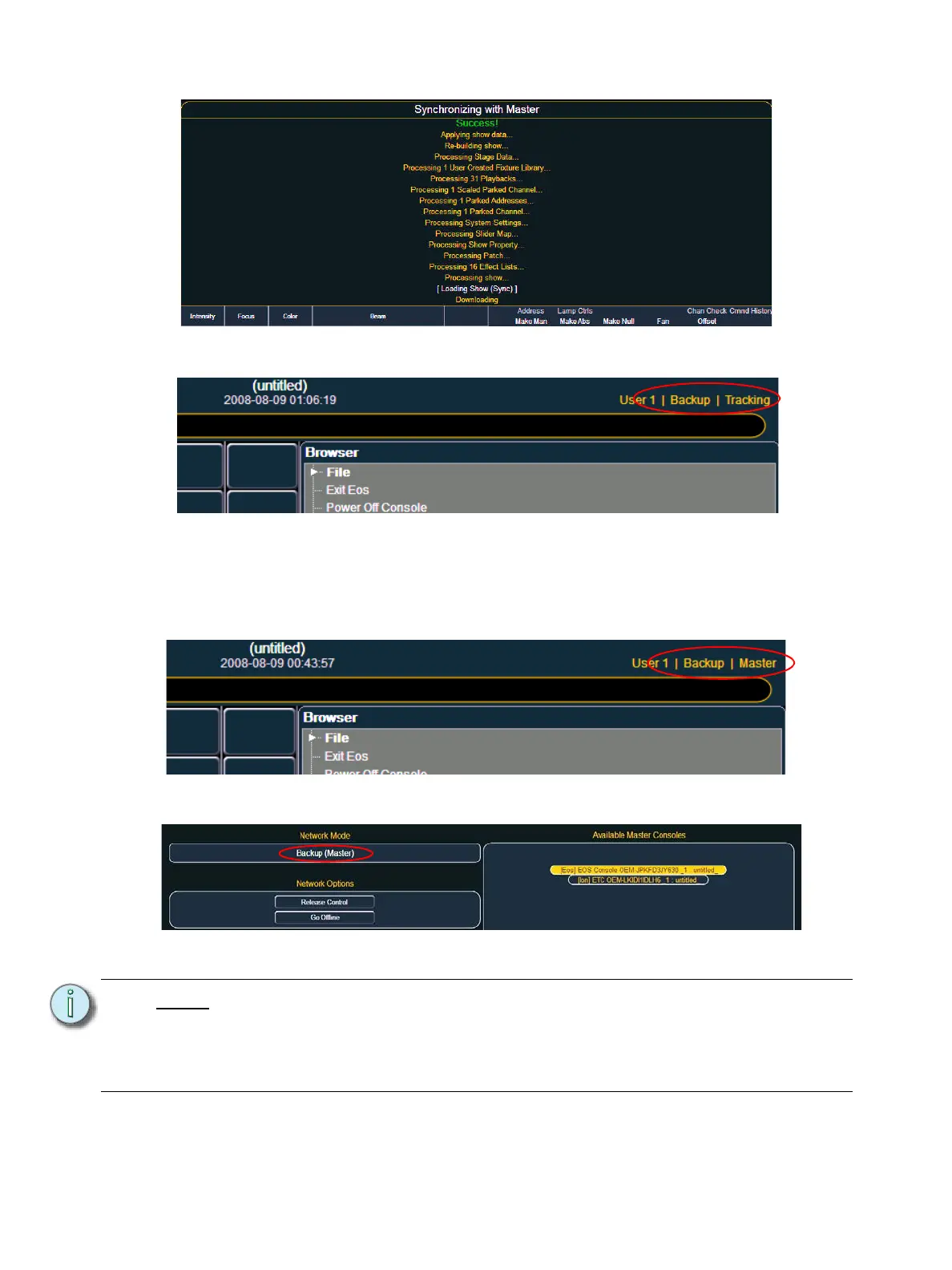
In the CIA you will see the current status of the backup.
If the primary goes offline for any reason, the backup will automatically takeover as the master if
backup auto switch has been enabled, See “Backup Auto Switch” on page 315. This happens with
virtually no effect to the backup other than a change in the CIA heading, which will change to the
following status. If backup auto switch is disabled, the backup will tell the user that the master has
gone away and will ask if they want the backup to take control of the system.
If you enter the Network>Configure screen, it will have changed to the following.
Your backup is now acting as the master and is controlling the lighting system.
Note:
If the primary comes back online, it will not retake control of the lighting system.
The primary will wait until it is redesignated as the master and the backup is
reassigned to it.
If at any point you change masters, you must individually reassign any clients to
the new master through the network configure screen.



 To Next Page