Selecting and Starting a Test
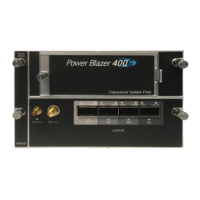
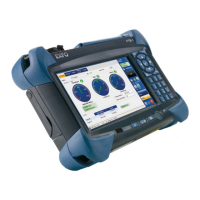
Power Blazer 95
Intelligent Apps
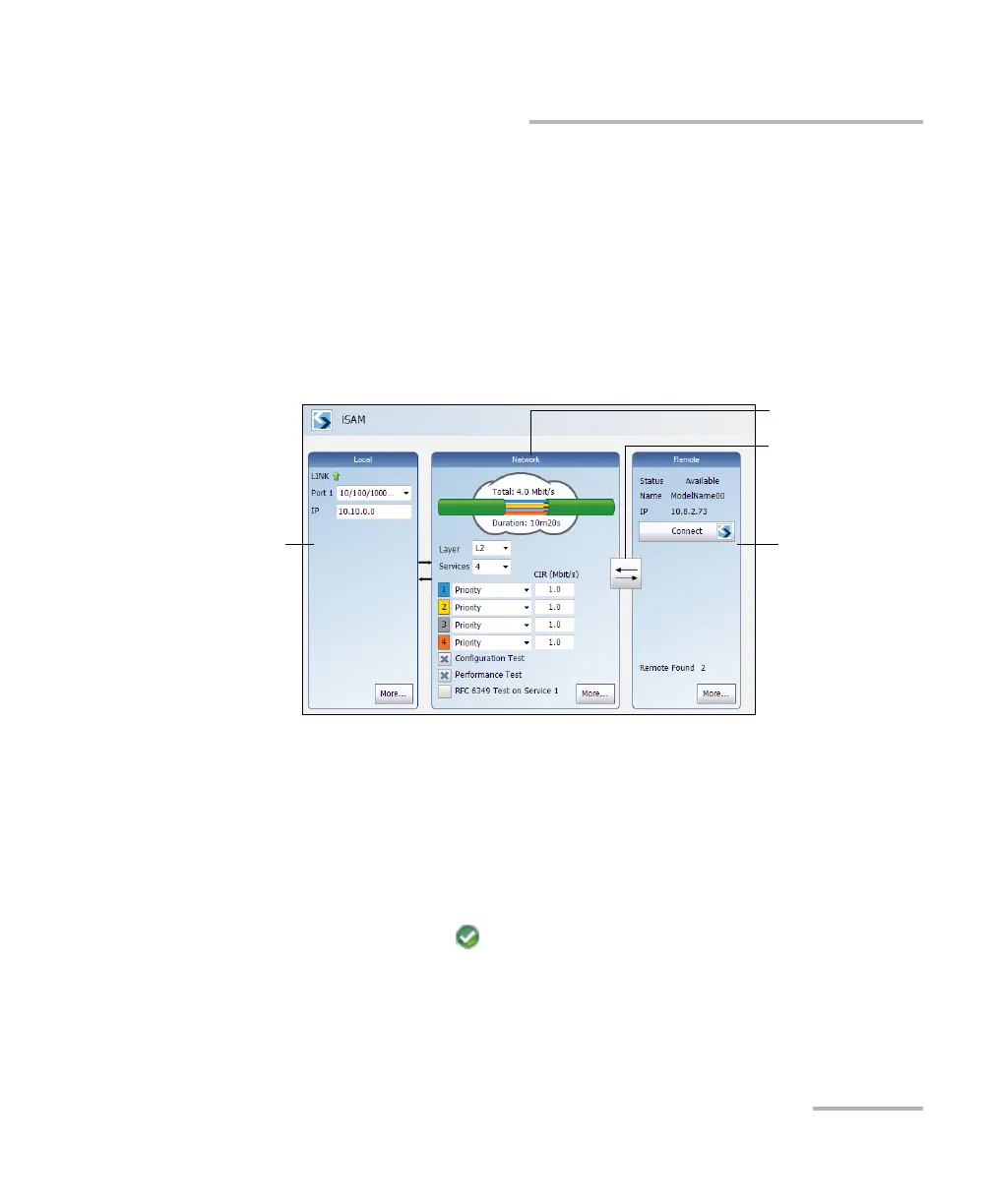
iSAM
To select, configure, and start iSAM:
1. From the test menu, tap Setup.
2. From the Test Applications tab, under Intelligent Apps, tap the iSAM
icon.
3. From the Test Configurator tab configure the interface structure and
its parameters.
3a. From the Local block, either select the basic port parameters or
click on More for all settings (refer to Local Details (iSAM) on
page 242). Ensure that the link is up and the power level for
optical interface (when supported) is adequate in the status bar
before proceeding to the next step (refer to Status Bar on
page 32).
For CFP/QSFP interface rates, check for the optical validation
check mark indicating that the transceiver matches the
configured interface/rate (refer to Physical Interface Port - Test
Configurator Overview on page 112).
Remote
Operation Mode
Remote BlockLocal Block
Network Block




 To Next Page