RESTRICTED USE ONLY Fargo Electronics, Inc.
HDP 800 Series Card Printer/Encoders Service Manual (Rev. 5.0)
138
Opening the Card Lamination Module (continued)
Step Procedure
2
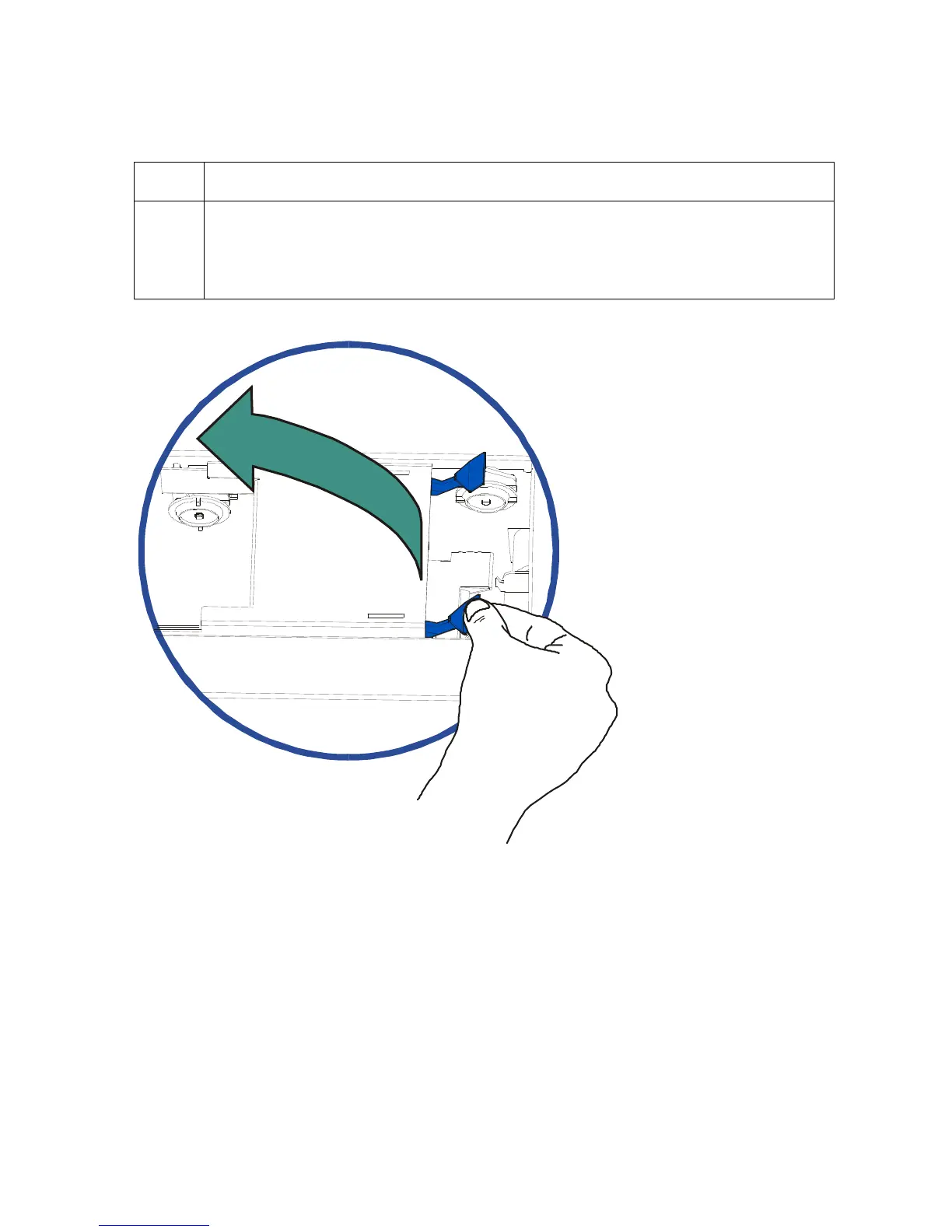
Open the Lamination Station by lifting up on the blue Securing Latches. Pull
the Lamination Station up and back into its fully upright position. Note the
Lamination Station is also designed to hold its last position to prevent it from
falling shut.












 To Next Page