RESTRICTED USE ONLY Fargo Electronics, Inc.
HDP 800 Series Card Printer/Encoders Service Manual (Rev. 5.0)
139
Opening the Card Lamination Module (continued)
Step Procedure
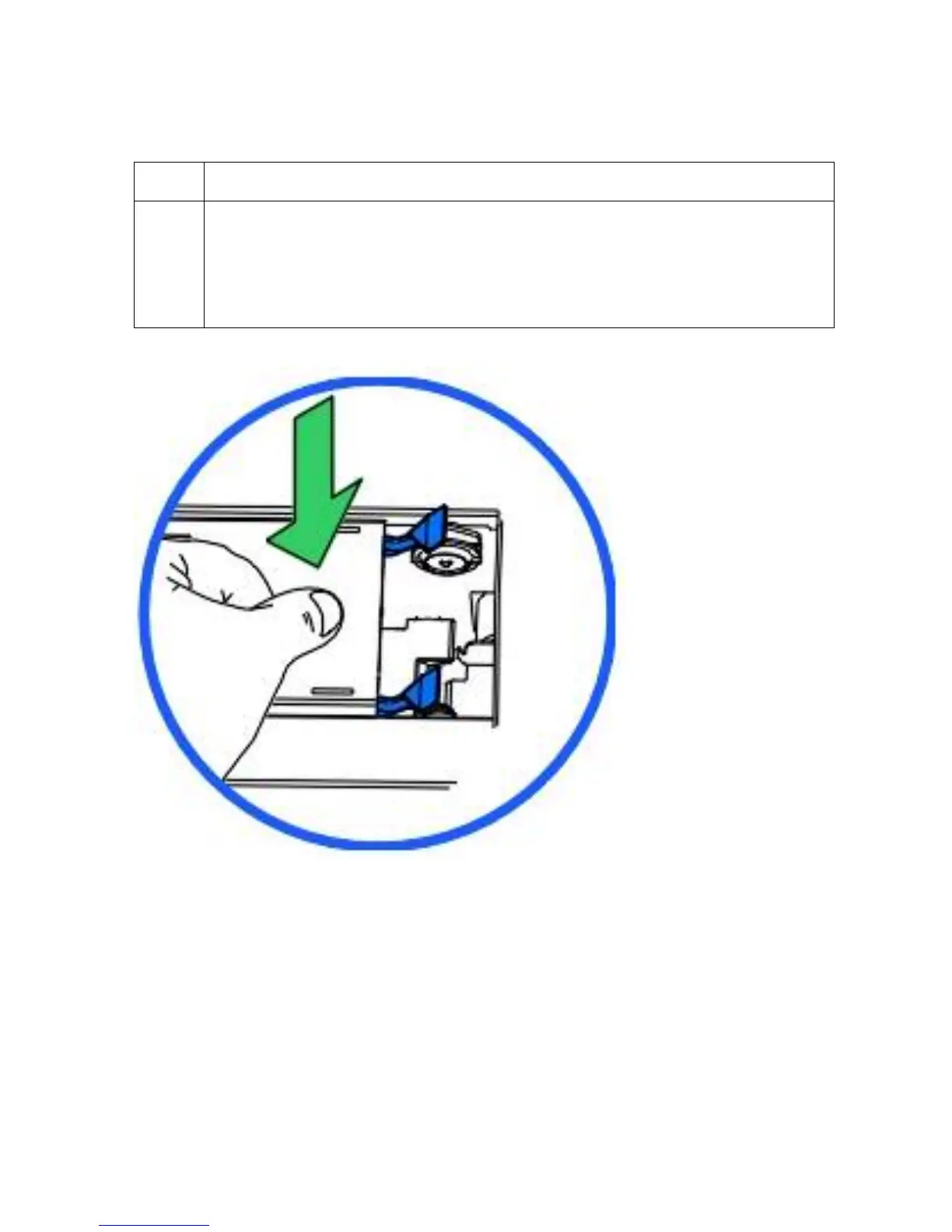
3 To close the Lamination Station, push the Lamination Station down until its blue
Securing Latches close securely.
(Note: The Lamination Station must be closed securely in order for your Printer
to operate. It is also recommended that the Top Cover be closed whenever
laminating for reliability and safety reasons.)












 To Next Page