RESTRICTED USE ONLY Fargo Electronics, Inc.
HDP 800 Series Card Printer/Encoders Service Manual (Rev. 5.0)
156
Attaching the Card Lamination Module (continued)
Step Procedure
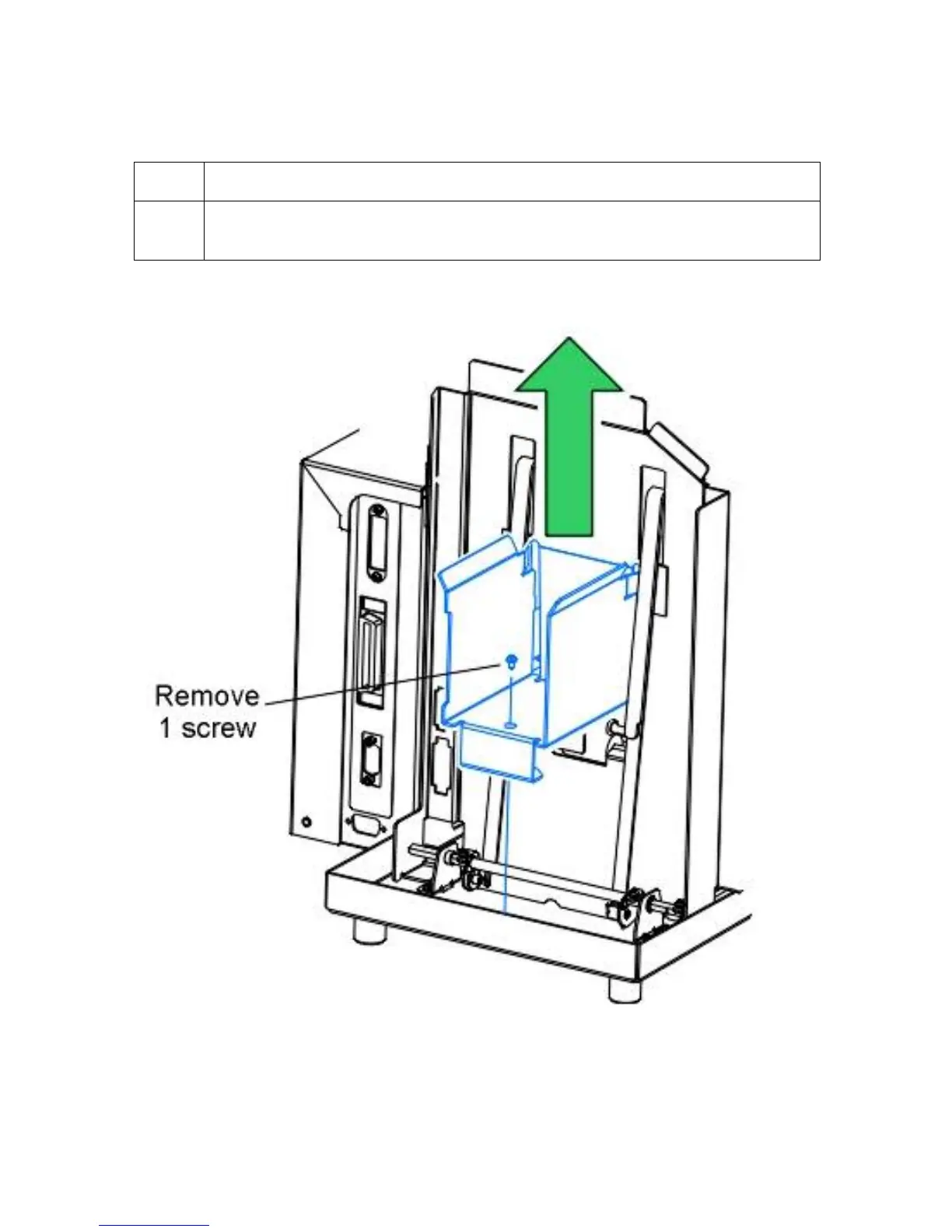
7 Remove the one (1) screw which fastens the Card Output Bin to the Baseplate
and lift the bin up and off of the Printer.
Continued on the next page












 To Next Page