RESTRICTED USE ONLY Fargo Electronics, Inc.
HDP 800 Series Card Printer/Encoders Service Manual (Rev. 5.0)
159
Attaching the Card Lamination Module (continued)
Step Procedure
11 Connect the Lamination Module's Communication Cable to the Printer's
Communication Port. (Note: Both are labeled with a green COM label.)
Push firmly to ensure both are securely connected. (Note: The port and cable
are keyed for one way installation.)
12 Leaving the Print Station and Transfer Station in the fully open position, move
the Release Lever to the Locked position to close the Printer's Securing
Latches. (Note: This will hold them out of the way for the next steps.)
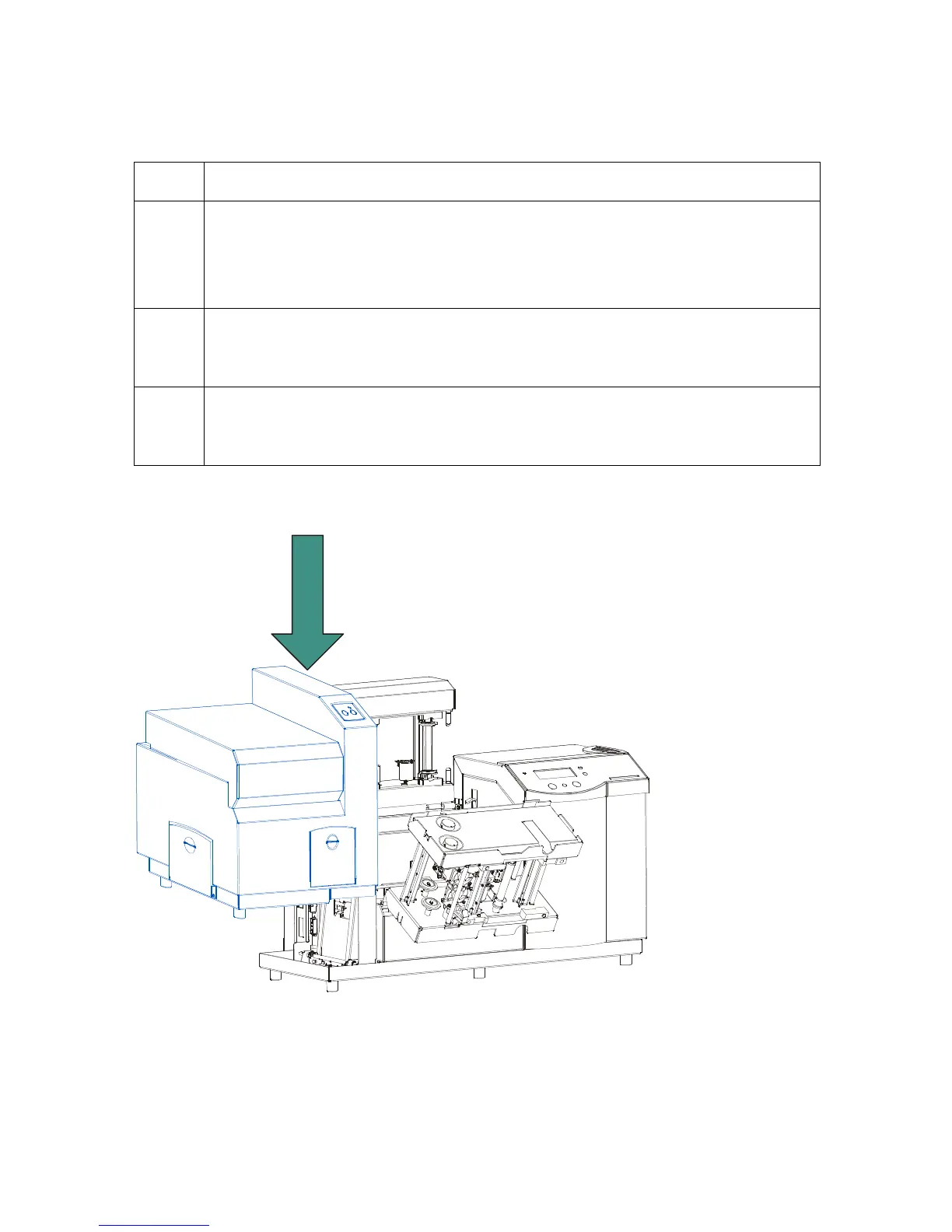
13 Set the Card Lamination Module onto the Printer by lifting it up about 4-
inch/10cm off the table top and sliding it down onto the Printer's Baseplate.
(Note: Be sure no cables are pinched or damaged during this step.)
Continued on the next page












 To Next Page