RESTRICTED USE ONLY Fargo Electronics, Inc.
HDP 800 Series Card Printer/Encoders Service Manual (Rev. 5.0)
158
Attaching the Card Lamination Module (continued)
Step Procedure
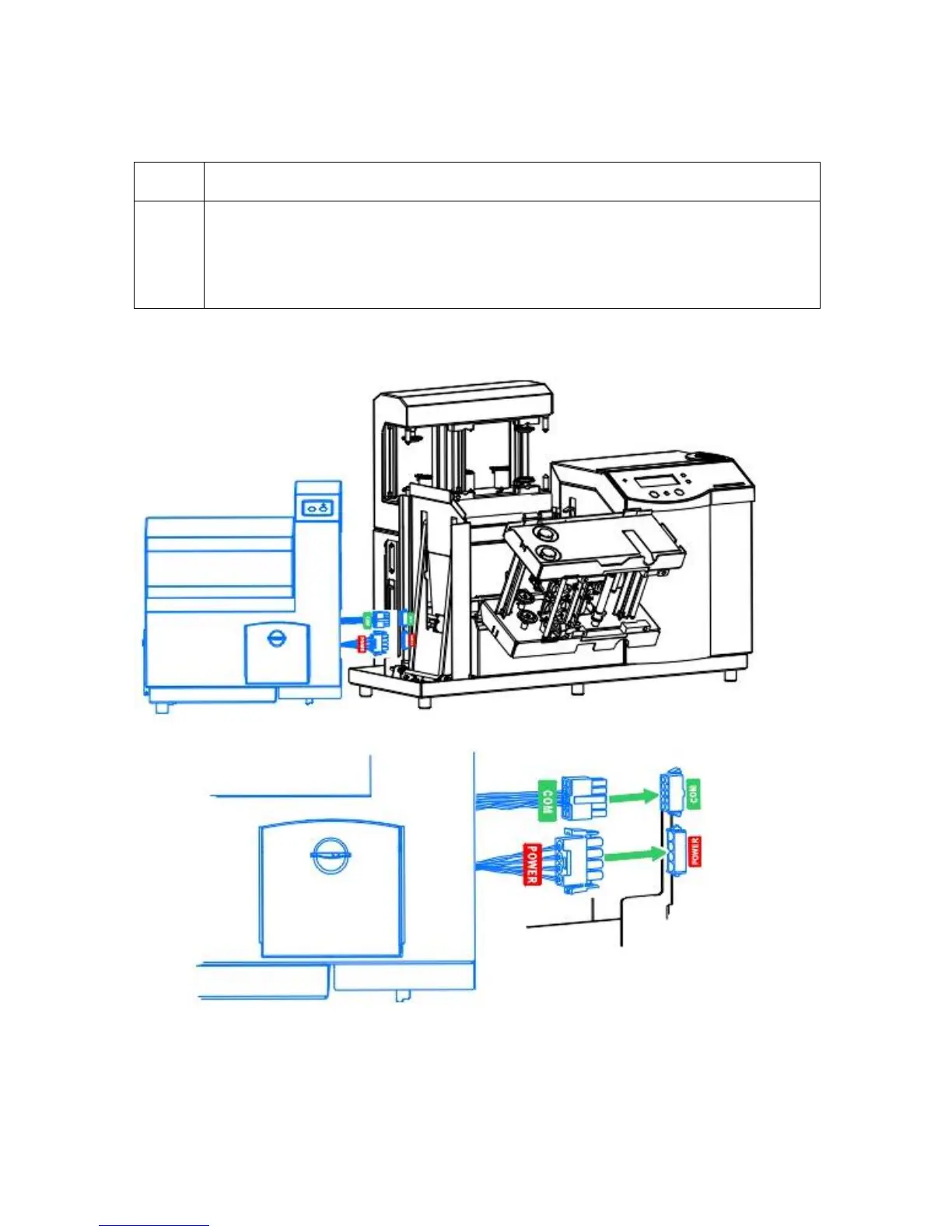
10 a. Connect the Lamination Module's Power Cable to the Printer's Power Port.
(Note: Both are labeled with a red Power label.)
b. Push firmly to ensure both are securely connected. (Note: The port and
cable are keyed for one way installation.)
Continued on the next page












 To Next Page