FARO
®
Laser Scanner Manual
40
Chapter 6: Getting Started
and will be used in the point cloud processing software SCENE to
automatically colorize the recorded scan data.
Color Settings - Shows the current exposure metering mode used for taking
the color photos. Tap to change the exposure metering mode.
Advanced Settings - Enable or disable the Clear Contour and Clear Sky
filters. Enable or disable the Far Distance.
Scan Size [Pt] - Shows the size of the scan in points horizontally x vertically.
The vertical size may only be changed by setting a new resolution or by
changing the scan area angle.
Scan Duration, Scan File Size - Expected scan time and file size in
Megabytes according to the chosen settings including pre and post
processing, resolution, selected exposure metering, scan area, quality value,
and scan range. Please note that the values shown here are approximate
values.
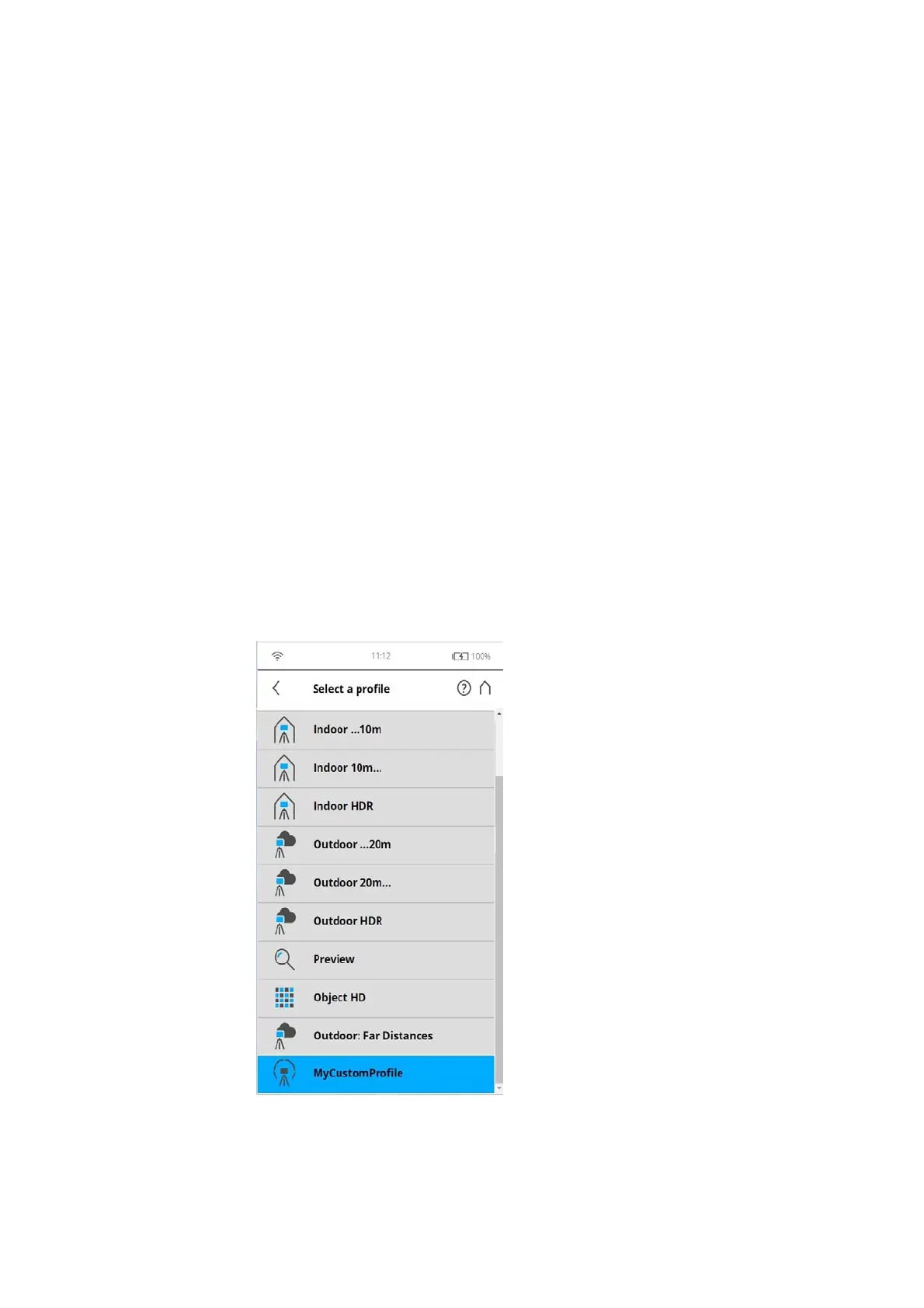
Selecting a Scan Profile
(Home > Parameters > Selected Profile)
Prior to capturing a scan, you can select a scan profile that fits the needs of
the scene and the desired scan quality.
Figure 6-23: Select a Profile



 To Next Page