FARO
®
Laser Scanner Manual
44
Chapter 6: Getting Started
made by the altimeter. You will find the altimeter settings under Manage >
Sensors > Altimeter. For more information, see
Altimeter on page 86.
Use GPS - Turn the GPS sensor ON or OFF. Unlike the other sensors, the
GPS data is only recorded during scanning and will thus only be available for
scan registration in SCENE if this button is switched to ON. For more
information, see
GPS on page 85.
Recommended Settings button to enable the use of all sensors.
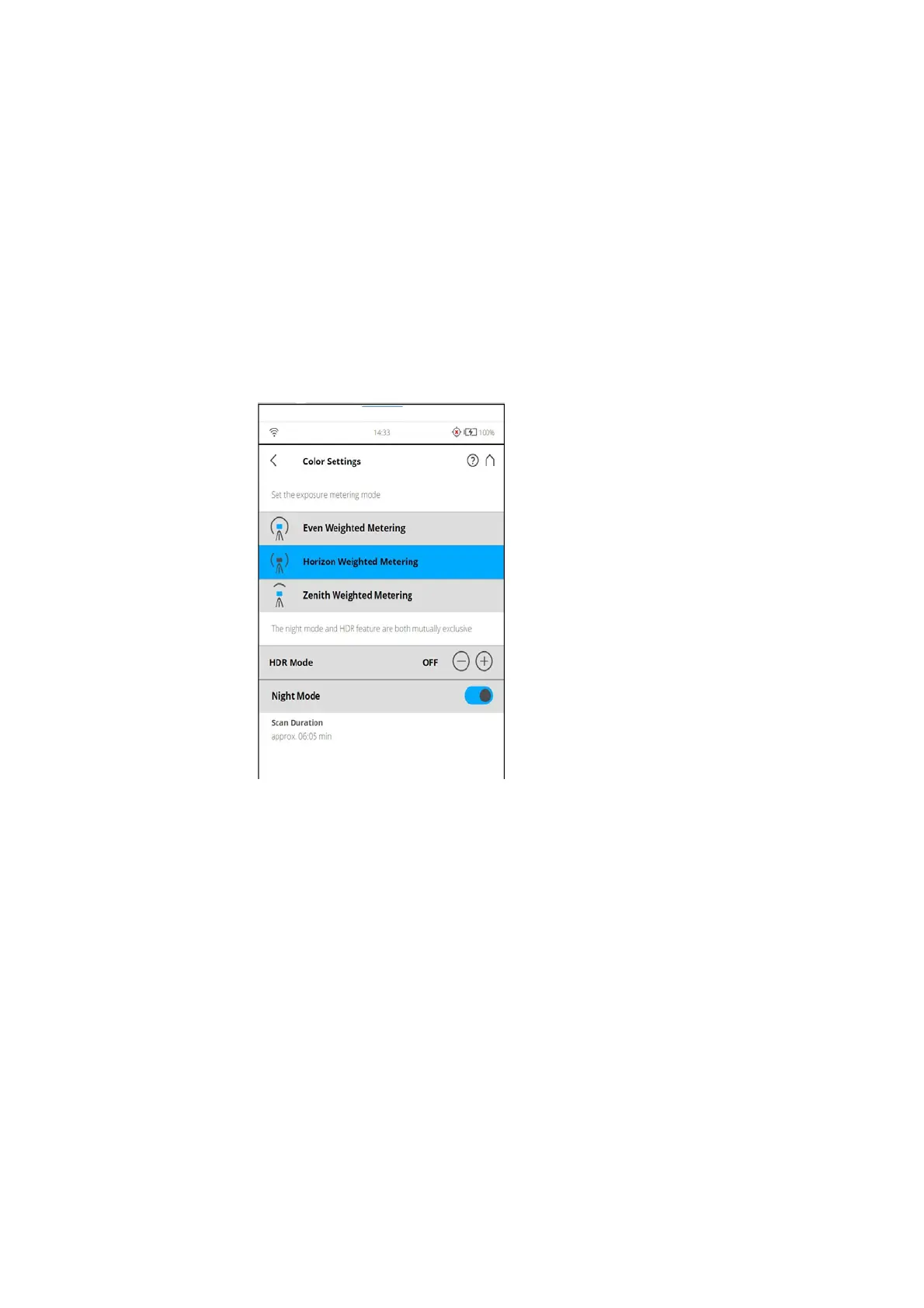
Color Settings
(Home > Parameters > Color Settings)
Figure 6-27: Color Settings
Set the exposure metering mode - Set the way in which the integrated color
camera determines the exposure for taking the color photos (if colored scan
recording is switched on).
Even Weighted Metering - To determine the exposure settings, the camera
will use the light information coming from the entire scene and averages
without giving weighting to a particular area.
Horizon Weighted Metering - With horizon weighted metering mode, the
camera will use the light information coming from the horizon to determine its
exposure setting. This mode is commonly used in scenarios with bright light
coming from directly above (e.g. indoors with bright ceiling lighting or outdoors
with bright sunlight)
Horizon weighted metering
If the vertical scan area is limited, then the area used to determine the
exposure (exposure metering area) might move away from the horizon. This is



 To Next Page