FARO
®
Laser Scanner Manual
93
Chapter 7: Controller Software
• WLAN: This setting is also known as infrastructure mode. The network is
configured such that the scanner can connect to an external access point.
• Access Point: The scanner network is configured as an access point.
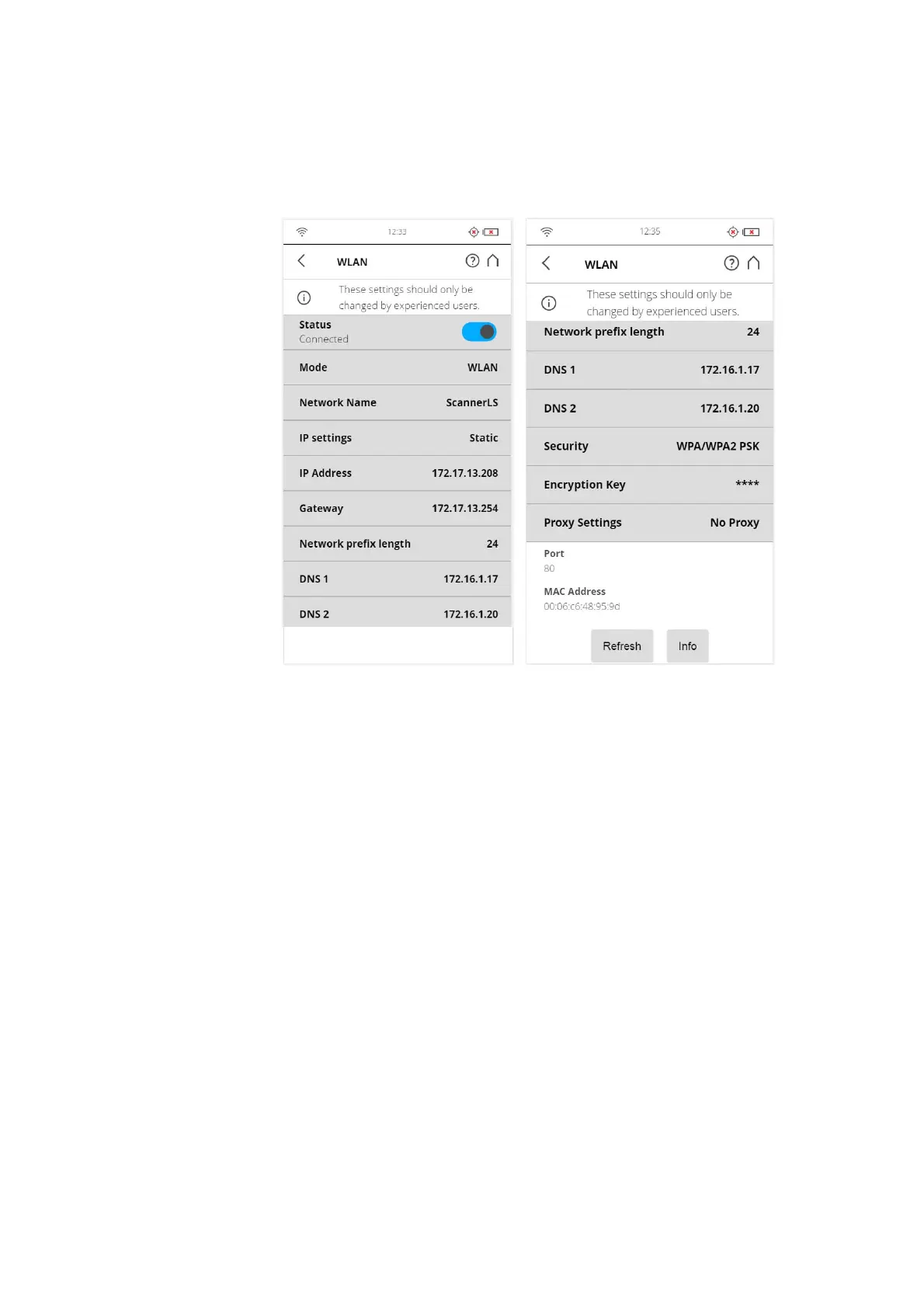
WLAN Mode
Scanner Settings
Figure 7-68: WLAN Mode
Network Name: The name of the wireless network. Tap it to enter a screen
where the available networks are displayed and can be selected.
IP settings: Set a static IP Address or obtain one automatically through
DHCP.
The IP settings determine whether an IP address is assigned by a server
using DHCP or set manually (“Static”):
• DHCP: This is the default/recommended setting.
• Static: The IP address is assigned manually. The following settings have to
be provided.
IP Address
The IP address of the scanner. A unique IP address must be preset on the
WLAN network. If your remote device is connected to the scanner, enter this
address into the address field of your web browser (for example,



 To Next Page