FARO
®
Laser Scanner Manual
94
Chapter 7: Controller Software
http://172.17.16.23) to access the controller software. Tap to change the
scanner‘s IP address.
Figure 7-69: Connection to Scanner Interface through web browser
If you prefer secured, encrypted communication with the scanner GUI, enable
the secure connection https://172.17.16.23 in the address field of your web
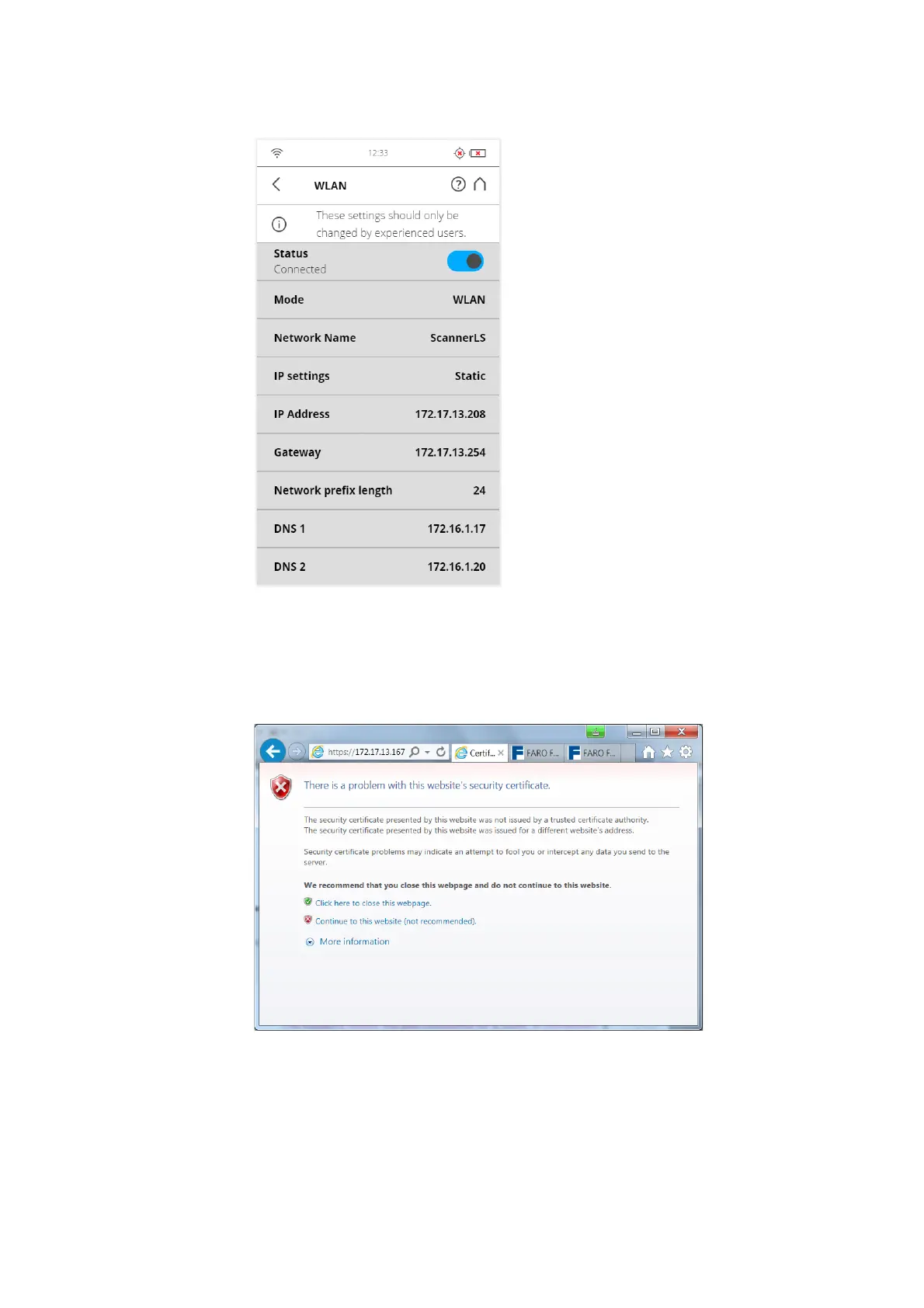
browser. You will receive a security warning from the browser before
connecting to the GUI; confirm to proceed.
Figure 7-70: Scanner secure connection: Warning
Be aware that setting an IP address manually can result in a conflict, if two
devices on the same wireless network claim to have the same IP address.
The following details are also considered for a Static IP connection:
Gateway: The gateway used to access the WLAN network.



 To Next Page