88 Electrical installation
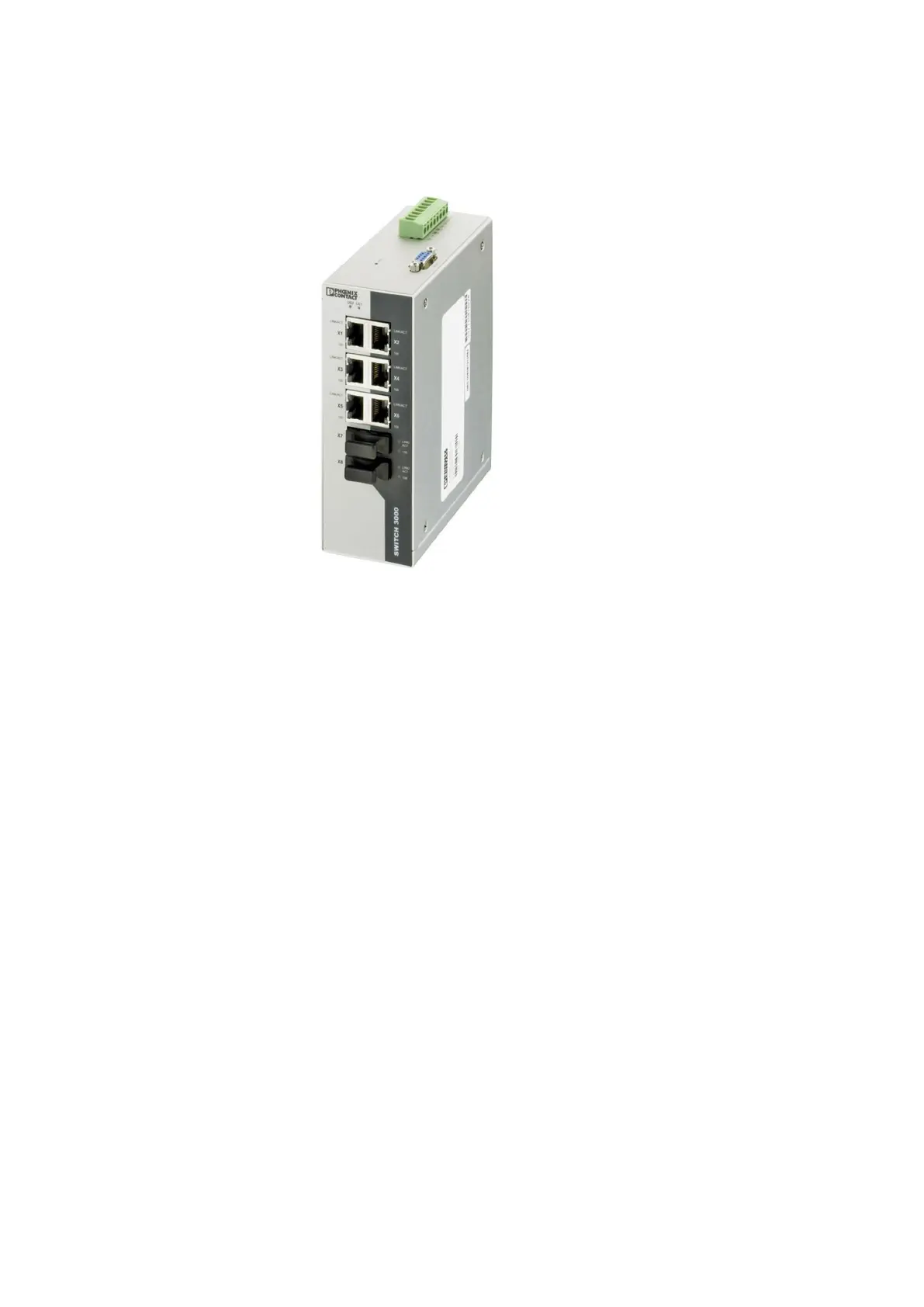
Connecting an Ethernet switch (option +K480)
Switch model: Phoenix Contact FL SWITCH 3006T-2FX SM.
To connect the fiber-optic cables to the switch:
1. Disconnect the inverter from the supply, lock out the disconnecting devices, and
measure to make sure that there is no voltage present. Refer to Installation and
maintenance safety on page 10.
2. Switch off any potentially dangerous control voltages coming to the inverter. Measure
the I/O terminals to make sure that there is no voltage present.
3. Open the metal cover on the I/O cabling area.
4. Route the fiber-optic cables through the bottom of the external I/O cabling area.
5. If the fiber-optic cable has a metallic shield, ground the shield to the I/O cable shield
grounding busbars.
6. Route the fiber-optic cables, and possible Ethernet cables, to the Ethernet switch area
via the lead-through at the bottom or upper part of the cabling area divider walls.
7. If it is necessary, install a fiber splice box at the available DIN rails or mounting holes
above or under the Ethernet switch. You can use these areas to attach other auxiliary
equipment.
8. Connect the cables to the switch.
9. Close the metal cover on the I/O cabling area.
10. After you start the inverter, configure the switch settings. Refer to the Phoenix Contact
user manual.



 To Next Page