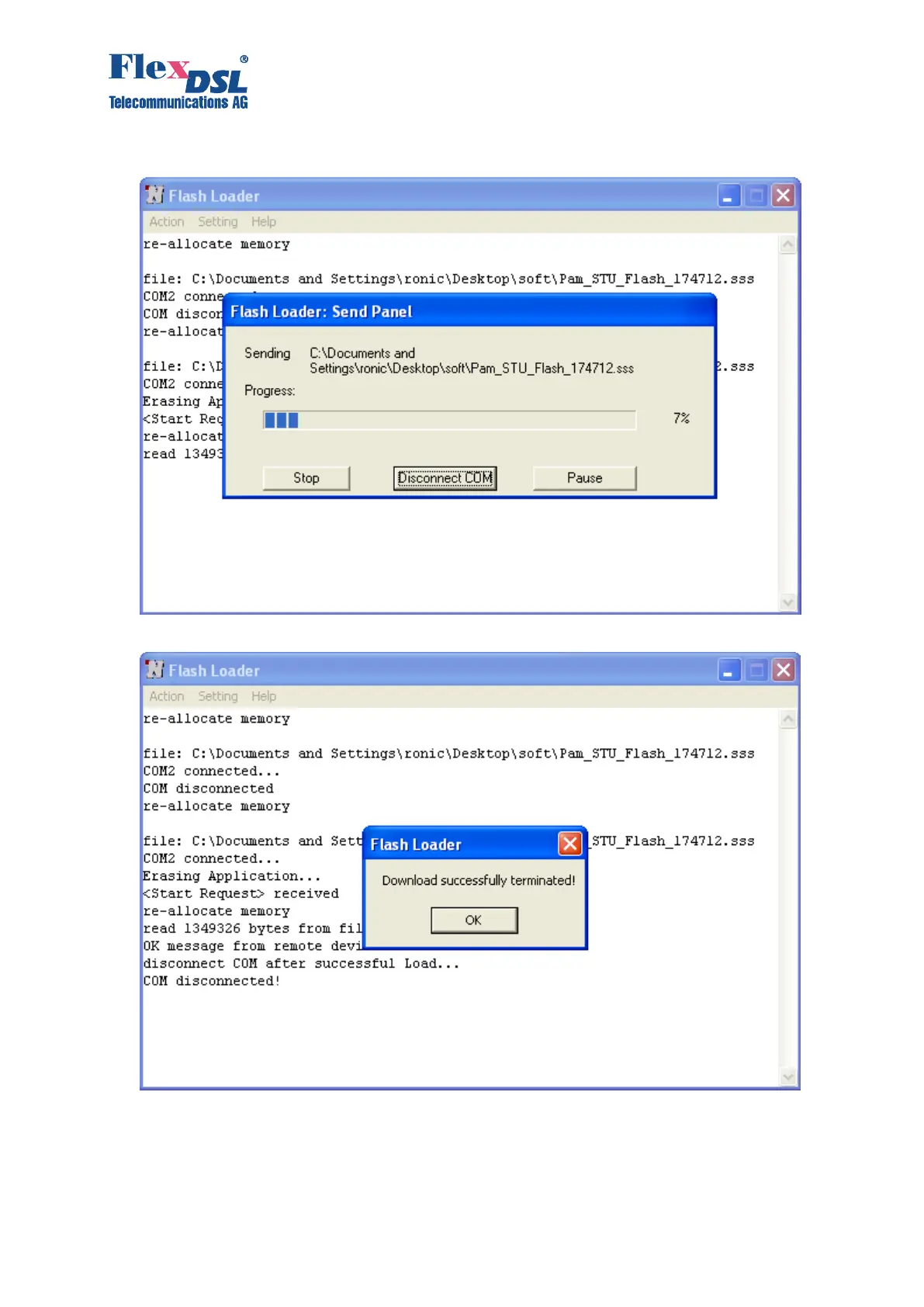
10. The loading progress will be displayed in the window “Flash Loader: Send Panel”.
11. If the downloading was successful, the following window will be displayed.
12. Click “Ok”.
13. Select “Disconnect COM” in the “Action” menu.
14. Power off the device being loaded and disconnect it from the Personal Computer.
15. Follow steps 1, 2, 7 – 15 to download the software into other devices.



 To Next Page