3.4.2 Management by Ethernet Interface
3.4.2.1 Telnet
The TELNET (TELecommunication NETwork) access is made through the Ethernet network. With
any computer and a program with the Telnet protocol Orion3 devices (they always have an
Ethernet interface) can be fully managed. After opening the Telnet session, there is a user
authentication: “admin” users, who can change configurations and “user” users who can only view
parameters and statistics. Initially passwords are empty. In this case the authentication is not
performed and users automatically have the administrator rights. Only “admin” users can set
passwords for both types of users. If authentication is successful, the modem main menu is
displayed. If authentication fails, it can be repeated up to three times, and after it the connection
breaks.
Example: The management through a Telnet session can be activated by a standard command
on any Windows computer: telnet <IP-address>
If no symbols are received by the modem over the telnet connection within 5 minutes, this session
breaks. And with correct configuration, every DSL modem with an IP address can be reached; it
does not matter if near end, far end or repeater.
At any time (except for the moment when the password is entered in the Telnet session) Orion3
subrack devices (LTU) can choose the command <%NNN> to manage other devices (NNN are
digits and symbols of the Latin alphabet in the range from 0 to 80). This command is used to
configure Orion3 subrack devices as well as other devices connected to the same MONITOR bus
(installed in the same subrack). To clear the screen and to establish a connection to the
MONITOR bus, the <%1> command is used. This command sends the “ECHO command”.
First the MONITOR bus is checked whether it is occupied by another device (for example by the
second Orion3 modem). If the bus is busy by another device, the following message is displayed:
“ERROR: Console is busy.” If this message is not displayed, enter the next command % to choose
the device. To clear the screen and to connect the device to the MONITOR bus and then to
configure the unit, which is in this subrack, enter the command <%1XXXX>.In this case, the
<?%XXXX> command is sent to the Monitor bus (symbols “?” are necessary to complete the
command, which probably was already entered over the MONITOR bus). Here, xxxx are digits or
letters with the length of up to 79 symbols. (The modem does not check the correctness of xxxx).
While configuring any device connected to the MONITOR bus, enter the % command to return
to the device management for which the Telnet session is open.
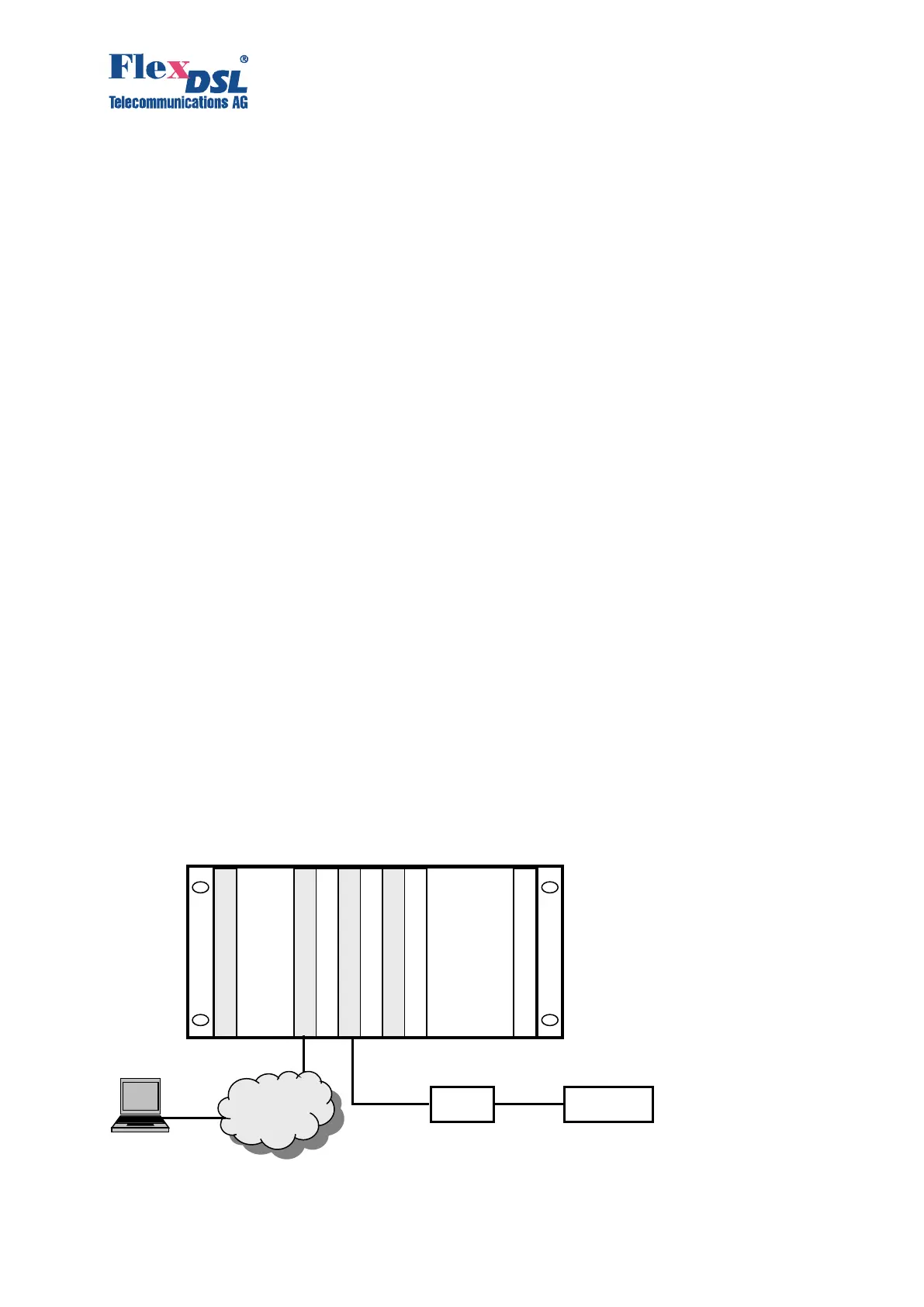
Figure 3.20 Example of Telnet access through Orion3 LTU in subrack



 To Next Page