User Manual LTU Orion 3
75
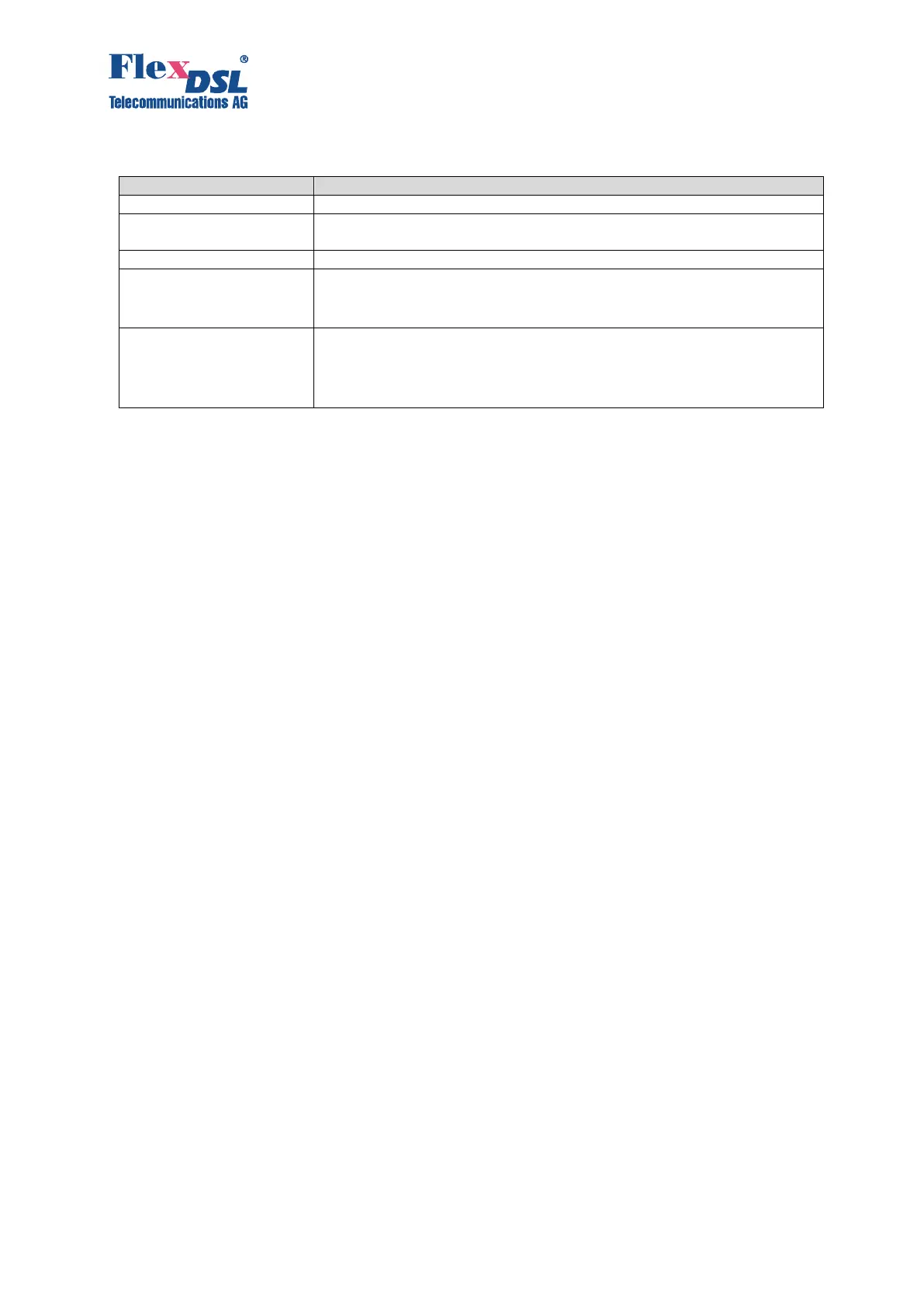
The physical channel where logical WAN channel operate. Can be either
DSL or E1.
Shows if encoding is enabled or disabled on this channel.
Status of remote unit:
Waiting: waiting for peer
Detected: peer detected
Status of cipher exchange with remote unit:
Initiated: cipher exchange initiated
Confirmed: cipher exchange successful; keys match
Not confirmed: cipher exchange failure; keys don’t match
4.6.4.10 <LOOP1 ON/OFF [N=1..4]> Command
This command activates/deactivates the local loop back on the network interface (E1 interface).
CO_FMM>LOOP1 ON 1
Local loopback on E1-1 interface has been set
CO_FMM>LOOP1 OFF 1
Local loopback on E1-1 interface has been cleared
CO_FMM>
4.6.4.11 <LOOP2 [N:A/R] [ON/OFF]> Command
This command activates/deactivates the remote loop back on the line interface.
The parameter N:A sets the number N of the DSL interface and the device address (as in the
CONNECT command). In single-channel systems, the parameter N is not obligatory.
The parameters N=1..13 activates the loop back on the Regenerator, whose number is specified
by the value of N. The regenerators are numbered, starting from the Master device.
The parameter N=R activated the remote loop back on the remote device.
CO_01_FMM>LOOP2 1:R ON
Loop2 set is initiated.
Loop2 is successfully set.
CO_01_FMM>LOOP2 1:R OFF
Loop2 reset is initiated.
Loop2 is successfully cleared.
4.6.4.12 <ALARM> Command
The <ALARM> command displays the actual alarm status of the local device. For devices with
different numbers of E1 and SHDSL channels, the number of displayed columns is different too.
CO_01_FMM>ALARM
--------------------------------------------------------------------------------
Alarm : E1-1 E1-2 E1-3 E1-4 xDSL : DSL1 DSL2 DSL3 DSL4
--------------------------------------------------------------------------------
LOS-S : off off off off LOS : on on on on
LFA-S : off off off off LOSW : on on on on
AIS-S : off off off off SEGD/SEGA : off/off off/off off/off off/off
AIS-R : off off off off BER-H : off off off off
LOOP1 : off off off off ALB : off off off off
BER-S : off off off off LOOP2 : off off off off
RCONF : off off off off
NM/LA : off/off off/off off/off off/off
RPF/DCL : off/off off/off off/off off/off
ACL/ACM : off/off off/off off/off off/off
TLM : off off off off
Remote : off off off off
--------------------------------------------------------------------------------
Ethernet : 1 2 3 4 5 Maintenance



 To Next Page