7 APPENDICES
7.1 Quick Installation Guide for Orion3 LTU Devices
7.1.1 Enter an Orion3 Device
To enter in a subrack unit, use the Monitor (LCT, RS-232) interface with Hyper Terminal (or any
equal program) or go with Telnet through the Ethernet interface.
Monitor (LCT, RS-232) Interface:
• Configure the COM port: Bits per second:9600, Data bits: 8, Parity: None, Stop bits: 1, Flow
control: None
• Type <%SN> and press <ENTER>, where SN is the slot number in the Subrack. For UTT1
and Minirack type <%01> and press <ENTER>.
Telnet through Ethernet Interface:
• Type in command line <Telnet 192.168.0.235> and press <ENTER>. This is the default
Ethernet Address for Orion3 devices.
After a successful entering the main menu of the device will be displayed.
7.1.2 Configure an Orion3 Device
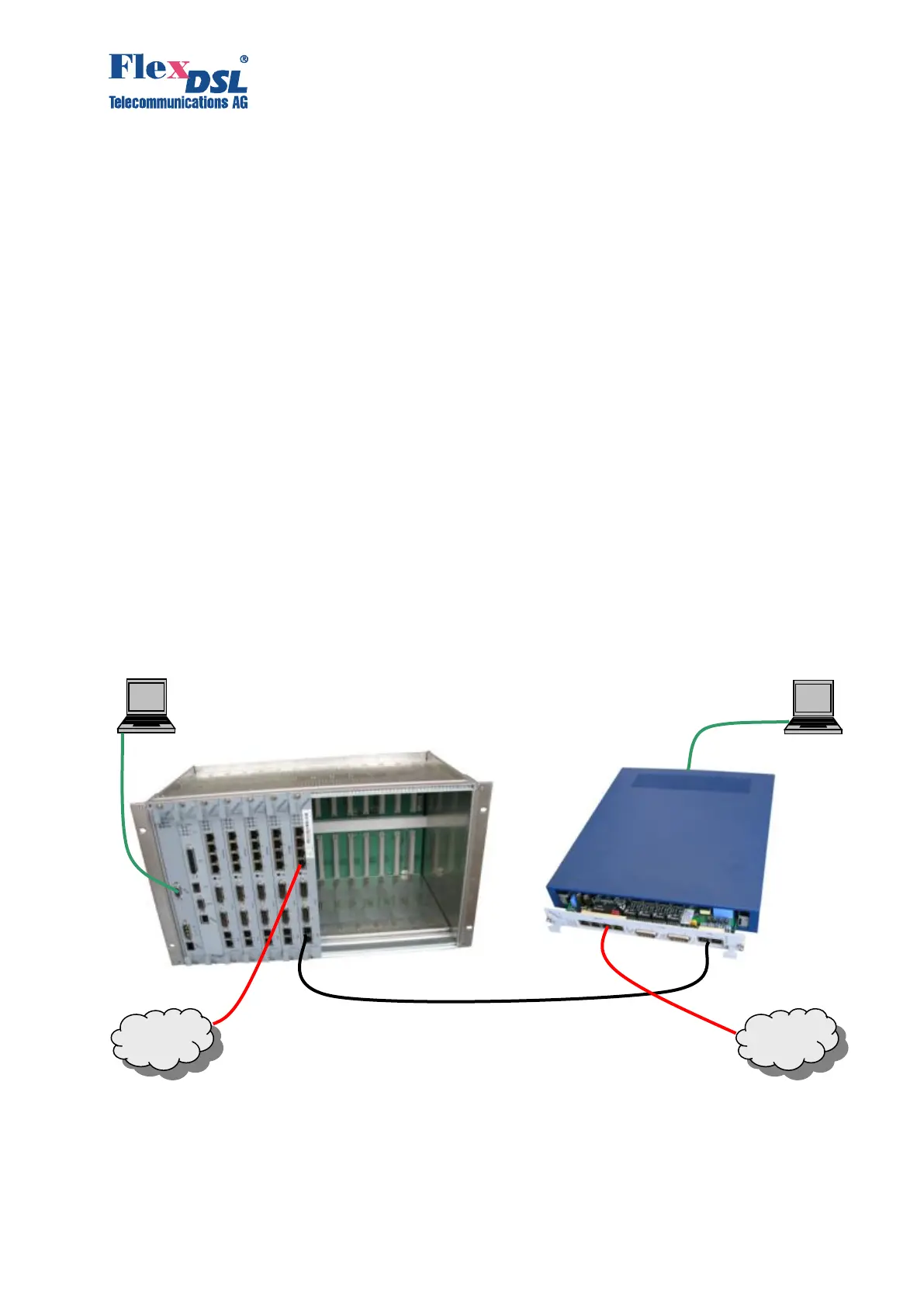
A first installation example with the most important commands and points to care about is shown
below. We just like to have an Ethernet transmission between the subrack and UTT1 equipment
over 4 SHDSL copper pairs with a speed of 22.8Mbit/s. The pairs should aggregate (bundle) the
data traffic and in case of any SHDSL pair failure, the remaining pairs should continue to work.



 To Next Page