3.4 Management of Orion 3 Devices
Orion3 devices have integrated management and diagnostic functionality. The access to this
functionality is done by:
• Connecting the local craft terminal (LCT) or MONITOR interface (RS-232 interface) to any
management terminal (PC with VT100 terminal, for example the application Hyper-
Terminal).
• Connecting the local Ethernet interface to any management terminal (PC with Ethernet
network card). In this case you access with a Telnet session or you use the WEB interface
to display some statistics. Also the SNMP (Simple Network Management Protocol) is
integrated.
The management and diagnostic functionality is used to configure the devices and to receive
additional information like G.826 parameters or any G.SHDSL link quality.
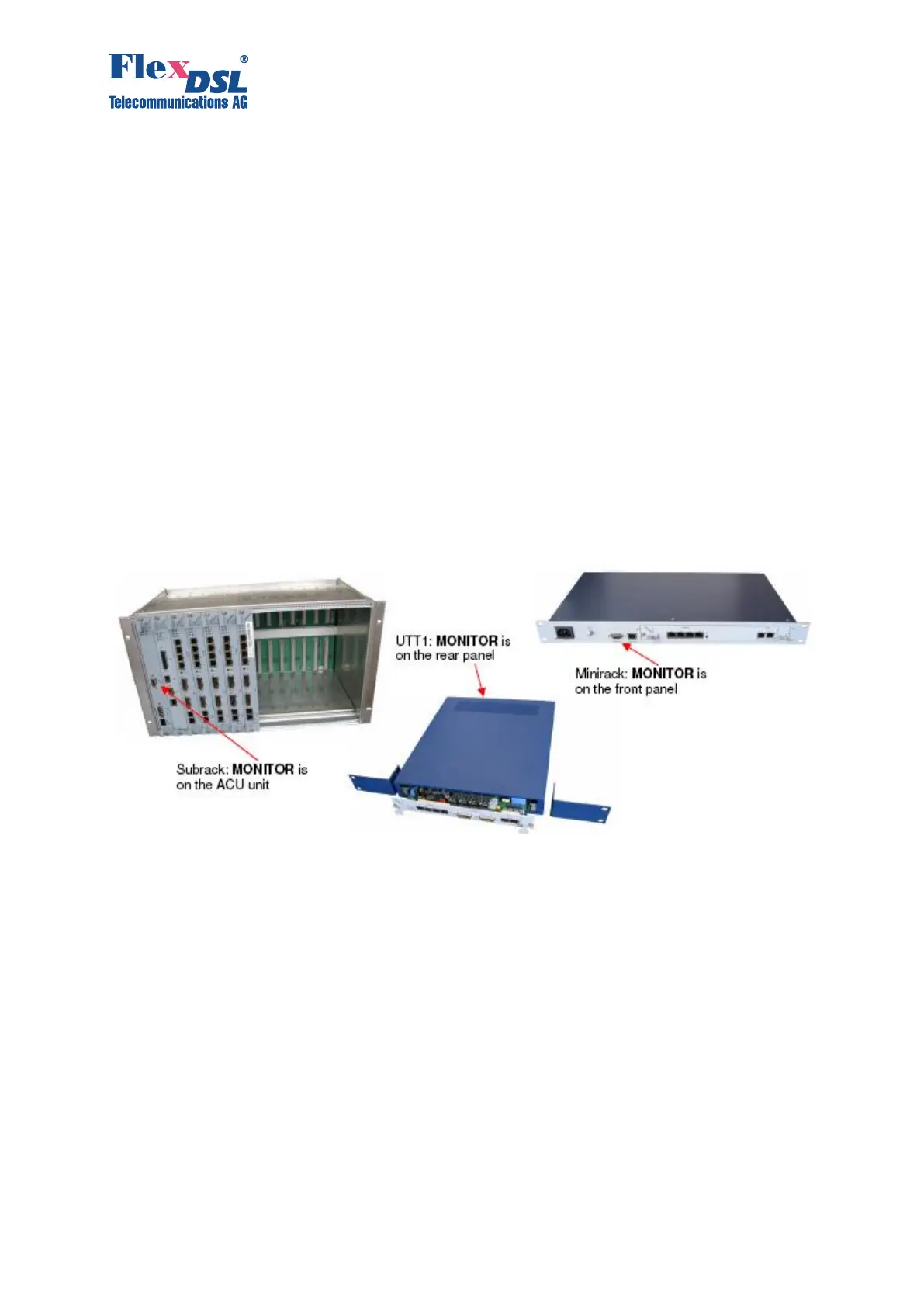
3.4.1 Management by Local Craft Terminal or MONITOR Interface (RS-232 Interface)
Orion3 LTU devices have at the backplane connector a TTL-voltage-level management bus that
is organized according to the point-multipoint scheme. If the LTU is inserted in any subrack (with
ACU/TCU), minirack or UTTx, these housings convert the TTL signals to a usual standard based
RS-232 interface. The corresponding connector can be found either on the front or the rear panel
of the devices.
To access the unit in any housing, you have to choose the slot number in which the unit is
connected:
• subrack has slot numbers 1..14
• UTT4 has slot number 1..4
• minirack and UTT1 have slot number 1
To select the necessary device, you have to type <%SN>, where SN is the slot number.
For example to access the unit mounted in slot 3 type: %03
The unit in any housing displays the slot number after entering the ECHO command
After typing <ECHO>, the operator will receive a response from the LTU devices:



 To Next Page