3.2.2.2.4 AIS Detection
If this mode is enabled, the reception of an AIS through the E1 interface will cause the following:
• a non-urgent alarm will appear
• AIS will be transmitted to the remote device of the DSL
3.2.2.2.5 Е1 Clock Modes
The Orion3 product family has different possibilities to synchronize E1 interfaces. Usually the E1
interface takes the E1-clock from the E1-input and transmits it through the SHDSL link to the E1-
output (plesiochronous). But we also support external clocking, internal clocking and clocking
priorities.
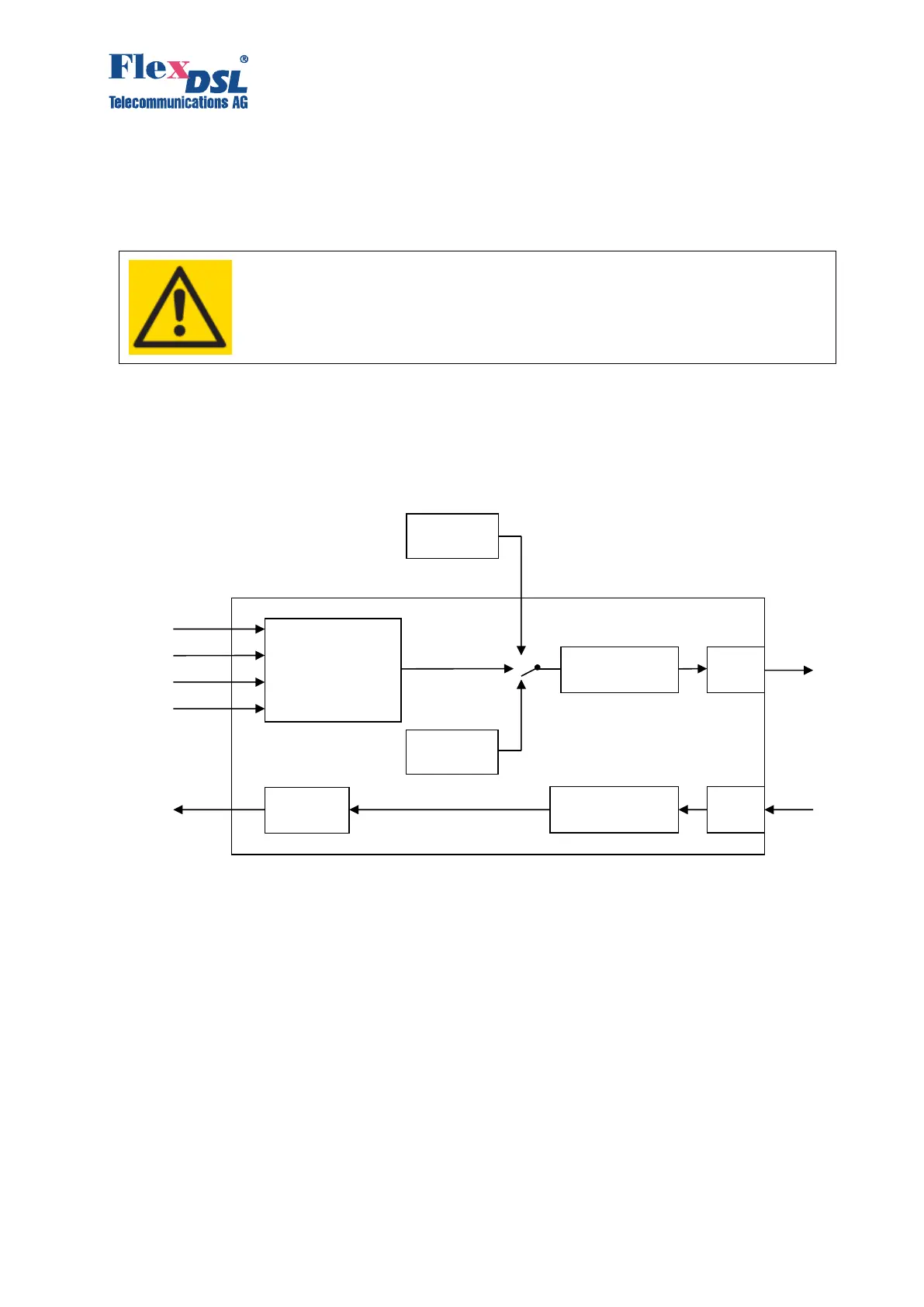
Figure 3.9. Е1 clock modes
From E1 network interface side to SHDSL line side the following clock sources can serve as
reference timing signals:
1. External clock generator (EXTERNAL) (inside subrack/minirack/UTT4).
2. Clocking from the first E1 input stream (E1-1) (if available).
3. Clocking from the second E1 input stream (E1-2) (if available).
4. Clocking from the third E1 input stream (E1-3) (if available).
5. Clocking from the forth E1 input stream (E1-4) (if available).
6. Clocking from the internal generator (INTERNAL).
With the SETCLOCK command, the user can configure the priority levels for the clock sources.
The device automatically switches to the clock source with the highest priority under conditions
that synchronization in this mode is possible.
EXTERNAL means a synchronization from an external clock generator corresponding to the
recommendation ITU-T G.703.10. If the input signal of the external clock is lost, the device
switches to another clock source according the priority level. Using the external clock in



 To Next Page