NOTE: The NMS Server is not involved into the message exchange for management
protocols such as Telnet, SSH and HTTP. These sessions are initiated between
Management Console and Network Element directly.
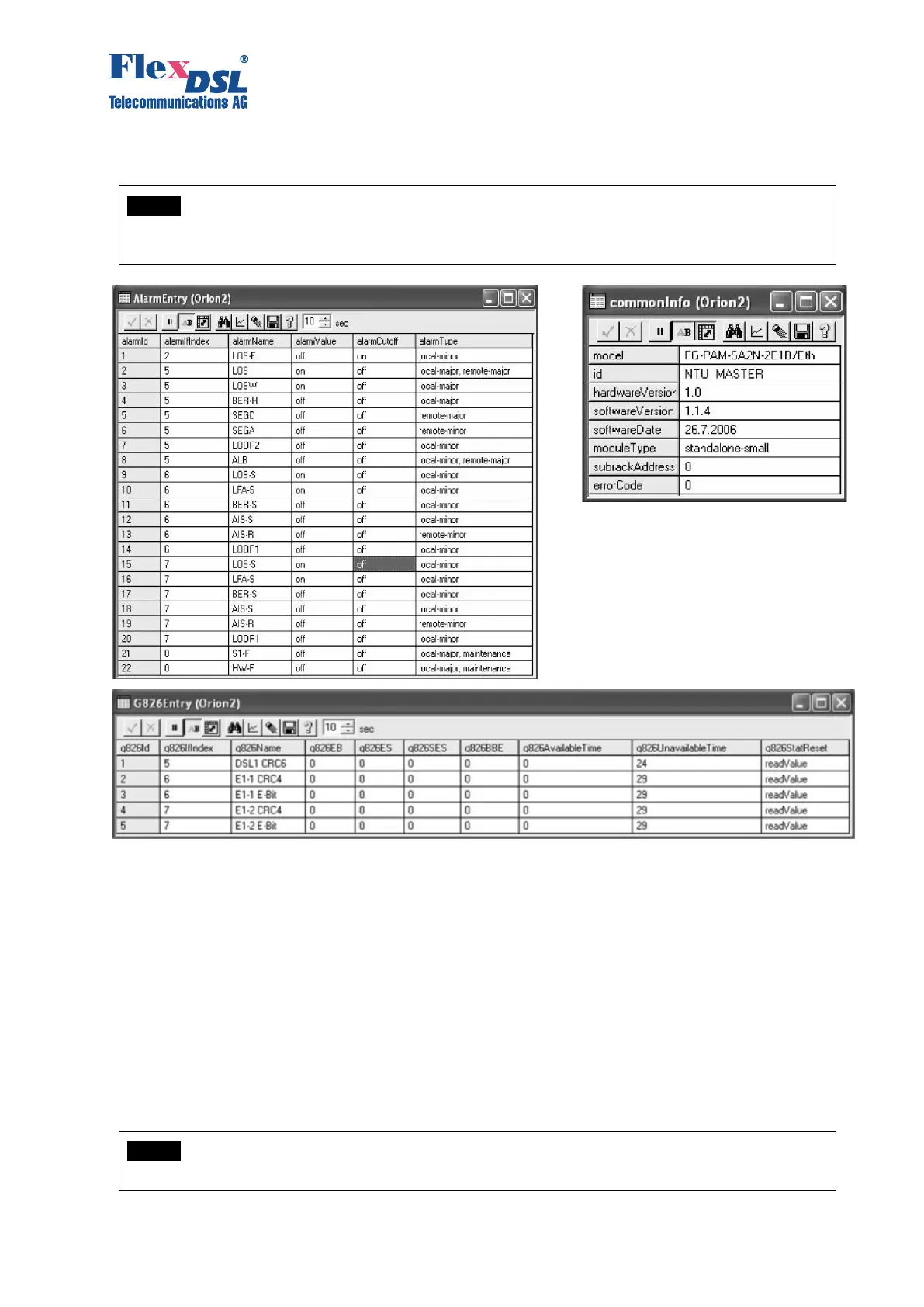
Figure 3.27 SNMP– “Alarm statistics”, “Information about the device”, “G.826 statistics”
3.4.2.4 SSH
The SSH (Secure SHell) protocol is used to access Orion3 devices over IP networks. Unlike
Telnet, the SSH packets are encrypted with a key and can't be read if intercepted by an intruder.
Therefore User data such as login and password credentials can be safely transmitted over public
networks.
The Orion3 modem acts as SSH server. It listens default TCP Port 22 for incoming connections
from remote clients and initialises Login/Password sequence if connection appears. Default Port
22 can be changed for the security reasons.
User will have an access to the CLI after successful login.
The SSH client is a software for PC. We suggest to use PuTTY for the Microsoft (c) Windows and
build-in ssh client for Linux/Unix/MACOS X systems.
NOTE: On Linux/UNIX/MACOS X systems run ssh command with -l parameter to specify
the device login name if it is differs from the name of a user who initialise the SSH session.



 To Next Page