Section 3: Model 9500B Controls: Modes of Operation 3-9Descriptions assume 9500B/1100
3.4.3 Configuration Mode
Configuration Mode is used to change the
settings of those parameters which have been
placed under user control.
N.B. A password is required for access to
change settings.
When changing configuration, start as follows:
1. Press the Mode key to obtain the 'Mode
Selection' menu screen.
2. Press the CONFIG screen key at the center
of the bottom row to progress into
'Configuration' mode. The 9500B will
transfer to the 'Configuration' menu screen:
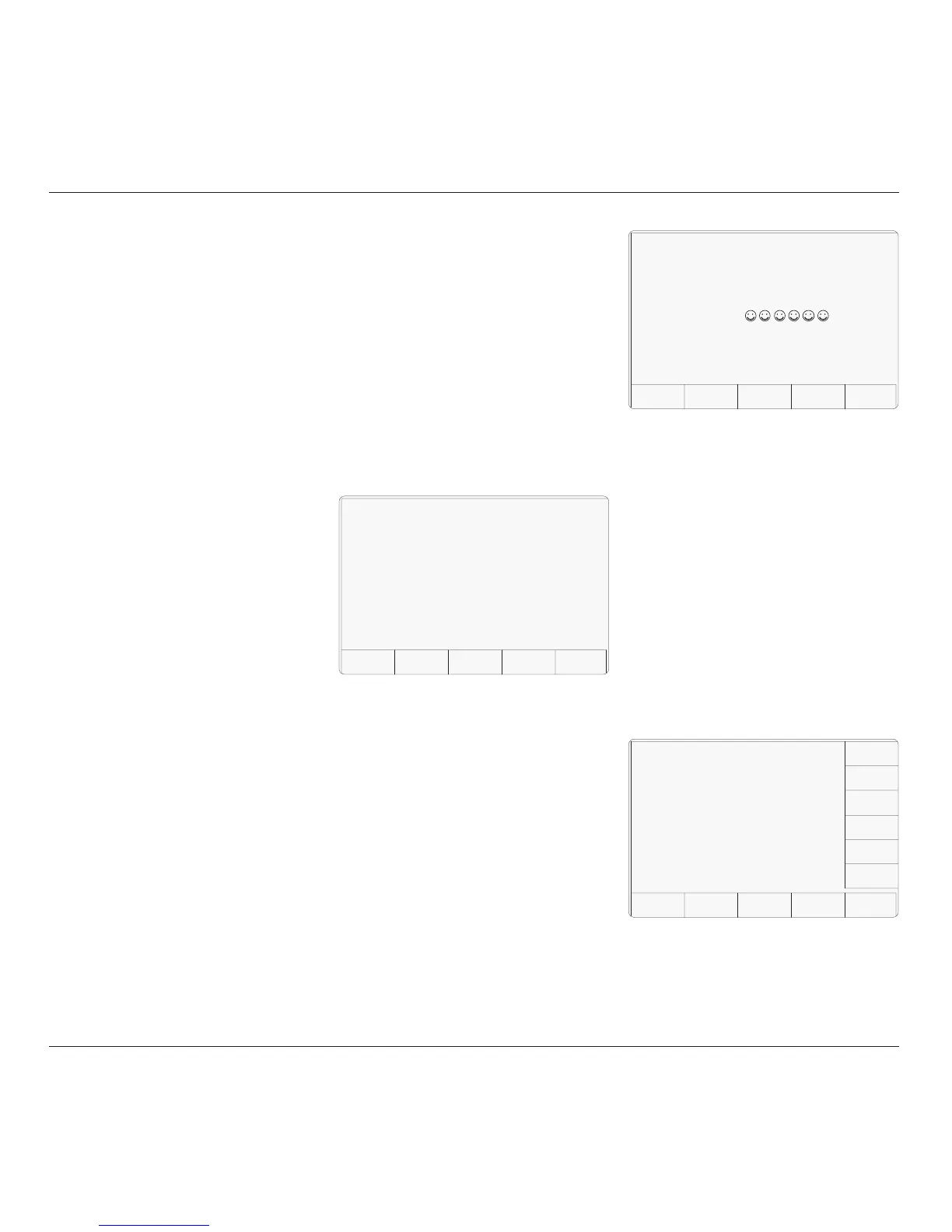
alpha-numeric keypad, security icons will
appear on the screen as you type. Finally
press the ↵ key.
If the password is incorrect: an error
message will be given and the security
icons will be removed, enabling a new
attempt to enter the password.
The 'EXIT' screen key acts to escape, back
to the previous screen.
4. The correct password, followed by ↵, will
provide entry to the main 'Configuration'
menu screen, showing the present settings
of the parameters which now can be
changed using screen keys whose labels
appear on the display:
5. Pressing the 'MORE' key again will
3.4.2 Passwords and
Access
1. All Configuration mode selections require
a password. When the 9500B is shipped
from new, the password requirement is
enabled to avoid unauthorized access.
2. It is recommended that both passwords be
changed, for security purposes, at the
earliest opportunity.
3. The shipment 'Configuration' password is
12321 (as typed on the front panel keypad
when the Password Entry screen for
Configuration mode is showing). It is
stated here to allow entry to Configuration
mode by personnel authorized by local
management, and permit subsequent
access to the means of altering the password
itself. The necessary process is detailed
later in this sub-section.
4. A second (different) password will be
required to allow entry to Calibration mode
as authorized by local management. The
shipment version of the Calibration mode
password is 2→3→5→7 (as typed on the
front panel keypad when the Password
Entry screen for Calibration mode is
showing) The necessary process for
changing this password is also detailed
later in this sub-section.
3. The screen shows the present settings of
some of the parameters which can be
changed in Configuration mode.
4. The screen also indicates which hardware
Option 9500B/600, 9500B/1100 or 9500B/
3200 is fitted. These cannot be changed in
Configuration mode.
3.4.3.1 'MORE' Configuration
1. To gain access to alter Configuration mode
options, a password will be required. (Refer
to the arrangements made for 'shipment'
passwords described in Para 3.4.2)
2. The password requirement will be invoked
by pressing the MORE screen key on the
right of the bottom row. The 9500B will
transfer to the 'Password Entry' screen:
3. When you enter your password using the
TODAY'S DATE TIME
Password Entry
For Configuration
EXIT
Enter password :
TODAY'S DATE TIME
Configuration
MORE
BUS
ADDRESS
POWER
UP MODE
PRINTER
NEW
PASSWRD
EXT REF
IN
EXT REF
OUT
REF
FREQ
VOLTAGE
LIMIT
DATE
TIME
Present Settings:
Ref frequency 5Ø.ØØØ kHz
Safety Voltage 1ØØ.ØØ V
Bus Address 1
Printer NONE
Power-up mode Manual
Ext ref in 1Ø MHz
Ext ref in Disabled
Ser. No. XXXXXX Rev. XXX
Options : 1.1 GHz, Hi acc xtal, LN
HEAD
CONFIG
provide entry to a second 'Configuration'
menu screen, showing the present settings
of other parameters. Refer to para 3.4.3.14.
TODAY'S DATE TIME
Configuration
Present Settings:
Ref frequency 5Ø.ØØØ kHz
Safety Voltage 1ØØ.ØØ V
Bus Address 1
Printer NONE
Power-up mode Manual
Ext ref in 1Ø MHz
Ext ref in Disabled
Ser. No. XXXXXX Rev. XXX
Options : 1.1 GHz, Hi acc xtal, LN
MORE



 To Next Page