4.5-2 Section 4: Using the Model 9500B — DC/Square Function
Final Width = 215mm
Descriptions assume 9500B/1100
been allocated to triggers. This is confirmed
by the legend in the top central box and the
right side screen keys.
On the screen, the '
TRIGGER CHANNEL' label
has changed to '
SIGNAL CHANNEL', and
pressing this will revert to the previous screen
of para 4.5.3.1. so this key toggles between
the signal and trigger selection screens.
Pressing the 'EXIT' key will revert back to the
standard DC/Square screen of para 4.5.2.
Note that in the bottom right corner of the
screen, the expected load selection label has
disappeared, because as yet no trigger channel
has been selected. The label will be reinstated
if an active head is chosen to carry the trigger,
but if a cable is used a trigger load of 50Ω will
always be expected.
TODAY'S DATE TIME
OFF
SIGNAL CH1 5ØΩ
TRIGGER CH5 5ØΩ
O/P
Amplitude
= 2Ø.ØØØ mV
pk-pk
Frequency
= 1.ØØØØ kHz
TRIGGER
CH 2
CHANNEL 1
>
9530 1.1Ghz 150ps
CHANNEL 2
>
9530 1.1GHz 150ps
CHANNEL 3
>
9510 1.1GHz 500ps
CHANNEL 4
>
No Head
CHANNEL 5
>
No Head
TRIGGER
CH 4
TRIGGER
CH 1
EXIT
SIGNAL
CHANNEL
TRIGGER
RATIO
CABLE
SELECT
TRIGGER
NONE
TRIGGER
CH 3
LOAD
5ØΩ 1MΩ
TRIGGER
CH 5
4.5.3.3 Trigger Channel Selection
Any of the channels can be selected for trigger,
so long as it is not already allocated as a signal
channel. In the screen of para 4.5.3.2, the top
central box shows Channel 1 as the signal
channel, and unavailable for trigger.
Attempting to use an occupied channel will
result in a 'bleep' and an error message.
If it is necessary to use an occupied channel for
triggers, its allocation as a signal channel must
be de-selected. Similarly, a channel already
occupied as a trigger channel cannot also be
used as a signal channel. The first use to be
allocated to a channel is dominant, and must be
first de-selected to change its use.
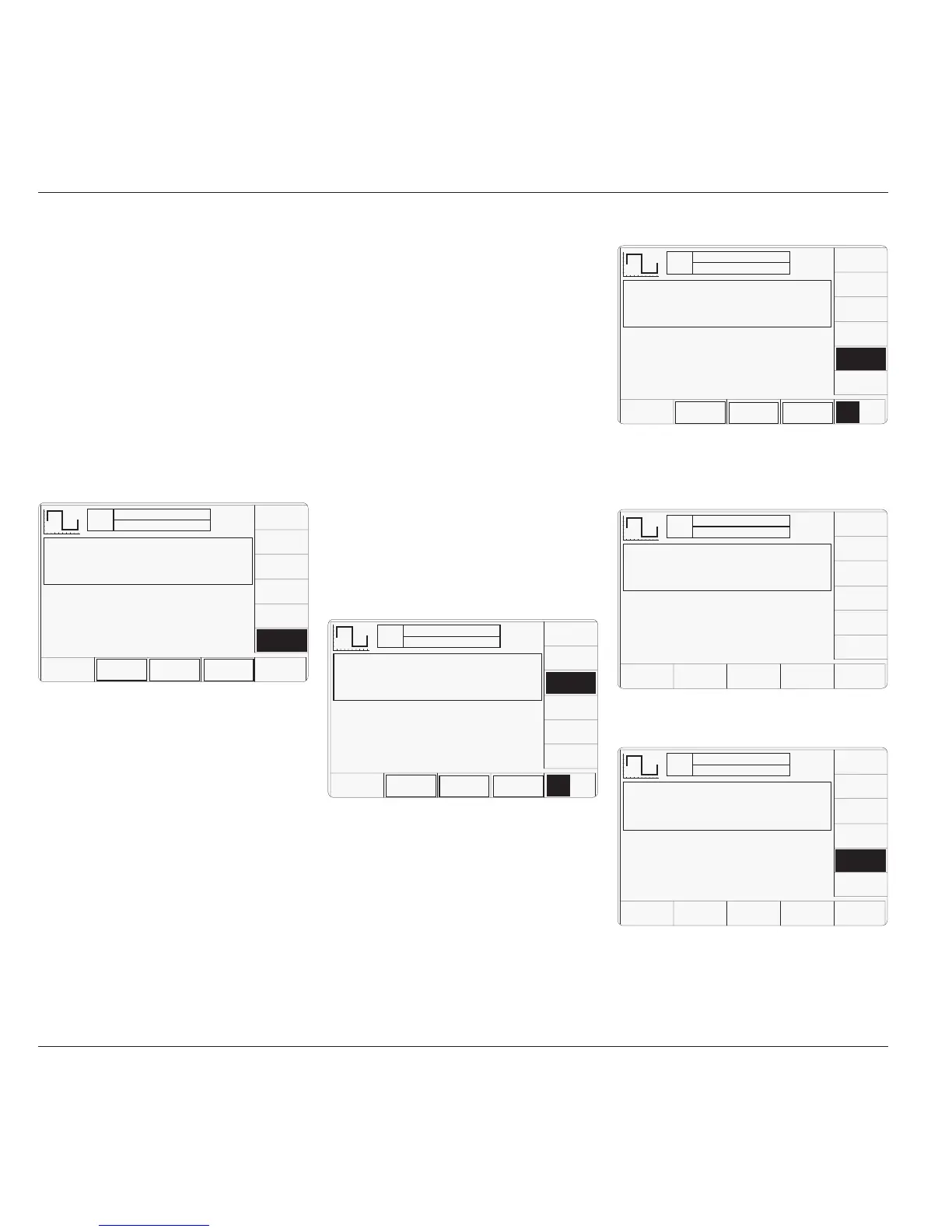
Pressing an unoccupied channel key will
highlight the key's label and change the legend
in the top central box. For instance, pressing
the '
TRIGGER CH 3' key has the following
effect:
TODAY'S DATE TIME
OFF
SIGNAL CH1 5ØΩ
TRIGGER CH5 5ØΩ
O/P
Amplitude
= 2Ø.ØØØ mV
pk-pk
Frequency
= 1.ØØØØ kHz
CABLE
CH 2
CHANNEL 1
>
9530 1.1Ghz 150ps
CHANNEL 2
>
9530 1.1GHz 150ps
CHANNEL 3
>
9510 1.1GHz 500ps
CHANNEL 4
>
No Head
CHANNEL 5
>
No Head
CABLE
CH 3
CABLE
CH 4
CABLE
CH 5
CABLE
CH 1
EXIT
TODAY'S DATE TIME
OFF
SIGNAL CH1 5ØΩ
TRIGGER CH3 5ØΩ
O/P
Amplitude
= 2Ø.ØØØ mV
pk-pk
Frequency
= 1.ØØØØ kHz
TRIGGER
CH 2
CHANNEL 1
>
9530 1.1Ghz 150ps
CHANNEL 2
>
9530 1.1GHz 150ps
CHANNEL 3
>
9510 1.1GHz 500ps
CHANNEL 4
>
No Head
CHANNEL 5
>
No Head
TRIGGER
CH 4
TRIGGER
CH 5
TRIGGER
CH 1
EXIT
SIGNAL
CHANNEL
TRIGGER
RATIO
CABLE
SELECT
TRIGGER
NONE
TRIGGER
CH 3
LOAD
5ØΩ 1MΩ
TODAY'S DATE TIME
OFF
SIGNAL CH1 5ØΩ
TRIGGER CH5 5ØΩ
O/P
Amplitude
= 2Ø.ØØØ mV
pk-pk
Frequency
= 1.ØØØØ kHz
CABLE
CH 2
CHANNEL 1
>
9530 1.1Ghz 150ps
CHANNEL 2
>
9530 1.1GHz 150ps
CHANNEL 3
>
9510 1.1GHz 500ps
CHANNEL 4
>
No Head
CHANNEL 5
>
Trigger Cable
CABLE
CH 3
CABLE
CH 4
CABLE
CH 1
EXIT
CABLE
CH 5
The expected load value can be changed from
50Ω to 1MΩ using the bottom left corner
toggle key.
4.5.3.4 Cable Selection
If it is intended to use a cable instead of a full
head to convey the trigger, then a channel with
no head fitted must be selected. In this case, for
example, pressing the '
TRIGGER CH 5' key has
the following effect:
Having made the selection, pressing '
EXIT'
returns to the trigger selection screen:
Pressing the '
CABLE CH 5' key has the
following effect:
TODAY'S DATE TIME
OFF
SIGNAL CH1 5ØΩ
TRIGGER NONE
O/P
Amplitude
= 2Ø.ØØØ mV
pk-pk
Frequency
= 1.ØØØØ kHz
TRIGGER
CH 2
CHANNEL 1
>
9530 1.1Ghz 150ps
CHANNEL 2
>
9530 1.1GHz 150ps
CHANNEL 3
>
9510 1.1GHz 500ps
CHANNEL 4
>
No Head
CHANNEL 5
>
No Head
TRIGGER
CH 3
TRIGGER
CH 4
TRIGGER
CH 5
TRIGGER
CH 1
EXIT
SIGNAL
CHANNEL
TRIGGER
RATIO
CABLE
SELECT
TRIGGER
NONE
4.5.3.2 UUT Triggers
The trigger can be routed via any head (except
9550), but a standard SMA to BNC coaxial
cable can be used instead, to save the cost of an
extra head. The reason for establishing five
channels is to permit use of four signal heads to
carry a full range of signals, plus an extra
channel to accommodate the trigger input, if
necessary. When a cable is fitted instead of a
head, it cannot carry the full range of signals.
Pressing the '
TRIGGER CHANNEL' soft key
provides a screen which permits a user to
assign a channel to trigger outputs:
As the screen shows, as yet no channel has
This channel must be allocated as a 'cable'
channel; accessed by pressing the '
CABLE
SELECT
' key. A new screen is presented:



 To Next Page