100
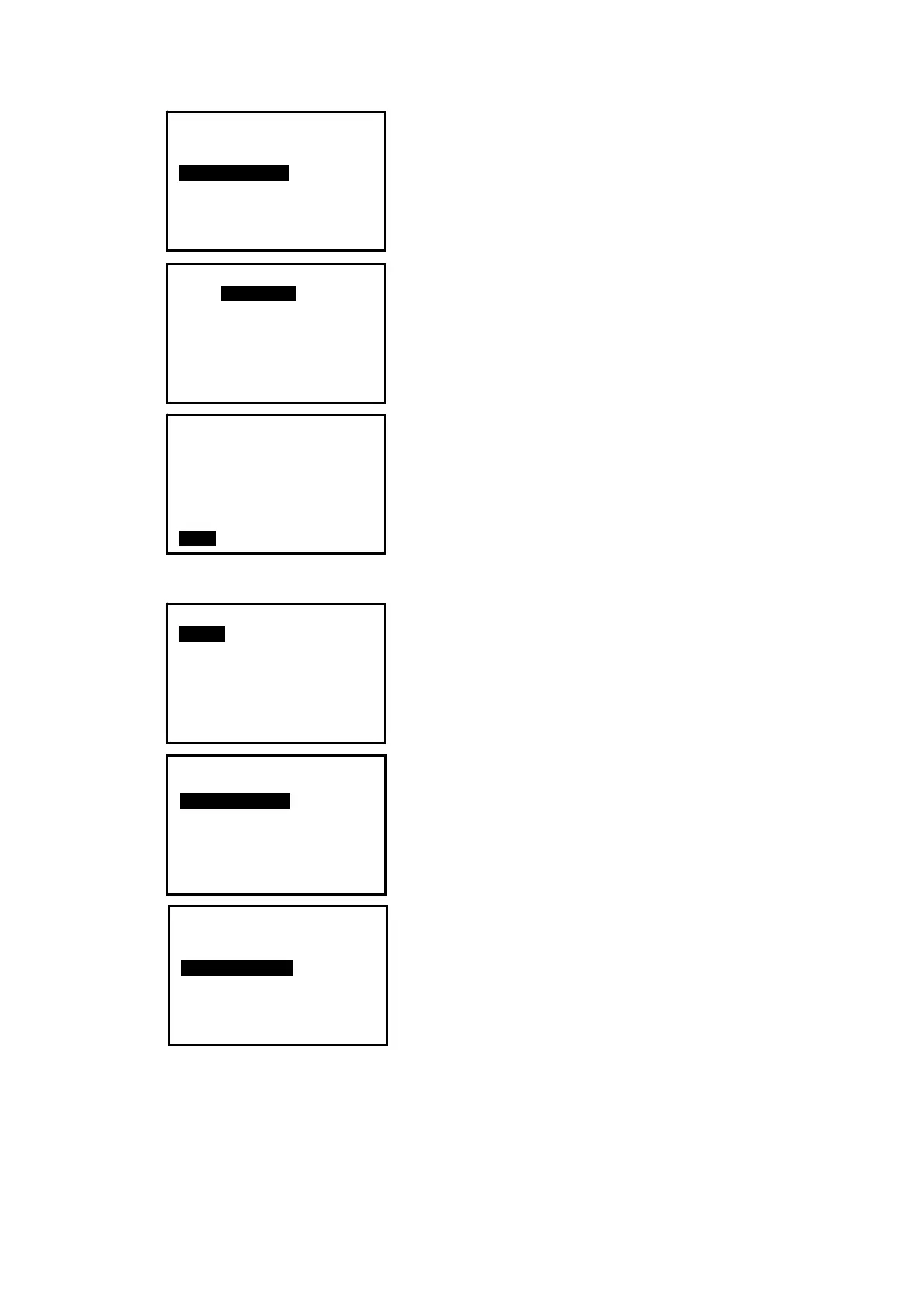
5. Select an active JOB. The numbers to the right
represent the number of data items in each JOB. Press
key {
ENT} to save the setting.
6. Input the scale factor if necessary. The range:
0.5000000 ~ 2.000000, and the factory setting is
1.000000.
7. Select a coord search JOB following above steps 4
and 5.
22.3 Rename a JOB
1. Press F3: [MEM] in the status mode to enter into
memory management.
2. Select “1. JOB” to enter JOB management.
3.
Select “2. JOB rename” to rename the active
JOB.
4. Input a new name and press key {ENT} to save the
setting. The maximum length of a JOB name is 12
characters.
JOB selection P1
JOBA
JOB1
JOB-MY
MYJOB
JOB-B
JOB01
JOB-C
15
56
20
50
45
2
0
JOB-MY
S.F.=0.999998
JOB selection
:JOB-MY
S.F.=0.999998
Coord search JOB
:CORD1
LIST
Memory
1.JOB
2.Known data
3.Code
4.Storage Media Select
5.USB
JOB
1.JOB select
2.JOB rename
3.JOB delete
4.Download
5.Com setting
6.File Copy
JOB rename
A
JOB-Paul0100


 To Next Page
 Loading...