20
NOTE:
◆ Every first options with the symbol “﹡” are the factory setting.
3.8.2 Instrument Basic Setting
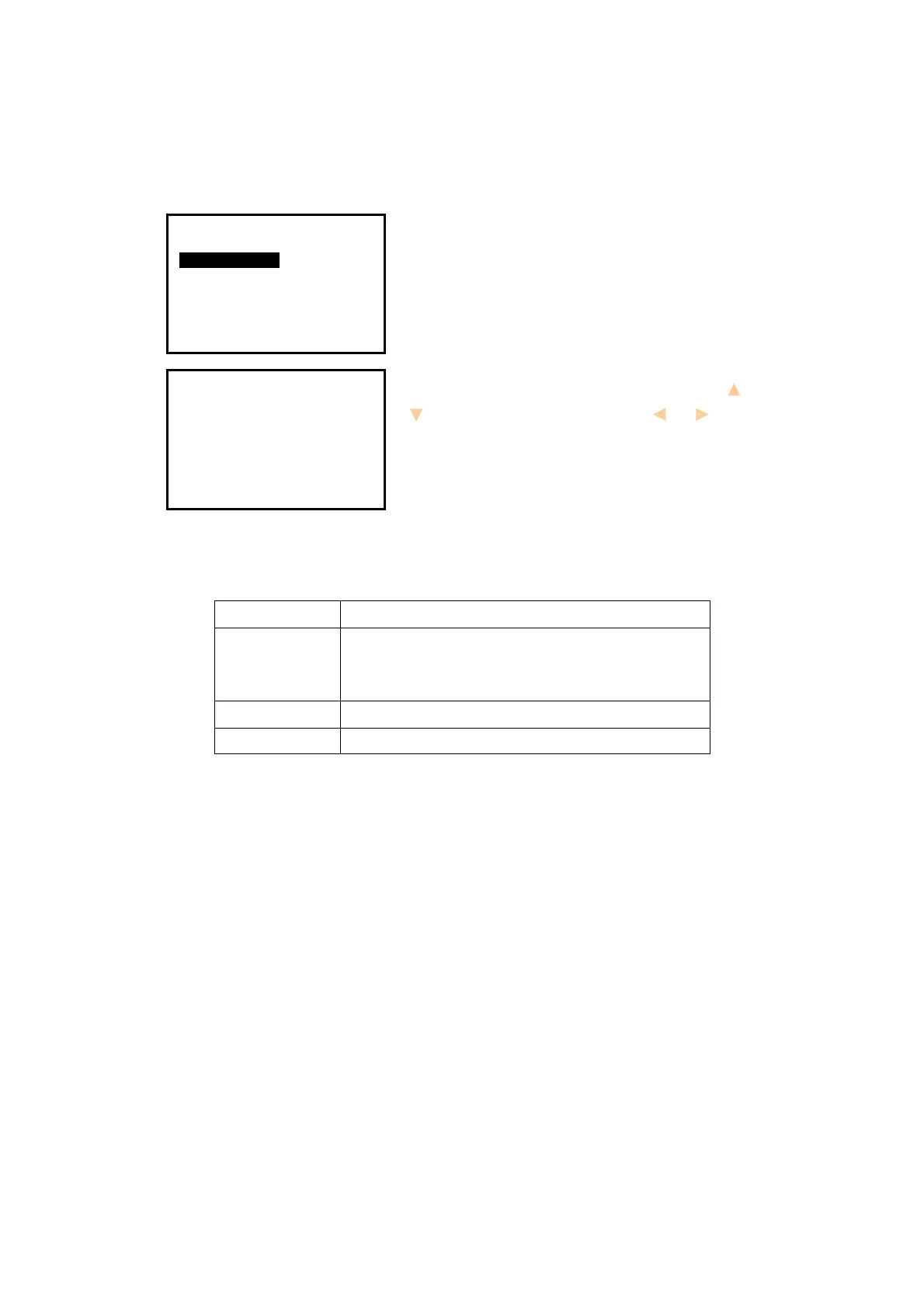
1. Press key {Cnfg} to enter into config mode.
2. Select “
2.Inst config” to set instrument basic
parameters. Three items display.
3. Change the settings if necessary. Press keys { }/
{ } to select items and press keys { }/ { } to set
the options.
4. Press key {
ESC} back to the previous mode.
Table 3-2 Option list of basic setting
NOTE:
◆ The options with the symbol “﹡” are the factory setting.
Item
Options
1.Auto off
30min﹡/No/5min/10min/15min
(The instrument would power off automatically to
save battery if no operation in setting time)
2.LCD contrast 0~13 (9﹡)
3.Reticle adjust 0~9 (7﹡)
Config
1.Meas condition
2.Inst config
3.Inst adjust
4.Com setting
5.Unit
6.Date & Time
7.Key Function
Inst config
1.Auto off
2.LCD contrast
3.Reticle adjust
:15min
:9
:7


 To Next Page
 Loading...